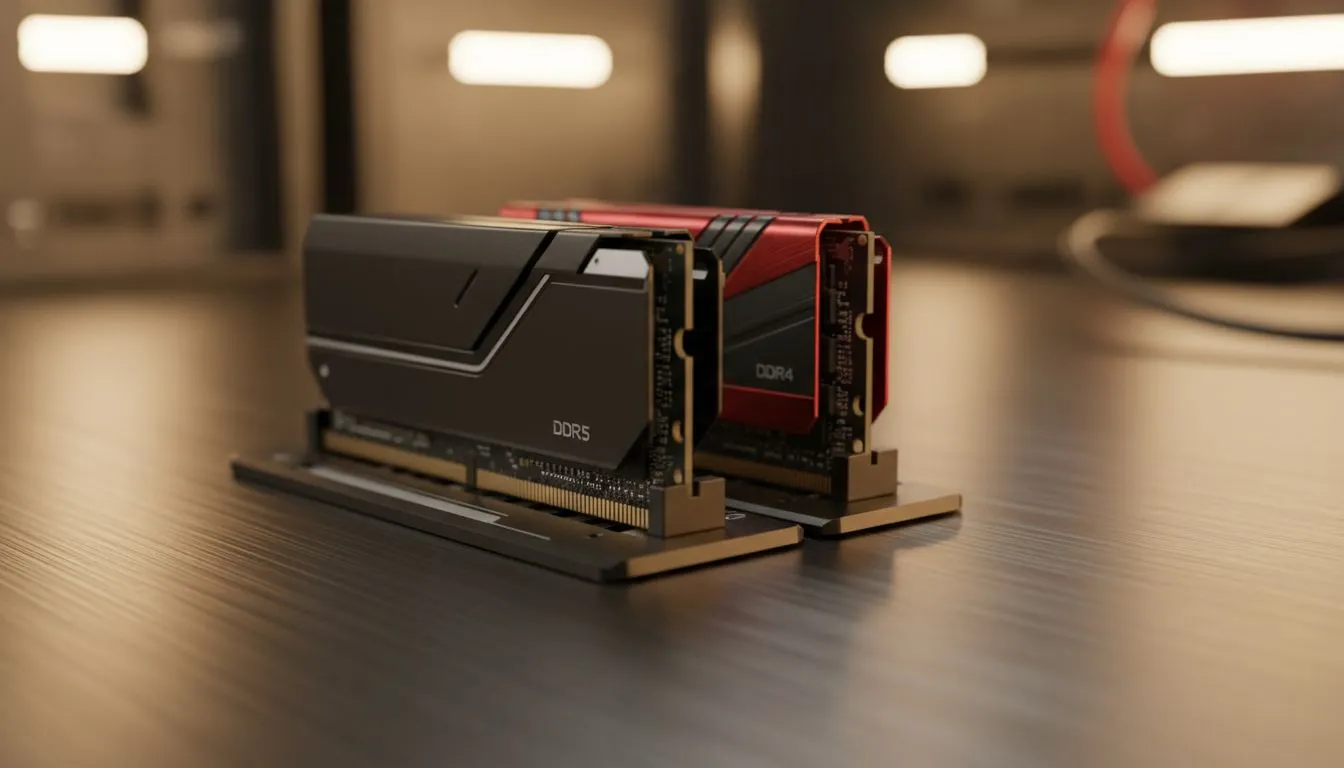
Thinking about upgrading your home server in South Africa? You have likely noticed that newer models are shifting toward the latest memory standards. When looking at a DDR5 vs DDR4 NAS, the choice can feel overwhelming. Does the extra speed actually improve your file transfers or media streaming? Or is it just marketing fluff? Let us break down the facts for your next storage upgrade. 🚀
Understanding the DDR5 vs DDR4 NAS Performance Gap
The transition to DDR5 is the biggest jump in memory technology we have seen in a decade. While DDR4 tops out at lower frequencies, DDR5 starts at 4800MHz. In a NAS environment, this extra bandwidth helps when running multiple virtual machines or heavy Docker containers. However, for simple file storage, the difference is often negligible.
Most users looking for diskless NAS storage are focused on data safety. DDR4 is a mature, stable technology that costs significantly less in the local market. If you are building a budget-friendly media hub, DDR4 remains a fantastic choice for South African homes.
Why Memory Bandwidth Matters for Local Media
If you plan on using your NAS as a Plex Media Server, RAM choice becomes more relevant. DDR5 features on-die ECC (Error Correction Code), which adds a layer of reliability for data integrity. This is particularly useful if you leave your server running 24/7 to stream 4K content to your lounge.
Brands like Orico offer versatile enclosures that allow you to manage your drives efficiently. While the enclosure handles the physical disks, the internal CPU and RAM determine how quickly you can search through thousands of high-resolution photos or movie files.
NAS Capacity Tip ⚡
When choosing RAM for your NAS, prioritise capacity over raw clock speed. Most background tasks like Plex metadata indexing or Docker containers benefit more from having 16GB of slower DDR4 than 8GB of faster DDR5. It is a smarter way to spend your hard-earned ZAR.
Choosing the Right Hardware for Your Budget
The price difference between these two standards can be quite large in South Africa. DDR5 modules still carry a premium. If you are a power user who needs maximum throughput, looking at high-performance units from Minis Forum can provide the modern architecture needed for DDR5. 🔧
For the average gamer or home office worker, the "DDR5 vs DDR4 NAS" debate usually ends with budget. If you can save R1,000 by sticking with DDR4, that money is often better spent on a larger hard drive or a faster NVMe cache drive. High-speed RAM is great... but storage space is king. ✨
The Verdict: Does RAM Choice Matter?
It depends on your workload. If you are just backing up documents and photos, DDR4 is more than enough. If you are running a business-grade server with dozens of concurrent users, the efficiency of DDR5 becomes a clear winner. Always check your specific NAS model's compatibility before buying an upgrade kit.
Ready to Build Your Ultimate Storage Hub?
Choosing between DDR5 and DDR4 is just the start of your NAS journey. Whether you need a high-speed media server or a reliable backup solution, we have the hardware to get you started. Explore our range of diskless NAS storage solutions and secure your digital life today.