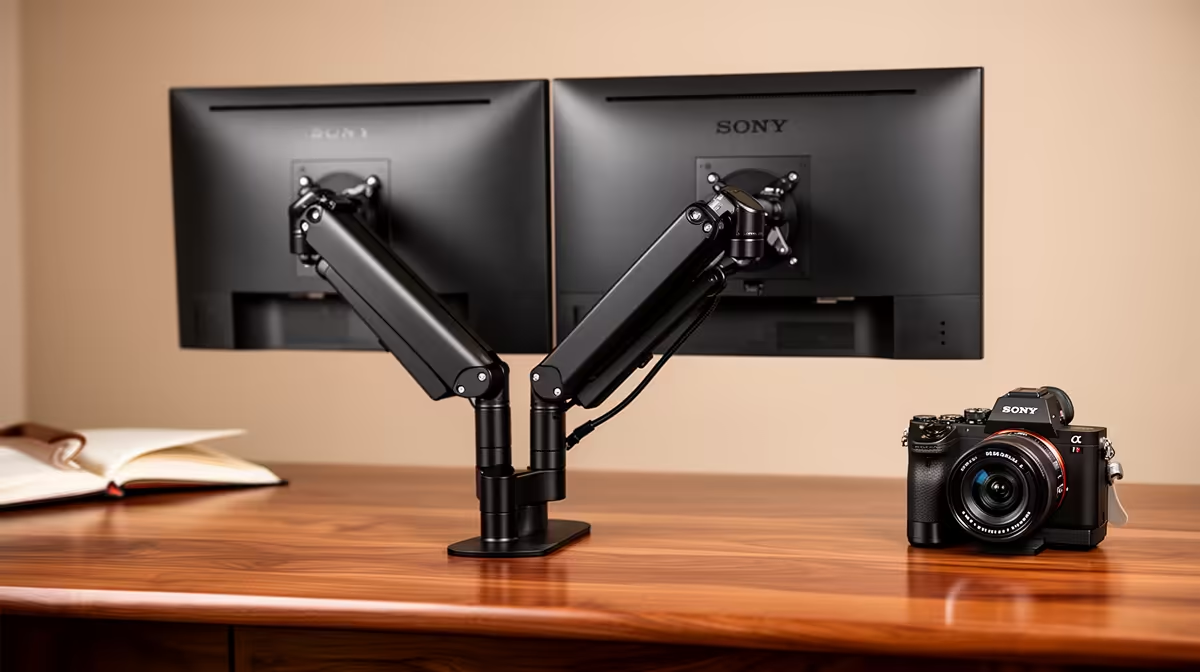
Dell SE2426H 23.8in FHD at R1,532 suits a law student who wants a tidy, readable monitor for case notes, lecture slides, and research tabs without taking over the whole desk. A desk arm can be a good choice if the desk is sturdy enough, because it frees surface space for textbooks and printed notes while keeping the screen at a better reading height.
Best first screen for study notes
The Dell SE2426H 23.8in FHD at R1,532 is the safer fit for a compact student setup. Its 23.8in size is large enough for split-screen reading, but still modest enough for a narrow desk where a laptop, notebook, and prescribed textbook may all need space.
If the desk has more depth, the Dell SE2726H 27in FHD 144Hz at R1,797 gives a bigger 27in canvas. That extra screen area helps when a PDF judgment, typed summary, and browser research are open together, while the 144Hz spec is a useful bonus for smoother general use after study hours.
SA student desk reality
For a law student working from res, digs, koshuis, or a family home study corner, the arm matters only if it improves posture and clears paper space. The Dahua LM27 100Hz at R1,500 is another 27in option, and the 100Hz spec makes it feel responsive for everyday reading and scrolling, but the physical desk still needs to support the clamp securely.
The MSI PRO MP275W at R1,850 is also worth considering when a cleaner-looking 27in study screen is the priority. Its larger format suits long reading sessions where comfort and document space matter more than flashy desk gear.
Ready to choose the right monitor?
Use Dell SE2726H 27in FHD 144Hz at R1,797 as the student desk benchmark, then check whether its listed spec matches the space, workload, and upgrade path.