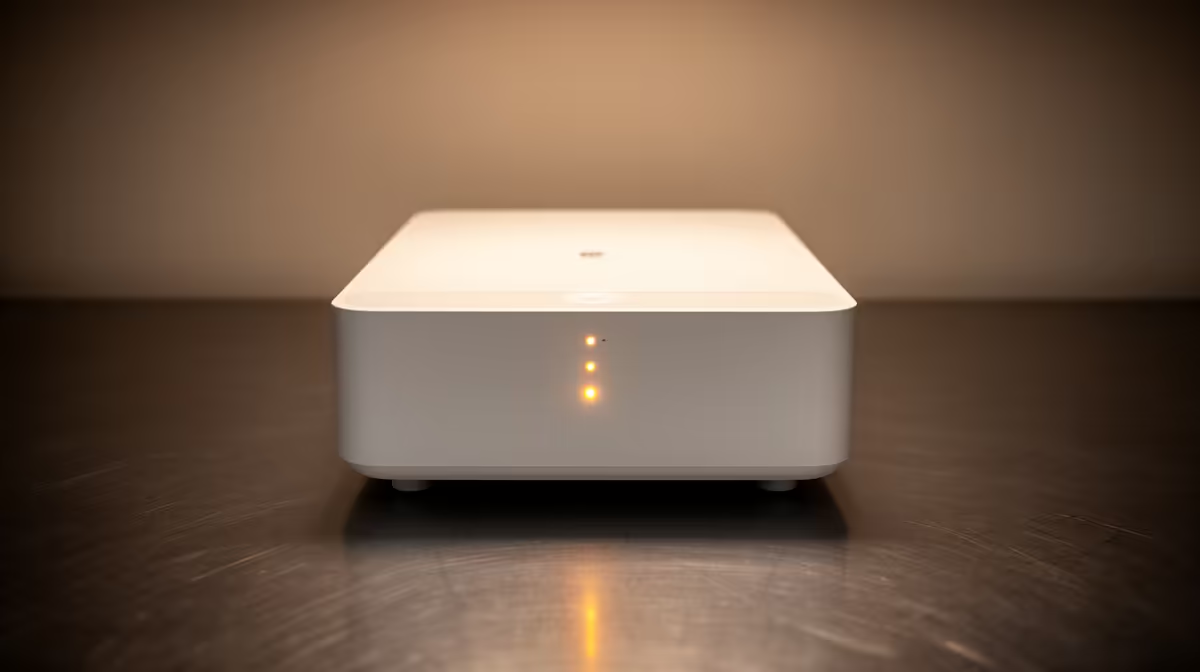
You’re one kill away from clutching the round. The final render for your client project is at 98%. Suddenly… darkness. It’s a uniquely South African frustration. But what if a silent guardian could stand between your desktop and the unpredictable grid? That's where an Uninterruptible Power Supply (UPS) comes in. ⚡
Why an Uninterruptible Power Supply is Non-Negotiable
Think of a UPS as a personal power-plant for your PC. It’s essentially a high-capacity battery with smart circuitry that sits between the wall socket and your computer. When the power cuts, it instantly takes over, giving you a clean, consistent flow of electricity.
But it's not just about blackouts. An Uninterruptible Power Supply also protects your sensitive components from "dirty power"—the surges, sags, and spikes common during grid instability. These fluctuations can slowly degrade or even fry your motherboard, GPU, and power supply unit (PSU) over time. A good UPS smooths out this electrical chaos, extending the life of your entire setup. 🛡️
How to Choose the Right UPS for Your Rig
Picking a UPS isn’t as complex as it sounds. The main things to consider are capacity (measured in VA and Watts) and runtime. You need enough power to support your PC, monitor, and maybe a router.
- Capacity (VA/Watts): Check your PC’s power supply wattage. A rig with a 750W PSU doesn't always draw 750W, but it's your upper limit. Look for a UPS with a Watt rating that comfortably exceeds your typical load. For top-tier performance and reliability, many gamers and creators turn to reliable brands like Titan to keep their high-end systems safe.
- Runtime: Do you need five minutes to save your game and shut down safely, or twenty minutes to ride out a short outage? Higher capacity units generally offer longer runtimes.
Quick Wattage Check
sure what you need? A simple rule of thumb: Add your PC's PSU wattage to your monitor's wattage (usually 20-40W). This gives you a safe maximum. For a more realistic number, your PC likely uses about 60-70% of its PSU's max rating under heavy load.
Getting Started Without Breaking the Bank
Investing in one of these desktop guardians is one of the smartest upgrades you can make, and it doesn't have to cost a fortune. Protecting a R20,000+ PC setup from erratic power is a wise move. You can find excellent entry-level units that provide more than enough time for a safe shutdown, ensuring your files and hardware are never at risk.
For most gaming and work-from-home setups, a 650VA to 1200VA unit is the sweet spot. This provides solid protection and a few crucial minutes of battery time when the lights go out. You can easily find a range of affordable UPS options under R1300 that deliver exactly this kind of peace of mind. 💡