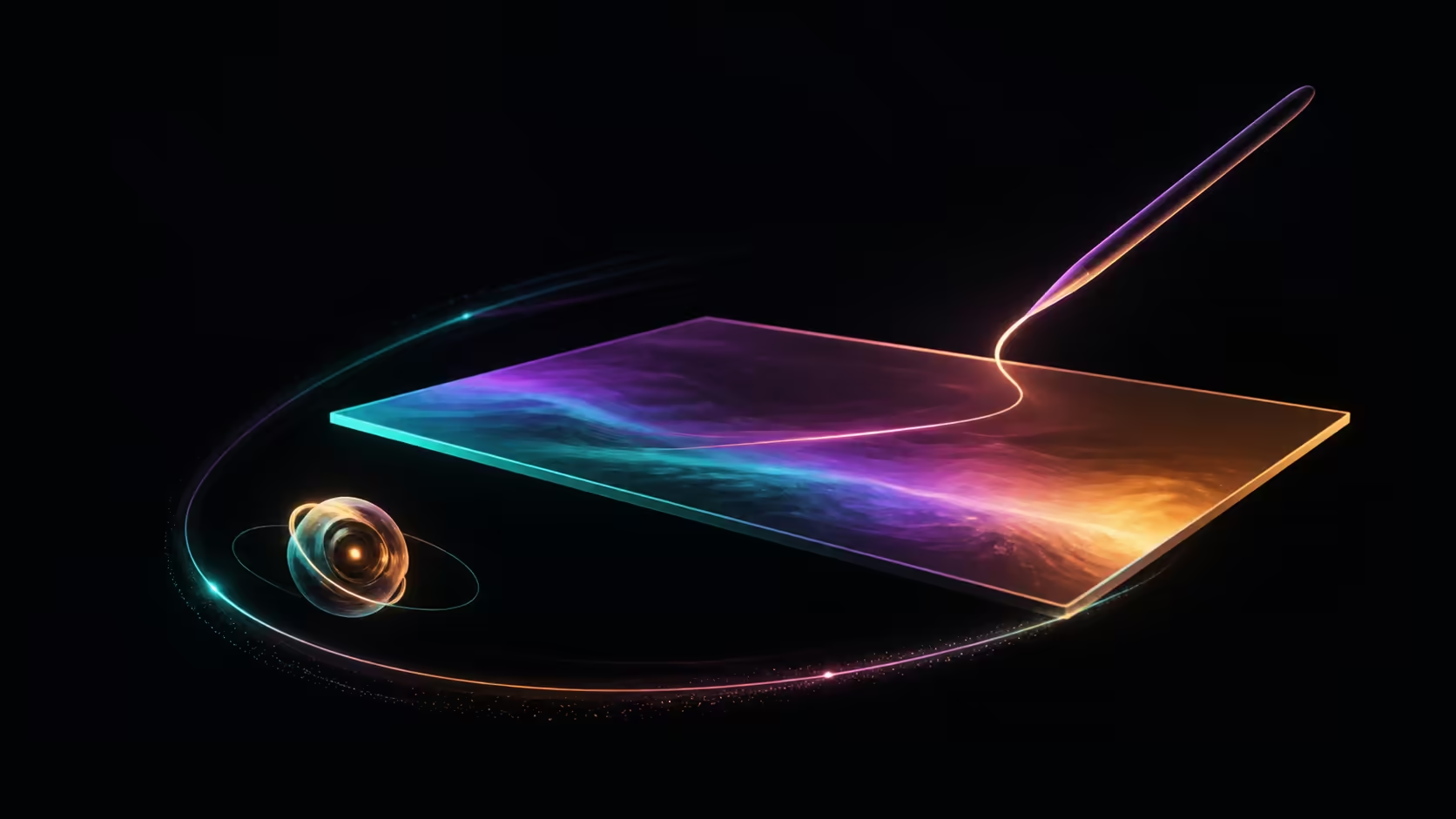
A detachable laptop changes the relationship between screen, keyboard, stand and travel kit, but the form factor does not guarantee a better workflow. This detachable OLED laptop guide treats mechanism, performance, portability, stylus support and everyday use as separate checks.
Quick Answer
Choose a detachable OLED laptop only after verifying its separation mechanism, input accessories, battery evidence, ports, software and project performance. At R17,999, the PZ13QA contributes a 13.3in WQXGA+ OLED touchscreen to the screen comparison. Direct touch cannot prove detachable construction, active-pen support, low weight or long runtime.
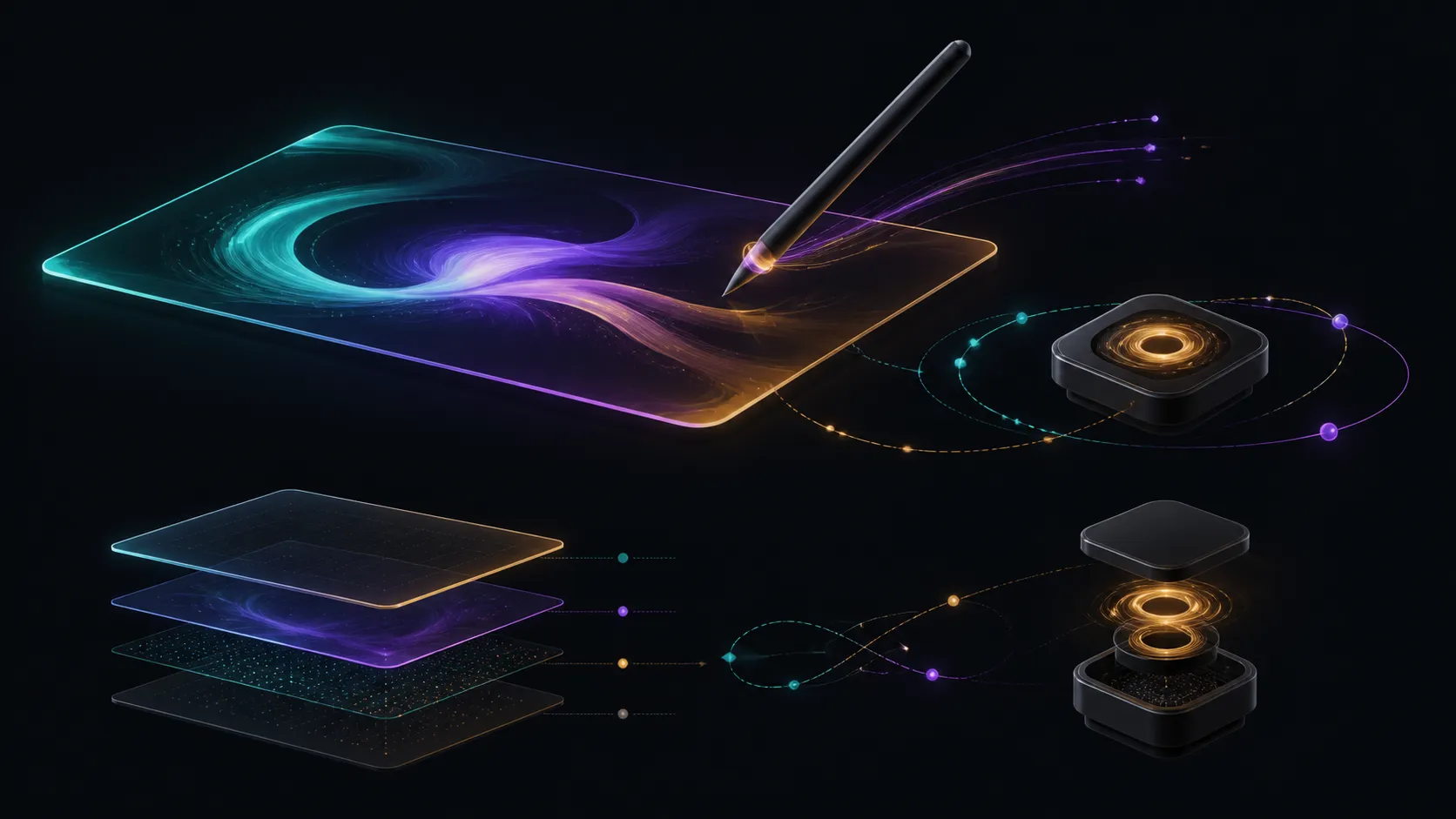
🧲 Verify What Detachable Means on the Exact Model
A detachable design normally allows the screen portion and keyboard portion to separate, but implementations differ. Some systems rely on a stand, cover or connector arrangement that changes how they sit on a desk or lap. Inspect the exact mechanism rather than judging the category name.
Test the device in every intended position. Check whether the screen remains stable during touch use, whether the keyboard sits comfortably and how the system behaves when moved between modes. These are general form-factor tests, not PZ13QA claims.
Include the pieces in the carry inventory. A separated screen may seem compact while the keyboard, stand, charger and protective case create a larger complete kit. Weight and dimensions need exact measurements for the configuration being considered.
The Evetech creator laptop range can provide alternatives once the form-factor requirement is precise. Do not infer detachable construction from an OLED touchscreen.
✍️ Treat Touch and Stylus as Different Inputs
Direct touch supports finger interaction, while an active pen may require a particular digitiser, protocol and software path. Pressure sensitivity, hover, palm handling and button functions must be verified if creative work or handwritten notes depends on them.
The detachable discussion uses the ProArt's 13.3in WQXGA+ OLED touchscreen as its screen example. Confirm pen compatibility and any included stylus separately before assigning a drawing role.
Run a pen test on any exact detachable candidate that claims support. Use slow diagonals, curves, short marks and the application's pressure tools. For notes, check handwriting, selection and export. Keep one application and settings set stable while evaluating the input.
Touch also has an everyday role independent of a pen. Navigation, reading and media control may benefit from direct input even when sketching is not required. Give each interaction its own purpose.
⚙️ Test Performance by Application and Mode
Form factor does not predict creative or everyday performance. Processor, memory, storage, software support and thermal design can influence results. Use a representative task and include the complete application path.
This screen example runs Snapdragon X Plus, holds active projects in 16GB LPDDR5X and offers 1TB of file space. Those resources cannot create a benchmark or prove a named program works. Check compatibility first.
Its 45 TOPS NPU can support AI features built to use local processing. Verify the application and feature rather than assuming that detachable or touch-focused software automatically calls the NPU.
Use the AI PC selection on Evetech to compare AI resources after the input and software chain is settled.
🎒 Build a Real Portability and Battery Test
Measure the full travel set and the time spent away from power. Include screen brightness, network use, applications and connected devices in the runtime scenario. A detachable label cannot guarantee light weight or long battery life.
Measure or verify battery capacity, runtime, chassis size and mass against the buyer's complete travel load before calling the PZ13QA a travel solution. The 13.3in diagonal is a screen measurement, not proof of portability.
Check port needs alongside the travel plan. A mobile workflow may require display output, storage transfer or another connection. Avoid budgeting for adapters until the exact interface and device requirements are identified.
The final decision should show separate passes for mechanism, touch, pen, applications, project performance, battery and the carry kit. A device that clears only the OLED screen line is not yet a detachable workflow.
Run a mode-change rehearsal on any confirmed detachable candidate. Begin at a desk with keyboard input, move to direct touch for review, then pack the complete system and restore the working position elsewhere. Record setup time, stability and any piece that can be misplaced. This reveals whether the form factor improves the day or merely adds transitions.
Create an input ownership map. Finger touch may handle navigation, a separately verified pen may handle marks, and keyboard or pointer input may cover precision and text. Each method needs a named task. If the pen route is uncertain, keep those actions assigned elsewhere until compatibility is proven.
Use one normal application project for performance and software checks. A detachable mechanism does not change the requirement to load, edit and export successfully. Record the platform, application version and external devices so the result is attached to the tested configuration.
Battery and carry claims deserve their own evidence sheet. Include all detachable pieces and the charger in the measured travel set, and use a runtime scenario that matches the intended brightness and workload. Do not borrow figures from another model or mode.
Finally, decide whether the workflow needs detachment at all. A conventional OLED touchscreen laptop may satisfy direct input without the separation mechanism. Conversely, a detachable system may earn its place by supporting a mode change used every day. Let that repeated need decide the format.
Ask whether every mode has a safe place in the daily environment. A detachable screen may need a stable stand on a desk, a secure packing method in transit and a dependable input route during meetings. The mechanism is valuable only when those repeated transitions remain practical.
Frequently Asked Questions
What defines a detachable laptop?
It generally allows the screen and keyboard sections to separate, but stands, connectors and included pieces vary. Verify the exact construction and modes.
Is the ProArt PZ13QA confirmed as detachable?
Do not describe this ProArt as detachable without exact chassis confirmation. Its 13.3in WQXGA+ OLED touchscreen establishes direct touch, not separation from a keyboard.
Does an OLED touchscreen prove stylus support?
No. Touch, active-pen compatibility, pressure functions and included accessories are distinct facts. Check the precise stylus system before planning pen work.
How should everyday performance be evaluated?
Confirm software support, then run the actual application and project. The form factor and display technology cannot provide a performance result.
What makes portability a wider question?
The complete kit includes device pieces, charger and required accessories. Total weight, dimensions and battery evidence all matter beyond screen size.
Which PZ13QA platform features can be assessed?
The ProArt screen reference costs R17,999 and runs Snapdragon X Plus. Active capacity is 16GB LPDDR5X, file space reaches 1TB, and supported AI receives a 45 TOPS NPU.
Should ports be assumed from the product category?
No. Exact port details must be checked for the model. A detachable or creator label does not establish the connections a workflow needs.
Ready to compare detachable OLED systems without skipping a dependency?
Verify the mechanism, input chain, software, battery evidence and complete carry kit as separate buying gates.