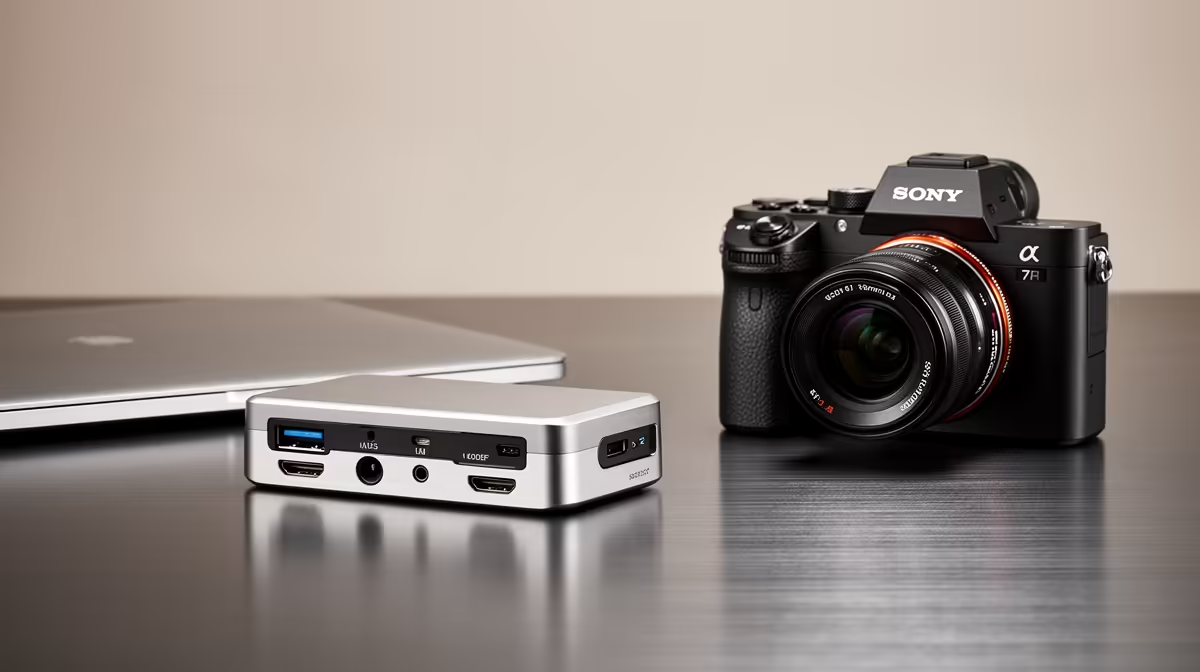
Building a content-creation dock setup on a budget means buying the right capabilities in the right order so each rand counts. A docking station ties your cameras, drives and displays together. This guide gives South African creators a clear buying order so a tight budget still delivers a capable, future-friendly dock.
Quick Answer
Buy in this order on a budget: prioritise fast storage ports first (10Gbps USB-C), then a fast card reader, then dual display, then high power delivery. A R2,000 dock with 10Gbps USB 3.2 and a UHS-II card reader speeds up the footage offload that dominates a creator's workflow, which matters more than extra display outputs early on.
Must-Have: Fast Storage Ports First
For content creation, the most time-consuming task is moving large video and photo files, so prioritise fast ports. A dock with 10Gbps USB 3.2 ports transfers footage to an external SSD far quicker than older 5Gbps or USB 2.0 ports, saving real time on every project. This is the single most impactful spec for a budget creator dock, so buy for storage speed before chasing other features.
Then A Fast Card Reader
Next, a built-in UHS-II SD card reader (and microSD) speeds up importing footage straight from a camera, which is a daily creator task. A slow UHS-I reader bottlenecks every offload. Having the reader in the dock means one less dongle and a cleaner desk. After storage ports, a fast card reader delivers the biggest workflow improvement for the money, so it comes second in the buying order.
Then Dual Display, Power Last
With fast storage and a card reader sorted, add dual display output if your editing benefits from a second screen, then high power delivery to charge a demanding laptop. For many budget creators, 65W power is enough, so do not overspend on 100W early. Buy these capabilities only after the storage and import speed that dominate your workflow, so the budget goes where it saves the most time.
FAQ
What should a budget creator dock prioritise first?
Fast storage ports, specifically 10Gbps USB 3.2, because moving large video files is the most time-consuming task. Transfer speed saves real time on every project, more than extra display outputs early on.
Is a built-in card reader worth it for creators?
Yes, a fast UHS-II SD reader speeds up importing camera footage, a daily task, and removes a dongle for a cleaner desk. It is the second priority after fast storage ports.
Do budget creators need 100W power delivery?
Often not. 65W charges many laptops fully, so do not overspend on 100W early. Add high power delivery only if your specific creator laptop genuinely draws that much.
For budget creation, buy an Evetech dock with 10Gbps USB and a fast UHS-II card reader first; these speed your footage offload and import, which matter more than extra displays or 100W power early on.