Ever lost a clutch 1v1 in Warzone because your ping suddenly spiked? In South African homes, where thick brick walls and signal interference are common, choosing the right frequency is critical. Understanding Dual-band WiFi: When to Use 2.4GHz vs 5GHz in South Africa can be the difference between a smooth 4K stream and a buffering nightmare. Let’s break down how to optimise your home setup for maximum performance.
The Battle of Frequencies: 2.4GHz vs 5GHz
Most modern routers in South Africa are "dual-band," meaning they broadcast two separate signals. The 2.4GHz band is the old faithful of networking. It has a longer range and can penetrate solid objects much better than its faster counterpart. If you are sitting in a bedroom two walls away from the lounge, this is likely the band keeping you connected.
However, the 2.4GHz space is incredibly crowded. Everything from your microwave to your neighbour's old router competes for this narrow lane. If you find your speeds dropping during peak hours, it might be time to look at high-performance wireless routers that handle traffic more efficiently.
When to Switch to 5GHz for Gaming and Streaming
If you are within the same room as your router, 5GHz is the undisputed king. It offers significantly higher data throughput and much lower latency. For South African gamers, this is the "low ping" zone. Because the 5GHz frequency is higher, it carries more data but struggles to move through physical obstacles.
Gaming Connectivity Tip ⚡
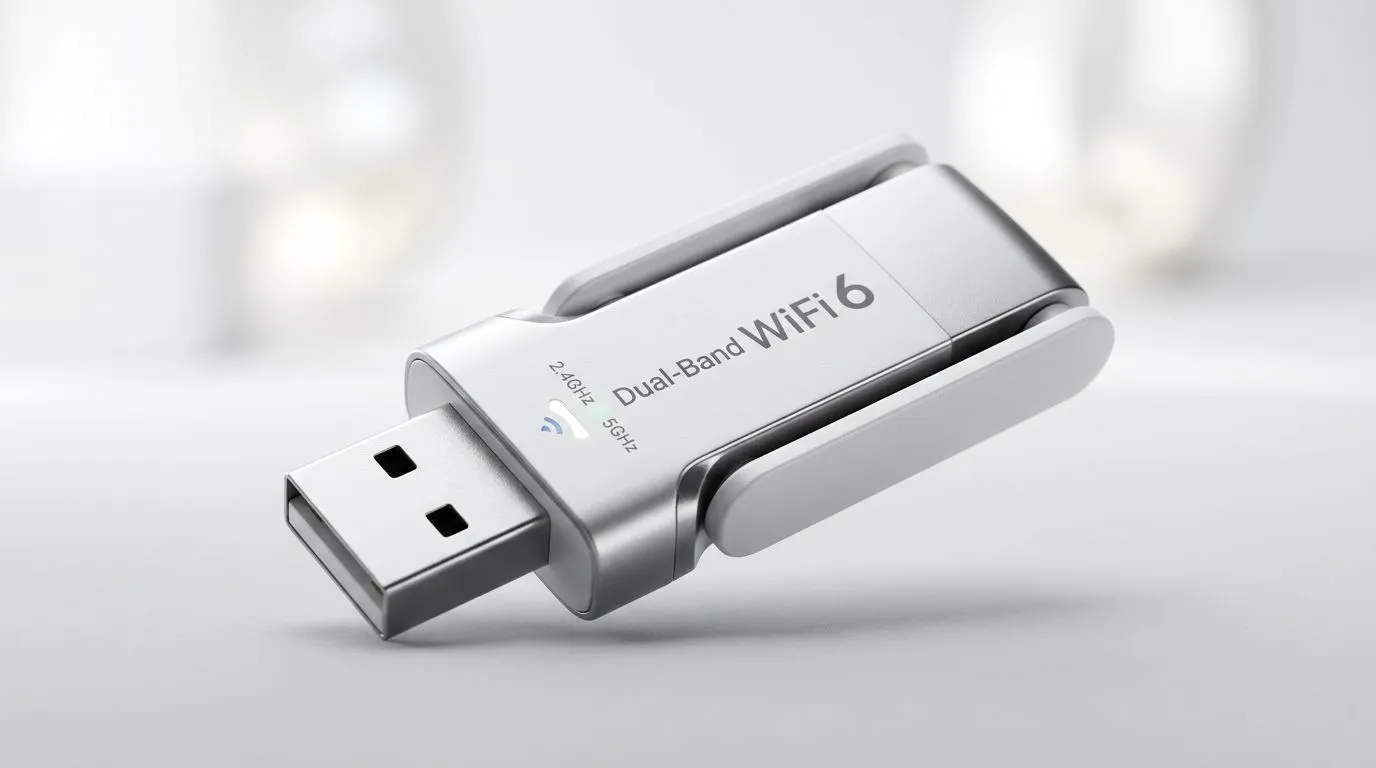
your gaming PC doesn't have built-in WiFi or your current signal is weak, don't rely on cheap USB dongles. Investing in dedicated [desktop wireless adapters](https: www.evetech.co.za PC-Components buy-wireless-adapters-139.aspx) with external antennas can drastically reduce jitter and packet loss during intense ranked matches.
Solving the "Dead Zone" Problem in SA Homes
We love our face-brick and concrete homes, but they are essentially WiFi shields. Even the best dual-band setup might struggle to reach the far corners of a large property. This is where many users get frustrated with 5GHz dropping out entirely.
Instead of settled for a weak 2.4GHz signal that barely loads a YouTube video, you can bridge the gap. Using wireless range extenders allows you to push that high-speed 5GHz coverage further into your home. It ensures that your mobile devices stay on the faster band even when you move away from the main hub.
Optimising Your Local Network Environment
To truly master Dual-band WiFi: When to Use 2.4GHz vs 5GHz in South Africa, you need to audit your devices. Smart home plugs, older printers, and basic smartphones should stay on 2.4GHz. Keep the 5GHz lane clear for your primary gaming rig, your 4K smart TV, and your work laptop. 🚀
If your current hardware is more than three years old, you are likely missing out on newer protocols like WiFi 6. Upgrading your wireless networking infrastructure is often the most cost-effective way to improve your daily digital life without changing your ISP package. ✨
Ready to Eliminate Lag for Good?
Don't let a poor connection ruin your K/D ratio or your Netflix binge. Whether you need a signal boost or a complete hardware overhaul, we have the gear to get you up to speed. Explore our full range of networking solutions and experience the best connectivity South Africa has to offer.