Dust Filter Maintenance Guide for PC Cases and Fans
South African dust is relentless. One windy week, a bit of spring cleaning, and suddenly your PC sounds like a small vacuum. That layer of grime does more than look bad. It can choke airflow, raise temperatures, and push your fans to work harder than they should 🔧 If your gaming rig or work PC has been running warmer lately, a proper dust filter routine can save you stress, noise, and money.
Dust Filter Maintenance Guide for PC Cases and Fans: why it matters
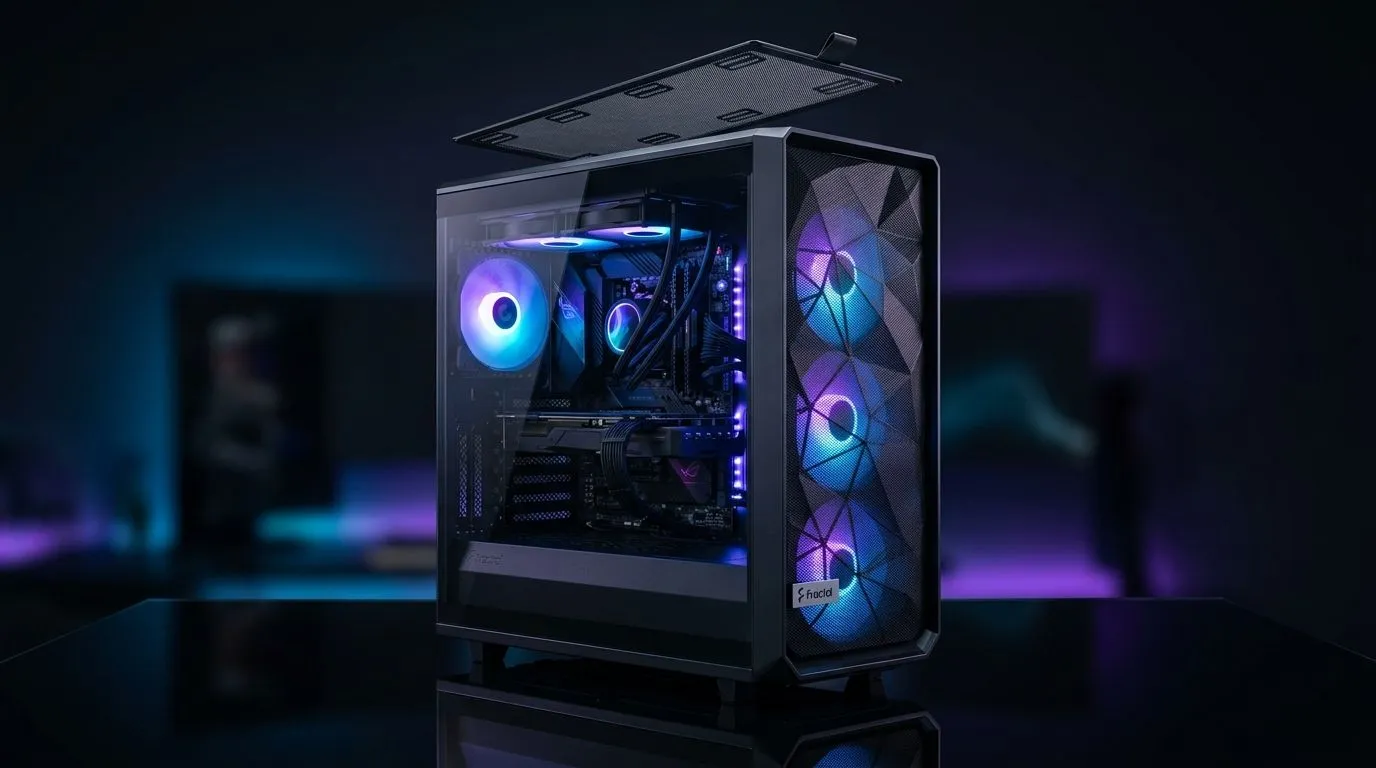
A clean case is not about vanity. It is about airflow. Fans need a clear path in and out of the chassis, and dust filters help stop fluff, pet hair, and fine particles from settling on heatsinks and blades. Over time, that build-up can reduce cooling efficiency and make your PC feel less responsive. Evetech’s range of computer cases gives you plenty of options with different airflow layouts, so it is worth checking where the intake filters sit before you buy.
Dust Filter Maintenance Guide for PC Cases and Fans: build habits, not panic cleans
If you only clean your PC when it gets loud, you are already behind. A better routine is simple. Check front, top, and bottom filters every few weeks. In a dusty home or office, do it more often. South African summers, open windows, and carpeted rooms can make dust return fast. A quick look under good light tells you more than guessing ever will ✨
What to clean first
Start with the intake side. That is usually the front filter or bottom PSU filter. Then inspect fan blades and the radiator fins if you run liquid cooling. Use a soft brush, compressed air, or a low-suction vacuum outside the case. Hold the fan blades still while cleaning. Spinning them too fast is not ideal.
Quick Clean Routine ⚡
Use a soft brush on filters first, then blow dust out in short bursts. Always hold fan blades still while cleaning. That keeps bearings safer and makes the job faster.
Dust Filter Maintenance Guide for PC Cases and Fans: choosing smarter hardware
Some cases make maintenance easier than others. Look for removable filters, good cable management, and accessible panels. That matters when you want to clean quickly instead of taking the whole system apart. If you are shopping for a new build, brands like Fractal Design PC cases are often chosen for tidy layouts and practical filter access.
If your budget is tighter, you can still get solid airflow without overspending. Evetech’s Gamdias gaming cases are worth a look for style-conscious builders. There is also a useful Gamdias gaming case selection under R1500 if you are balancing airflow, looks, and price.
Dust Filter Maintenance Guide for PC Cases and Fans: small checks, big payoff
Listen to your system. If fan noise rises, temps creep up, or the front panel feels warm, do not wait. Dust usually leaves clues before it becomes a problem. A five-minute clean can restore airflow and help your components run more comfortably. That is especially useful in South Africa, where heat and dust often arrive together.
Dust Filter Maintenance Guide for PC Cases and Fans: simple checklist
- Clean intake filters first
- Inspect fan blades monthly
- Keep the PC off carpet where possible
- Avoid blocking front or bottom vents
- Re-check after renovations or windy weeks
A little maintenance goes a long way. Treat it like servicing a car... small effort now, fewer headaches later 🚀
Ready to Find Your Perfect Match?
The Mac vs Windows debate is complex, but for maximum power, choice, and value in South Africa, Windows is hard to beat. Explore our massive range of laptop specials and find the perfect machine to conquer your world.