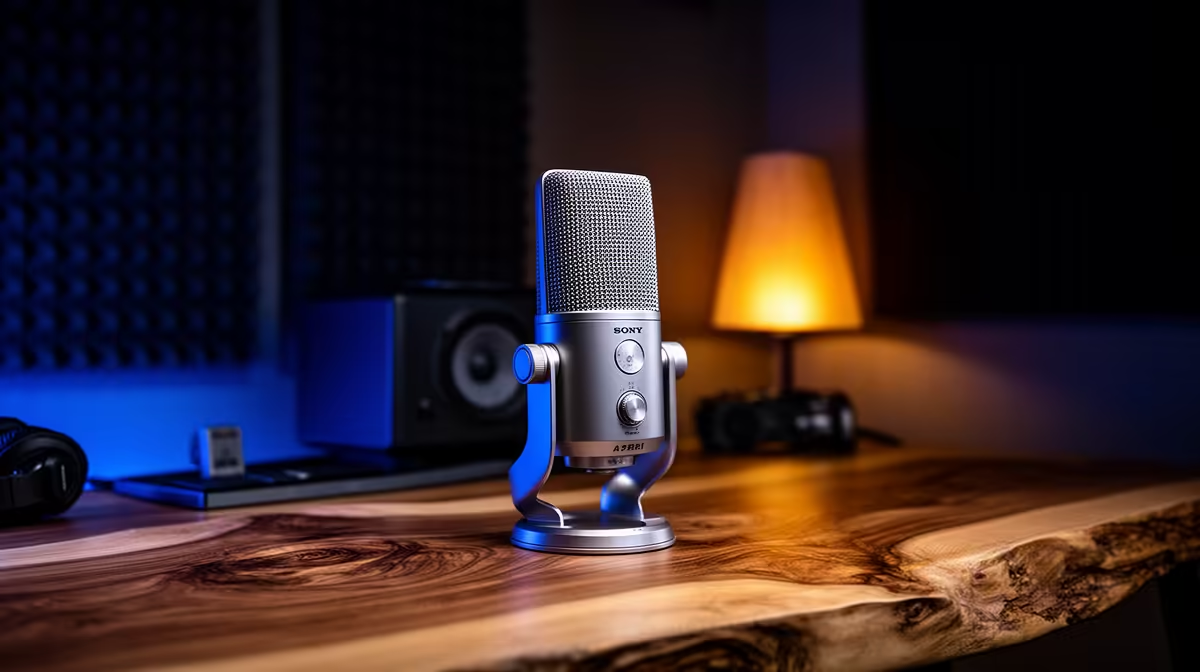
A dynamic microphone is often the easier choice in an untreated bedroom because you use it close, which raises your voice relative to the room. A condenser can work well in the same space when it is also close and the room is quiet. Microphone type does not reject echo by magic. Placement, polar pattern and the surfaces around you do the heavy lifting.
Quick Answer
Choose a dynamic mic when the room has fans, keyboard noise, hard reflections or other people and you can speak close to it. Choose a condenser when the room is quiet, you want its detail and you can control placement. Record both at matched loudness where possible. Buy the mic that gives a cleaner voice before aggressive filters.
Evetech's streaming essentials help you compare microphone and mounting paths. The webcam range reminds you to keep camera and mic positions from competing at the desk.
Dynamic and Condenser Describe Transducers
Dynamic moving-coil microphones generate a signal through a coil and magnet. Condensers use a charged capsule and active electronics.
Condensers often have higher sensitivity and can capture fine detail. Dynamics can need more gain for the same output.
Neither technology has one fixed polar pattern, tone or background rejection.
Distance Sets the Voice-to-Room Balance
Put the microphone close and your voice reaches it much louder than distant reflections. That lets you lower gain.
Move either mic across the desk and the room becomes more prominent. A sensitive condenser can make this mistake obvious.
Use a boom arm to keep distance steady and angle the mic away from breath.
Polar Pattern Still Matters
Cardioid patterns favour the front and reduce sound from other directions. They still capture reflections that return from the front.
Aim the least sensitive side towards the keyboard or PC where the room permits. Check whether the mic is side-address or end-address.
Hypercardioid and supercardioid patterns can have a rear lobe. Read the exact polar diagram.
Gain for a Dynamic Mic
Some broadcast dynamics have low output and need a clean interface with enough gain. Others provide healthy level from a basic input.
Set the mic close before buying an inline booster. Raise interface gain and listen for hiss at the required level.
An active booster can help a specific signal chain. It is another cable and device, not an automatic dynamic-mic requirement.
Phantom Power
Many condenser XLR microphones need 48V phantom power. Some active dynamics or inline boosters may need it too; passive dynamics usually do not.
Check the microphone and interface documentation. Connect with gain down and follow the maker's sequence.
USB microphones handle their own power path and do not use an external interface's phantom switch.
Treat the Room With Placement First
Move away from bare parallel walls and corners. Put bookshelves, curtains, bedding and other existing soft or irregular surfaces to work.
Thin decorative foam may reduce high-frequency flutter and cannot absorb deep room modes. Do not cover a wall without understanding fire and mounting safety.
A heavy curtain and closer mic can help more than random small tiles.
Hard Floors and Bare Walls
A rug can reduce floor reflections and chair noise. Curtains can soften a window. A filled bookshelf can scatter some reflection.
Keep the PC fan path clear. Do not drape material over electronics or block ventilation.
Record claps and speech before and after each room change. Keep what improves the voice.
Listen for Proximity Effect
Directional microphones can gain bass as you move very close. The amount varies by design and pattern.
That can make a dynamic voice sound full, or muddy it until words lose clarity. Move a few centimetres at a time and compare matched recordings.
Use a high-pass filter only when low rumble or excess bass needs it. Do not copy one frequency from another voice and microphone.
Keep distance repeatable with the arm. A tone that changes every time you lean makes level and EQ harder to manage.
Control the Desk and Computer Noise
Move the PC away from the microphone's sensitive direction without blocking airflow. Set a sensible fan curve and repair a rattling fan instead of trying to filter it later.
Put the arm clamp on a solid part of the desk. A shock mount can reduce bumps travelling through the arm, while it cannot stop sound travelling through air.
Use quieter keyboard technique or a push-to-talk path when the content allows it. Noise suppression can help steady sound and may damage consonants when pushed too hard.
Process After the Mic Choice
Record both microphone types clean before adding gates, suppression or EQ. Match loudness and choose the easier raw track.
Then add one filter at a time. A gentle expander can reduce the room between phrases; it cannot remove echo under speech.
Compression brings quiet and loud speech closer. A limiter protects peaks. Save the raw test so heavy processing never hides the original decision.
Shared Household Rooms
No mic can remove someone speaking beside you without affecting your voice. Use schedules, doors and close placement.
A dynamic often makes this easier because the normal working distance is close. A close condenser can also perform well.
Monitor with headphones and set a mute shortcut for interruptions.
Podcast and Stream Use
Talking-only content gives microphone tone and comfort more weight. Game streams add keyboard, mouse and PC noise.
Choose a mic and arm that stay out of the screen and camera while maintaining distance.
For two speakers, use separate close microphones rather than one condenser in the middle when room control is poor.
Compare at Matched Loudness
Record the same script, distance and room. Match playback loudness before choosing.
Listen for room tail, keyboard attack, fan noise, plosives and sibilance. Do not judge only vocal warmth.
Add identical light processing after the clean comparison.
FAQ
Does a dynamic mic reject more echo?
Its close working style often improves the voice-to-room balance. Echo rejection still depends on distance, pattern and room.
Does a condenser need a treated room?
No, though a quiet controlled room and close placement help it deliver detail without excess ambience.
Which suits hard floors and bare walls?
A close dynamic is a safe starting point, paired with practical room changes and a boom arm.
Record a close dynamic and condenser at matched loudness in the real room, then choose the one that needs less cleanup around your voice.