



PCIe 5.0 vs PCIe 4.0 for Video editing in 4k in SA
PCIe 5.0 vs PCIe 4.0 for video editing in 4k is mainly about fit, features, compatibility, cost, and upgrade path, not one automatic winner. SA buyers should match the choice to the setup.
Read moreThe Stream Deck Neo trims Elgato's usual button count into a compact panel with a small info display, a cheaper way into programmable stream controls. Stock on this specific model shifts often, so check Evetech's live listing before assuming it's on the shelf.
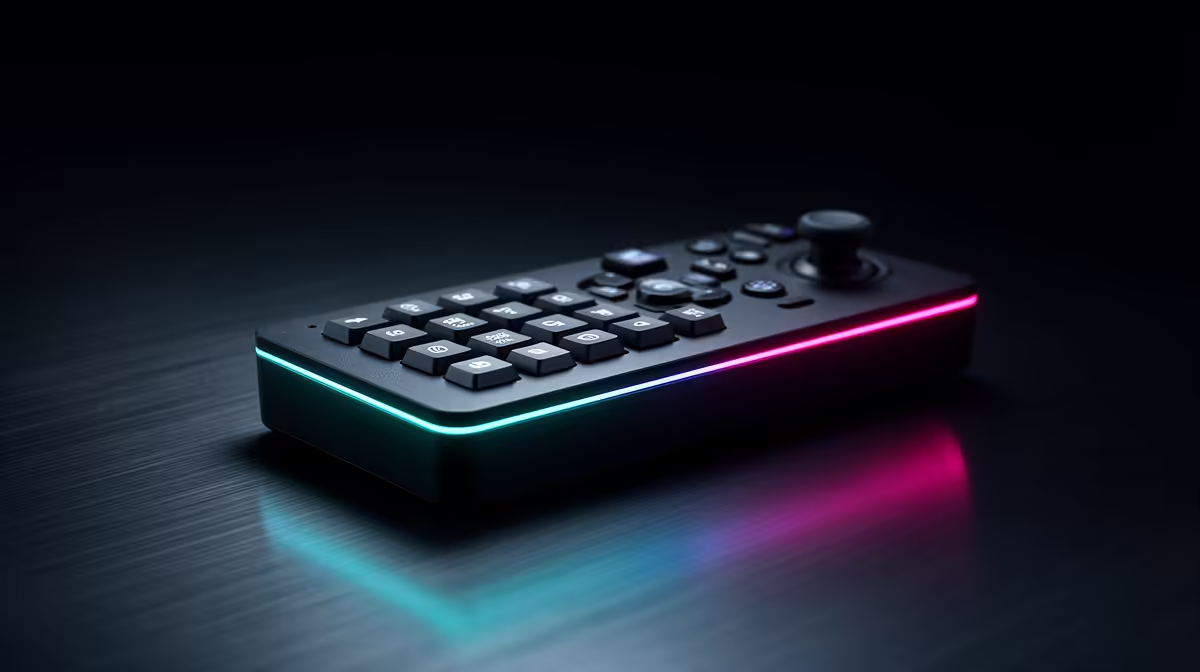
A programmable button only earns desk space when it removes a repeated interruption. That is the right way to assess the Elgato Stream Deck Neo price in South Africa. Check whether the precise Neo model is listed now, then map the actions you will use before paying for an empty grid and a promise of future automation.
Stream Deck Neo availability and Rand pricing can change with local shipments, so verify the exact model on the day you purchase. Evetech's current streaming essentials range is the local place to check programmable controls and related gear. The Neo is worthwhile when its keys and information display replace actions you repeat during streams or work.
Write down the actions that interrupt you: changing scenes, muting a microphone, starting a recording, opening a folder or sending a standard chat response.
Rank them by frequency and cost. A button used twenty times per stream belongs on the first page. A novelty used once a month can stay in software.
Build the first layout with plain labels and one purpose per key. Complex multi-action chains can come after the simple controls work.
Use folders or pages for related jobs, such as streaming, editing and meetings. Keep the back or home control in the same place.
Colour and icon choices should be readable at desk distance. Tiny artwork may look good in a screenshot and slow you down during a live moment.
Test the information display with data you need at a glance. A clock, page state or useful status can reduce window switching. Decorative data adds little.
Confirm operating-system support and the current Stream Deck software for the exact Neo model. Do not rely on an older standard model's requirement.
OBS support is one use, while plugins can connect to editing, communication and productivity tools. Verify current plugin maintenance and permissions before installing.
Use trusted plugin sources. A control plugin can receive access to applications, files or accounts. Review what it requests and remove unused extensions.
Test each action with the target app open, closed and focused elsewhere. A shortcut that works only when the correct window is active may fail live.
For multi-action keys, add short pauses only where the application needs them. Long chains become fragile after an update.
Export or back up profiles. Label them by computer and date. A clean restore matters when the streaming PC is rebuilt.
Keep a keyboard fallback for mute and stop-recording actions. If the control deck or software hangs, you need one known emergency route.
A Stream Deck cannot repair poor microphone placement or dark video. Spend first on clear voice, stable light and a camera angle that fits the content.
Evetech's webcam range helps you compare local cameras and frame needs. Check resolution, field of view, mounting and light performance.
Place microphone mute where it cannot be confused with scene change. Use visual state feedback and test that it reflects the real app state.
Map a private holding scene for technical trouble. It should stop sensitive windows from appearing while you fix audio or game capture.
Create a start checklist key only after you understand each step. Confirm microphone, game audio, recording path and network status by observing them, not trusting one green icon.
For meetings and editing, use separate profiles. A familiar mute location across profiles reduces mistakes.
Search Evetech's live streaming page for the complete Neo model and current package contents. Do not infer stock from Elgato brand presence or another Stream Deck.
Compare the key count, information display, desk footprint, connection and software support with other control-deck sizes. More keys help only when you can fill them with repeated tasks.
A keyboard shortcut or inexpensive macro pad may cover two actions. The Stream Deck case becomes stronger when dynamic icons, app profiles and integrations save real time.
Measure the benefit for a week. Count how often you reach for the mouse to perform mapped actions. Move unused keys off the first page.
Check USB cable length and port needs. A control deck should sit within reach without pulling against a hub. Test wake from sleep and profile loading after reboot.
For a used Neo, inspect every key, display area, USB socket and stand. Reset seller profiles, install current supported software and test a fresh local profile.
Press each key at the centre and corners, then hold it while watching for repeated input. Display solid colours and page indicators across the information area to reveal dead pixels or uneven brightness.
Connect the Neo before the streaming software starts, then repeat after the PC wakes from sleep. Confirm that the correct profile loads and that mute or scene status reflects the actual application.
Test it through a direct USB port before adding a hub. If the hub is required, run camera, microphone and control deck together for a full recording. Bus power and bandwidth problems can appear only when every device is active.
Build an emergency page with stop recording, mute and holding scene. Use clear colours and no multi-action chain. Practise reaching it without looking away from the main monitor.
Ask how screen, key and cable faults are handled under the seller's terms. Keep the invoice, serial and original packaging.
It turns supported shortcuts and app actions into labelled physical controls, with an information display for selected status. Its value comes from repeated tasks.
Compare current key count, display, size and connection for the exact models. Product families change, so use their live specifications.
Supported plugins and shortcuts can control other apps. Check current compatibility and permissions for each integration.
Yes. Check Evetech's live streaming category for the exact Neo model, price and written terms on purchase day.
It can help after microphone, lighting and capture are stable. Start with a few repeated actions rather than a complex profile.
Voice capture, lighting, camera, headphones and stable software matter. Evetech's live streaming and webcam pages show current local options.
Ready to simplify your streaming desk? Explore Evetech's current streaming essentials and webcam ranges, then choose controls for the actions you repeat.
It turns supported shortcuts and app actions into labelled physical controls, with an information display for selected status. Its value comes from repeated tasks.
Compare current key count, display, size and connection for the exact models. Product families change, so use their live specifications.
Supported plugins and shortcuts can control other apps. Check current compatibility and permissions for each integration.
Yes. Check Evetech's live streaming category for the exact Neo model, price and written terms on purchase day.
It can help after microphone, lighting and capture are stable. Start with a few repeated actions rather than a complex profile.
Voice capture, lighting, camera, headphones and stable software matter. Evetech's live streaming and webcam pages show current local options.
PCIe 5.0 vs PCIe 4.0 for video editing in 4k is mainly about fit, features, compatibility, cost, and upgrade path, not one automatic winner. SA buyers should match the choice to the setup.
Read more
Wi-Fi 7 vs Wi-Fi 6e for competitive esports comes down to router support, latency goals, device compatibility, and coverage. SA buyers should match the choice to the real network setup.
Read more
ATX 3.1 vs ATX 3.0 for mMO and live-service games buyers - what changes is mostly about compatibility, budget, upgrade path, and setup fit. SA buyers should check device support and real needs before expecting a clear win from either option.
Read more
LGA 1851 vs LGA 1700 can affect Twitch and YouTube streaming when gaming and encoding share CPU resources. For SA creators, the real-world difference depends on encoder choice, memory support, motherboard cost, thermals, and upgrade plans.
Read more
X870E vs X670E for aaa single-player gaming is mainly about fit, features, compatibility, cost, and upgrade path, not one automatic winner. SA buyers should match the choice to the setup.
Read more
Hall Effect switches vs Mechanical switches for mMO and live-service games is mostly about compatibility, budget, upgrade path, and setup fit. SA buyers should check device support and real needs before expecting a clear win from either option.
Read more
A fake 113GB GTA VI ISO reportedly used empty padding around a small malware payload. SA gamers should delete unofficial builds, keep Windows security active and wait for official channels.

Wi-Fi 6E vs Wi-Fi 6 matters for 4K video editing when files move across a network. The real-world difference between Wi-Fi 6E and Wi-Fi 6 for video editing in 4K depends on NAS access, cloud uploads, router range, and SA creator workflows.

The difference between PCIe 5.0 and PCIe 4.0 for SA gamers is mostly bandwidth headroom. Compare GPU slot needs, NVMe speed, motherboard support, and upgrade timing before paying extra for a newer platform.

Gaming PC stuck pixel checks in South Africa should confirm the monitor fault first. Use colour tests, screenshot comparison, cable swaps, display menu checks, and clear photos before deciding on support.

Shokz OpenFit Air 2 earbuds weigh 7.2g each and use a redesigned dual-driver open-ear layout. SA buyers should choose them for comfort and awareness, not maximum isolation.

AMD's current driver now lists a Radeon RX 9050 4GB, while product coverage details a narrowed memory system. SA buyers should weigh the low VRAM ceiling against current local Radeon options.

Samsung Display has demonstrated a 16-inch 2.5K OLED laptop panel running at 300Hz. SA buyers should wait for a named notebook, full panel specifications and a local price before planning an upgrade.

Microsoft says some Windows 11 game crashes after recent updates are linked to RGB-related drivers. Affected SA gamers should confirm the update and driver before using the published registry workaround.

RTX 5090 on a 650W PSU is a tight pairing with very limited headroom. For SA gaming PCs, focus on total system draw, PSU quality, connector support, CPU choice, and avoid OC plans unless the full build is carefully power-limited.
PCIe 5.0 vs PCIe 4.0 for video editing in 4k is mainly about fit, features, compatibility, cost, and upgrade path, not one automatic winner. SA buyers should match the choice to the setup.

850W PSU safety for RTX 5090 is plausible with a quality unit and balanced parts. In SA, confirm connector support, CPU power draw, case airflow, PSU age, and spare capacity before building around 850W.
Wi-Fi 7 vs Wi-Fi 6e for competitive esports comes down to router support, latency goals, device compatibility, and coverage. SA buyers should match the choice to the real network setup.