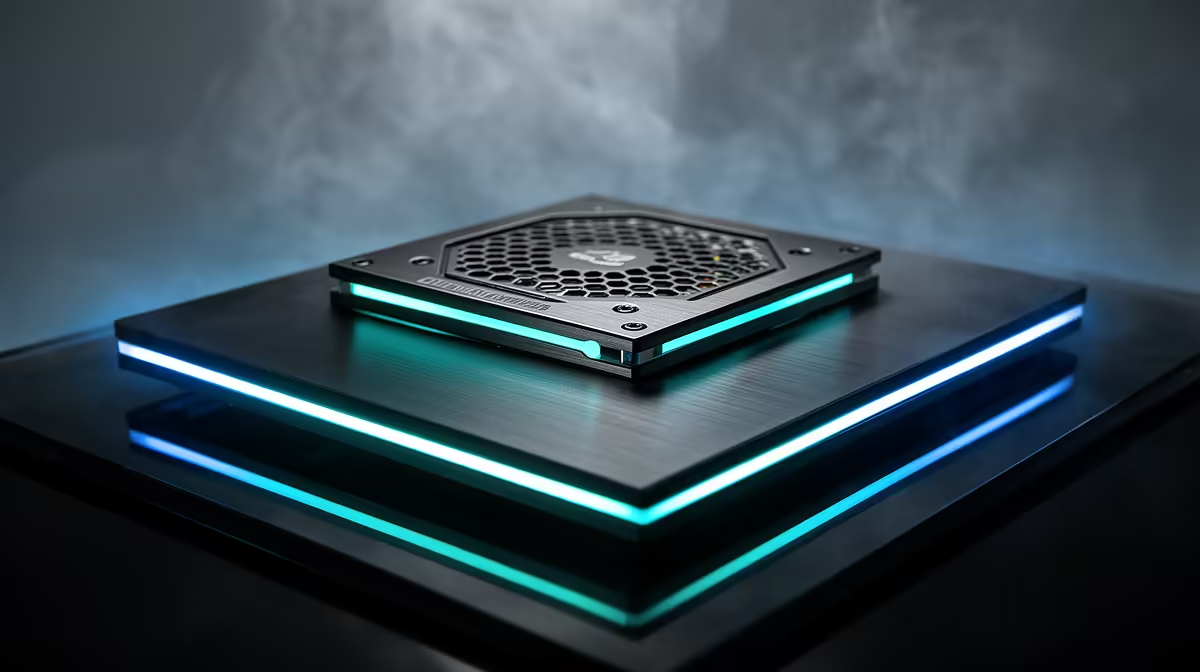
An engineering student should choose a quality PSU from the actual desktop components, not from the degree programme or the largest wattage available. The supply must provide appropriate capacity, native connectors, electrical protections and a useful warranty while fitting the case and realistic upgrade plan.
Calculate from the complete build
List the processor, graphics card, drives, cooling and expansion hardware. Use the GPU recommendation as a starting point, then add sensible headroom for sustained workloads. CAD, simulation or local AI can justify stronger components, but coding and reports alone do not need an oversized gaming supply.
The DeepCool PF750 is verified at R550 as a lower-cost capacity reference. The Corsair RM850e is listed at R1,900 for systems whose hardware and upgrade path justify more headroom. Confirm exact model revision, efficiency, protection features, native cables, case clearance and warranty before selecting either.
Never mix modular cables from different PSU models, even when the connectors appear to fit. Route leads away from fans and check every power connection before first startup. After assembly, stress the processor and graphics card together under normal room conditions while monitoring stability and temperature. Spend on the capacity the physical build needs, then keep coursework backed up because no PSU can prevent every failure or accidental deletion.
Powering an engineering workstation? > Compare Evetech power supplies by capacity, connectors, efficiency and warranty.