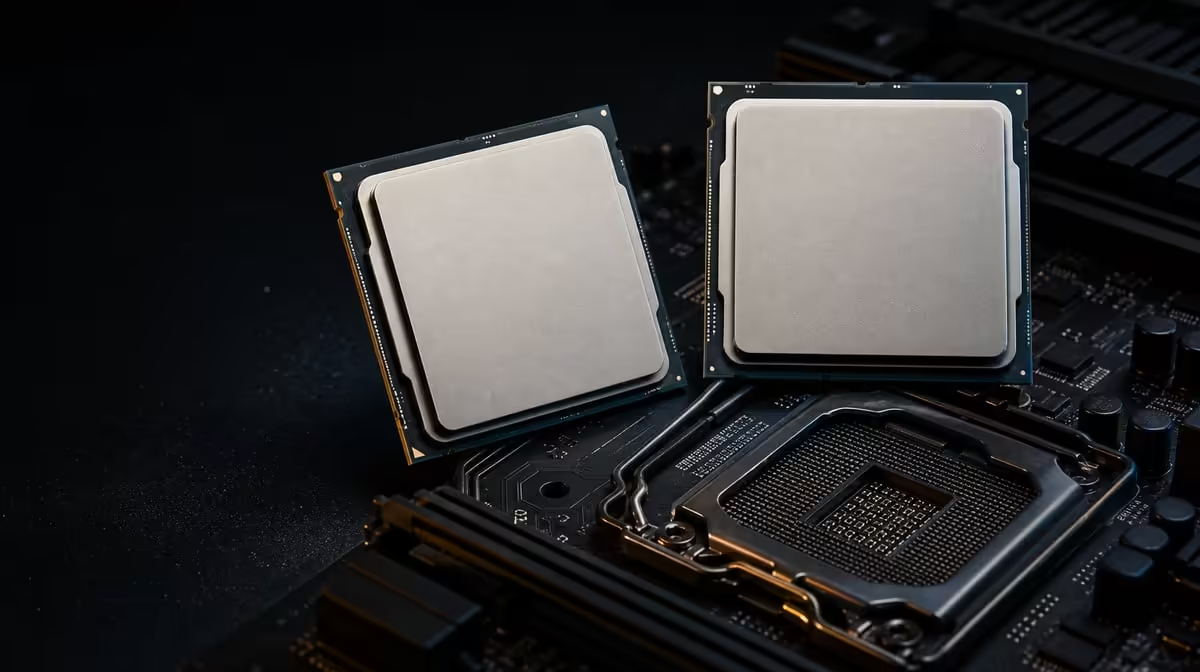
An older Ryzen PC can often accept more than one newer AM4 processor, but the socket name cannot choose between them or guarantee that the board will start. Choose a CPU when upgrading an older Ryzen PC by identifying the exact motherboard and BIOS before comparing cores, cache and price. The R7,199 Ryzen 7 5800X3D is one focused candidate with eight Zen 3 cores and 100MB cache.
Quick Answer
Record the motherboard model, revision, current BIOS, memory and present CPU, then use the board's official support information to create a compatible shortlist. The R7,199 5800X3D makes sense when its eight cores, 16 threads and 100MB cache address a measured AM4 bottleneck. It includes no cooler and requires a discrete GPU, so add both requirements to the plan.
🧾 Inventory the existing Ryzen platform
Begin while the PC is still operating. Note the full motherboard identity, including any revision, and record the installed BIOS. List the current processor, memory arrangement, cooler model, graphics card, power supply and case. Photographs of internal connections can support the written inventory.
The board's processor support information is the authority for the shortlist. Find the Ryzen 7 5800X3D entry and the associated BIOS release. Similar model names can lead to different firmware pages, so match every identifying detail rather than choosing from the chipset family.
If an update is required, the existing CPU may be needed to complete it. Read the board maker's procedure, preserve stable settings and confirm the update before removing the known working processor. Keep that CPU protected throughout validation.
Evetech's AMD CPU range can be compared after unsupported models have been removed from the list.
🎯 Match the candidate to the measured problem
Test the current PC in representative games or applications. Record average performance, frame consistency and the conditions of the run. Check whether the GPU, memory or storage is the actual constraint before assigning every slowdown to the older processor.
The 5800X3D contributes eight Zen 3 cores and 16 threads. Those resources can support gaming and parallel work, while its 100MB cache may help engines that reuse data effectively. The benefit is workload-specific, so compare tests from the intended game library rather than a single general claim.
Its base frequency is 3.5GHz and maximum boost reaches 4.5GHz. Those numbers describe operating range, not a promise that every core will hold the upper value. Architecture, cache, cooling and software behaviour belong in the same processor comparison.
Evetech's broader processor selection gives older-Ryzen owners context for exact alternatives and possible platform routes.
🧊 Add the parts the processor does not include
Thermal planning begins from the 105W figure, with no CPU cooler in the box. An old cooler should be reused only after its exact AM4 mounting, capability, condition and physical fit are confirmed. Measure case height or radiator space, nearby memory clearance and the airflow path.
Assess Evetech's CPU cooler category using those constraints. Add the chosen thermal solution to the R7,199 processor cost rather than treating cooling as an optional extra.
Discrete graphics are also compulsory. The system obtains its image from a GPU that must be seated, powered and linked to the monitor. A capable existing card can strengthen the upgrade case; a new build needs graphics, power and case space in its total.
During installation, handle the AM4 processor by its edges and protect the pins. Recheck memory, graphics and power connections after fitting the cooler. Begin the first boot from stable settings and allow time for normal board initialisation.
⚖️ Know when to keep AM4 or replace the platform
Staying on AM4 can be effective when the motherboard has documented support, memory remains useful and the new CPU solves the measured limit. It avoids replacing platform parts that still serve the workload and can concentrate spending on the processor and cooling.
A platform replacement deserves comparison when the board cannot support the desired CPU, several old components need replacement or the target work calls for a different foundation. Do not assign automatic superiority to either route. List every part that must be bought and every part that can remain.
At R7,199, the 5800X3D should be compared with the complete cost and outcome of those alternatives. A cheaper compatible CPU can be better value if it reaches the target. Graphics spending can win when the GPU is the active constraint.
After the upgrade, confirm CPU and memory detection, cooling operation and stable temperatures, then repeat the original tests. Keep the old CPU until those checks pass. The right choice is the one that improves the intended workload on a documented, dependable platform.
Installation effort also belongs in the decision. A processor swap with prepared firmware and known cooling differs from replacing the motherboard, moving cables and rebuilding the software configuration. Time should not overrule a better technical path, but it can distinguish two routes that otherwise meet the same target.
The first post-upgrade result should be treated as a baseline, not the start of immediate tuning. Use stable defaults, let the system complete normal initialisation and verify the cooling path before applying demanding workloads. If an issue appears, change one condition, record it and repeat the same test.
Older systems can contain years of accumulated software and background services. Compare a normal daily session with a controlled clean run. That separates a hardware limitation from resource use that the CPU change alone was never expected to remove.
Finally, price the processor through current availability when ready to buy, but keep the choice anchored to exact compatibility. If the selected model changes, repeat the board, BIOS, cooler and graphics checks. A nearby product name is not a substitute for a documented support entry.
Frequently Asked Questions
What should be recorded about the current Ryzen system?
Record the exact motherboard and revision, BIOS version, processor, memory layout, cooler, graphics card, power supply and case. Preserve a known performance baseline.
Why does the exact board matter more than the AM4 label?
The board model and BIOS determine processor recognition. AM4 describes the socket family but cannot guarantee support for every CPU in that family.
When is the Ryzen 7 5800X3D a logical candidate?
It is logical when a supported AM4 system is demonstrably CPU-limited and its eight cores plus 100MB cache suit the intended games or tasks.
What separate parts does this processor require?
It needs an AM4-compatible cooler appropriate for a 105W CPU and a discrete graphics card for display output. Neither is included in the processor price.
How can the old CPU help during preparation?
It may be needed to boot the motherboard and complete the required BIOS update. It also provides a known working option during troubleshooting.
When should the upgrade become a platform replacement?
Compare replacement when board support is absent, several existing parts need changing or the intended workload justifies a different foundation at better total value.
Ready to choose the next Ryzen CPU from your exact board and workload?
Compare Evetech's processors and cooling, then build the R7,199 option around documented firmware, discrete graphics and a measured need.