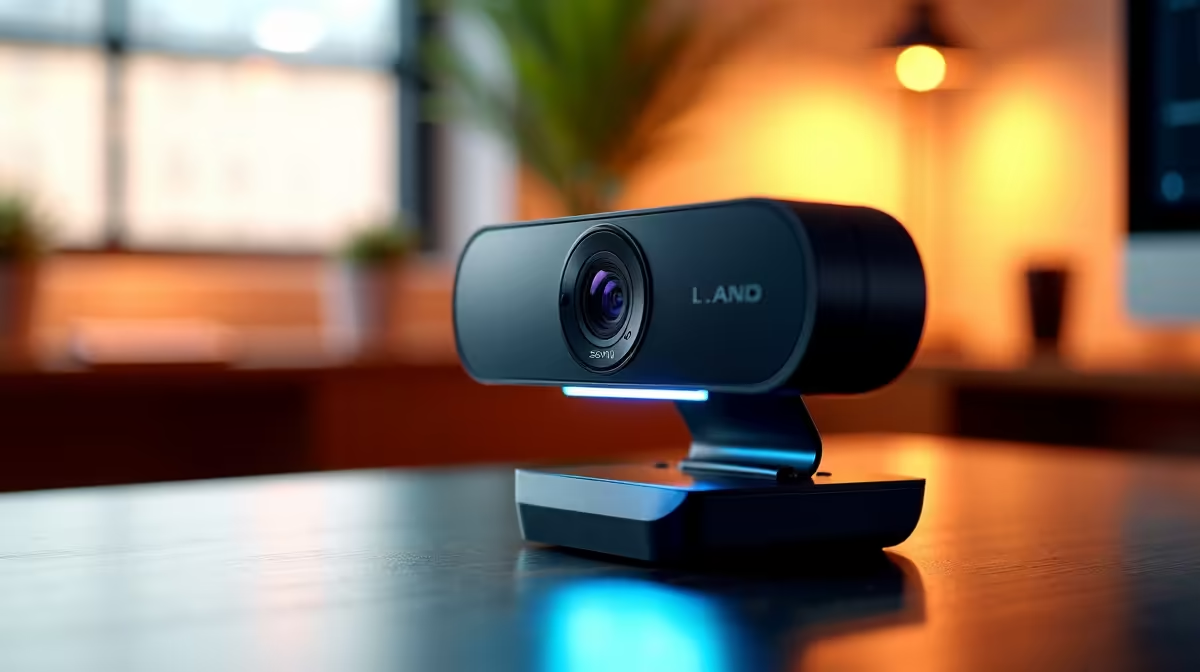
Juggling lesson plans and battling unstable internet is tough enough for South African educators. The last thing you need is a grainy, pixelated webcam making you look like a character from an 8-bit video game. To truly enhance online teaching clarity, a simple upgrade is all it takes. A dedicated Full HD webcam transforms your virtual classroom from a blurry mess into a professional, engaging learning space where every expression and detail is crystal clear. 👨🏫
Why Your Laptop’s Built-in Camera Isn't Cutting It
Let's be honest… the webcam built into most laptops is an afterthought. Manufacturers often include a basic 720p camera just to tick a box. The result? A soft, grainy image that struggles in anything but perfect lighting. For online teaching, this lack of quality can mean your students miss crucial visual cues, facial expressions, or details on a physical object you're demonstrating. It subtly undermines your professionalism and makes it harder to keep learners engaged.
The Full HD Webcam Difference: Clarity That Connects
Upgrading to one of the many Full HD webcams available is the single biggest improvement you can make to your online teaching setup. But what does "Full HD" or "1080p" actually mean? It means more pixels, and more pixels mean more detail.
Imagine trying to show your Grade 10 science class a small circuit board. With a standard laptop camera, it’s a blurry blob. With a good 1080p webcam, they can see every resistor and connection clearly. This level of detail is essential for subjects ranging from art to mathematics, ensuring your visual aids actually aid learning. To enhance online teaching clarity, a sharp, crisp image is non-negotiable. Ready to see the difference for yourself? You can browse our complete collection of webcams to find the perfect model for your needs.
Key Features to Look For Beyond Resolution
While 1080p resolution is the main event, a few other features separate a good webcam from a great one for teaching.
Autofocus & Low-Light Correction
A webcam with snappy autofocus keeps you sharp and clear, even if you move around or bring objects closer to the lens. Low-light correction is a lifesaver for those early morning or late afternoon classes, brightening the image automatically so you don't look like you're teaching from a cave. 💡
Frame Rate (FPS)
Frame rate, measured in FPS (Frames Per Second), determines how smooth your video looks. While 30 FPS is standard and perfectly fine for teaching, a 60 FPS webcam will provide a much more fluid, lifelike motion, which can be a bonus if your lessons involve a lot of movement.
Pro Lighting Tip ✨
You don't need expensive studio lights! Simply placing a desk lamp behind your webcam, facing you, can dramatically improve your video quality. Good, consistent lighting is a webcam's best friend and costs next to nothing to set up.
Finding the Right Webcam for Your Budget in South Africa
Upgrading your gear doesn't have to break the bank. There are fantastic Full HD webcams available at every price point. The key is to match the features to your specific teaching requirements and budget.
For a massive leap in quality over any built-in camera, you don't need to spend a fortune. There are excellent, budget-friendly webcams available for under R1000 that deliver crisp 1080p video.
If your budget allows for a bit more, exploring the range of webcams under R2000 often gets you superior autofocus, better low-light performance, and built-in stereo microphones for clearer audio.
For educators creating premium content, streaming, or running a professional online academy, investing in the top tier makes sense. The premium selection of webcams under R3000 delivers the best sensors, glass lenses, and software features for an uncompromised image. 🖥️
Step Up Your Teaching Game
Stop letting a poor camera hold your lessons back. Invest in the clarity and professionalism your students will notice and appreciate. Explore Evetech's full range of webcams and find the perfect fit for your virtual classroom today.