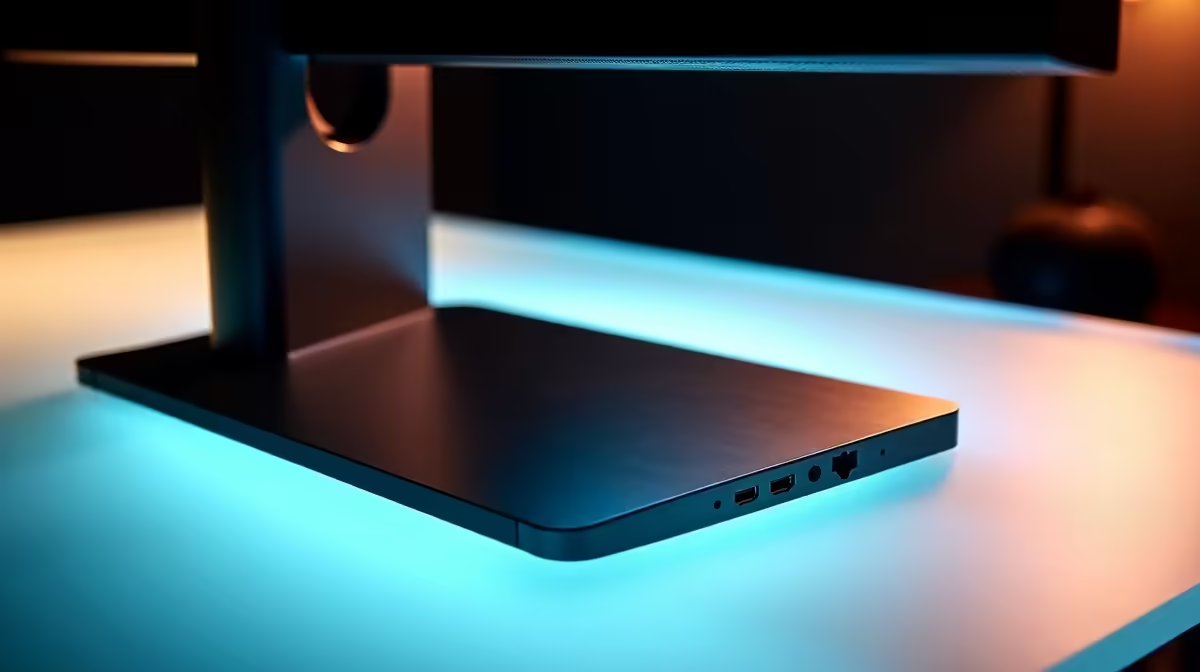
Tired of the cable spaghetti monster living on your desk? That frustrating daily ritual of plugging and unplugging your laptop from your monitor, keyboard, and mouse? We get it. For South African gamers and professionals, a cluttered workspace is a productivity killer. But what if you could connect everything—displays, peripherals, even power—with a single, elegant cable? That's not science fiction… it's the power of a monitor dock. Let's dive in.
Why a Monitor Dock is Your Productivity Secret Weapon
At its core, a monitor dock is designed to enhance productivity by simplifying your life. Instead of juggling a handful of cables every time you sit down at your desk, you connect just one USB-C or Thunderbolt cable to your laptop. Instantly, your machine connects to one or more monitors, a full-sized keyboard, a gaming mouse, your wired internet connection, and any other USB devices. ⚡
This single-cable solution does more than just tidy up your space; it creates a seamless transition between mobile and desktop work. For anyone using a laptop as their main rig, a quality docking station transforms it into a full-fledged battle station or workstation in seconds. No more compromises, just pure, streamlined efficiency.
How to Choose the Right Dock to Boost Productivity
Not all docks are created equal. Finding the right one depends entirely on your needs. To properly enhance productivity with a monitor dock, you need to match the hardware to your workflow.
Key Considerations:
- Connectivity: Does your laptop have Thunderbolt or standard USB-C? Thunderbolt offers more bandwidth, which is crucial for running multiple high-resolution, high-refresh-rate monitors. For most users, however, a high-quality USB-C hub is more than enough.
- Ports: Count the connections you need. Gamers might prioritise DisplayPort for high refresh rates, while content creators will want an SD card reader. Make a list of your essential peripherals before you shop. You can find many solid options under R1000 that cover the basics beautifully.
- Power Delivery (PD): This is a huge perk. A dock with Power Delivery can charge your laptop through the same USB-C cable it uses for data and video, eliminating the need for your laptop’s original power brick at your desk.
For those with more demanding setups, featuring multiple 4K displays or a fleet of peripherals, it's worth it to explore powerful docks up to R2000 to ensure you have the bandwidth and ports you need for years to come.
Check Your Laptop's Specs! 🔧
Before buying, confirm what your laptop's USB-C port can do. Look for a lightning bolt symbol (Thunderbolt) or a 'DP' logo (DisplayPort Alt Mode). This tells you if it can send a video signal through the port, which is essential for a monitor dock to work correctly.
A Tidy Desk is a Tidy Mind ✨
Imagine your workspace right now. Now, mentally remove the laptop charger, the USB dongle for your mouse, and the separate HDMI cable. That's the immediate impact of a good docking station. It's not just about aesthetics; reducing physical and mental clutter allows you to focus better on the task at hand, whether that's hitting a deadline or climbing the leaderboards.
This simple piece of tech is one of the most effective upgrades you can make to your setup. By centralising your connections, you create a more organised, efficient, and enjoyable environment. Top-tier brands like Promate offer a wide range of hubs specifically designed to streamline your workspace and ultimately boost your daily output. 🚀