



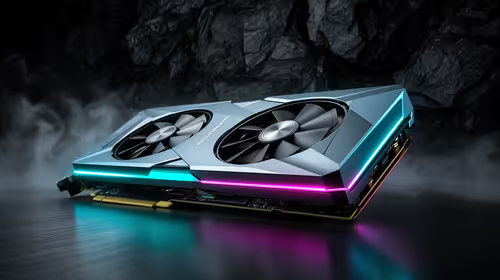
Value GPU planning for Balatro at 1440p ultrawide
Balatro at 1440p ultrawide on a R20,000 budget needs balanced GPU planning. Compare settings, CPU limits, monitor target, warranty support, and SA price movement before choosing.
Read moreAn esports player should choose a 4K editing rig as creator hardware first when editing, render and AI projects sit alongside play. Creator GPU options in the supplied range start at RTX 5070 Ti 16GB for R12,700 and reach RTX PRO 4000 24GB for R16,700.
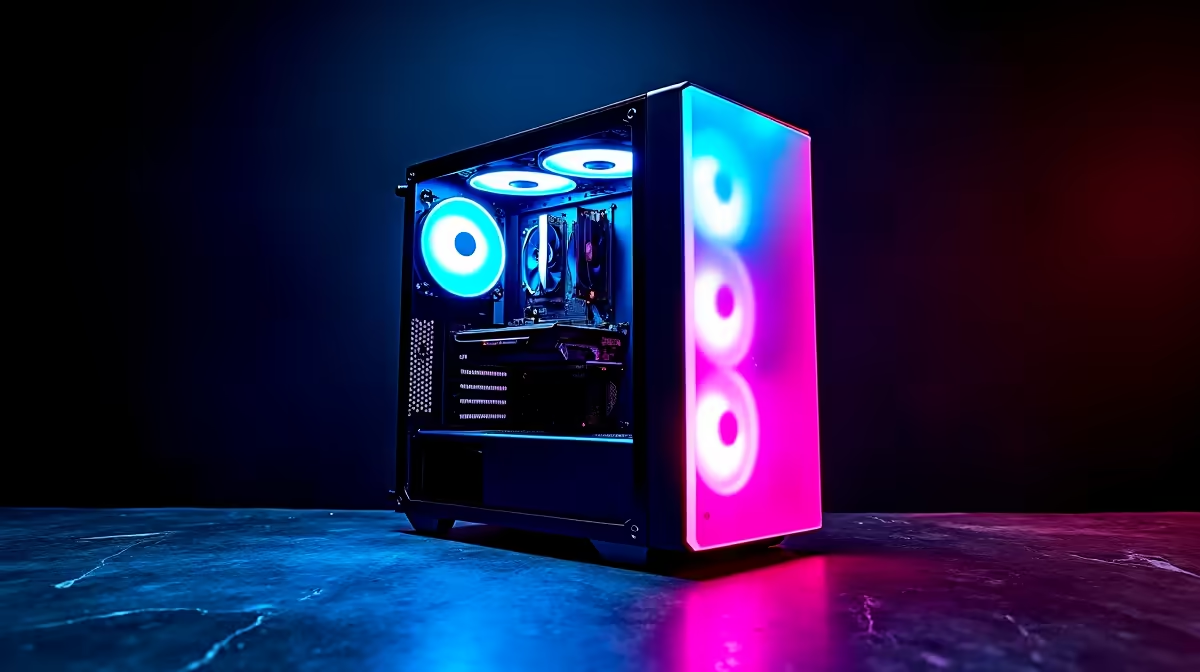
An esports player should choose a 4K editing rig that preserves high-refresh game performance while handling the actual video codec. Editing rewards processor power, memory and storage; competitive play needs stable frame time and low display latency. One machine can cover both when each workload receives a separate test.
The MSI RTX 5070 12GB is verified at R13,100, while the Palit RTX 5070 Ti 16GB costs R12,700. Check benchmarks for the game resolution and codec acceleration in the editing software. The Dell S2725QC 4K monitor at R6,128 suits high-resolution creator work, but buyers should verify refresh needs separately for esports.
Run a demanding match at tournament settings and record frame-time consistency. Then import representative 4K footage, scrub the hardest section and export the delivery format. Watch GPU memory, system memory, cache growth and temperatures. Keep a high-refresh display for play and a calibrated screen for colour work when one panel cannot serve both.
Store active projects on fast storage and archive originals elsewhere. Back up game profiles and editing projects before graphics-driver changes. Choose the rig that meets both measured targets without forcing paid work and competition onto conflicting driver schedules.
Store separate monitor presets for tournament play and colour review, with names that another editor can understand.
Building an esports creator PC? > Ask Evetech to balance graphics, displays, memory and storage around both tests.
Yes, an esports player who also edits 4K projects can use a creator PC because VRAM supports render and AI workloads.
For esports plus editing, choose around the editing workload first, then make sure the setup still feels responsive for play.
The graphics choice should reflect whether the player is exporting normal creator projects or needs the 24GB RTX PRO 4000 tier.
Durable gear matters here because the same PC may handle practice sessions, content capture and project rendering in one routine.
The editing side needs enough VRAM for 4K timelines, while the gaming side benefits from a stable, uncluttered build.
Select the tier that keeps creator work smooth, since esports use alone does not explain the higher workstation options.
Balatro at 1440p ultrawide on a R20,000 budget needs balanced GPU planning. Compare settings, CPU limits, monitor target, warranty support, and SA price movement before choosing.
Read more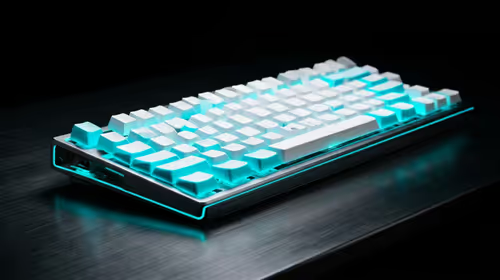
Every magnetic-switch keyboard in SA should be shortlisted around the job it must do. South African buyers should compare switch feel, latency, layout, and software, warranty path, and upgrade room before treating any pick as best.
Read more
Customs and warranty notes for gaming hardware in Makhanda should focus on proof of purchase, serial numbers, courier handling, and return steps. SA buyers should confirm policies before ordering costly parts.
Read more
Can NVMe SSDs under R20,000 handle should be shortlisted around the job it must do. South African buyers should compare capacity, speed, thermals, and motherboard support, warranty path, and upgrade room before treating any pick as best.
Read more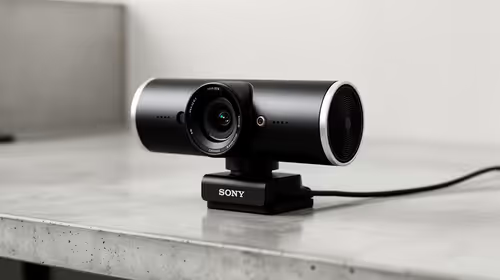
Buy now or upgrade later: webcams decisions should be shortlisted around the job it must do. South African buyers should compare fit, performance, compatibility, and upgrade room, warranty path, and upgrade room before treating any pick as best.
Read more
Frigate is free open-source NVR software running object detection locally on an Intel N100 mini-PC with a Coral TPU, versus cloud AI that requires a monthly plan. SA buyers get footage on-site with no fees and no reliance on uplink bandwidth. 📹
Read more
Chrome change search engine settings control ordinary address-bar searches. Check site shortcuts and managed-browser rules if the wrong provider keeps returning.

VASTARMOR RX 9070 XT red adds a matching red finish to the Super Alloy PRO family. Check its length, thickness and three power sockets before buying.

OLED edge rot is a panel-edge defect examined in new longevity research. Older TV results do not establish the failure rate of current gaming monitors.

Chrome translate not working often needs a page refresh or language-setting check. Test one foreign-language page before changing broader browser settings.
Chrome translate not working often needs a page refresh or language-setting check. Test one foreign-language page before changing broader browser settings.

Check when Chrome saves power, compare a repeatable task on battery and separate browser changes from battery health and Windows settings.

Find Chrome's caption control, check language and audio and bring back the floating bubble when captions disappear during playback.

Open the simplified Chrome reader, adjust type and spacing and check whether the page supports the view before changing your display setup.
Balatro at 1440p ultrawide on a R20,000 budget needs balanced GPU planning. Compare settings, CPU limits, monitor target, warranty support, and SA price movement before choosing.
Should I spend more on the GPU or the CPU should be shortlisted around the job it must do. South African buyers should compare GPU tier, VRAM, cooling, and PSU headroom, warranty path, and upgrade room before treating any pick as best.
Every magnetic-switch keyboard in SA should be shortlisted around the job it must do. South African buyers should compare switch feel, latency, layout, and software, warranty path, and upgrade room before treating any pick as best.

Optimal Balatro 144fps on RX 9070 needs frame cap, driver, display, and background load checks. SA gamers should tune one option at a time, retest the same scene, and treat the target as hardware, scene, and monitor dependent.