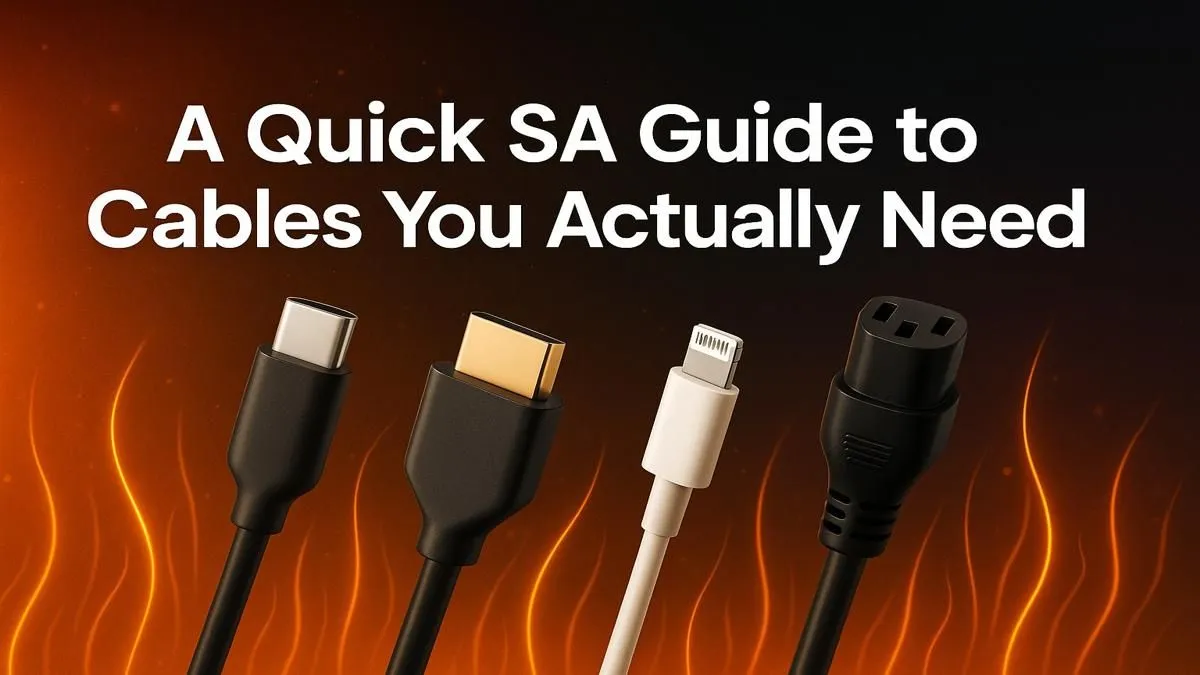
You've just unboxed a beastly new graphics card, ready to smash your FPS records. You slot it in, manage the cables, and... wait. The only port left on your monitor is an old HDMI, but your GPU needs DisplayPort for G-Sync. We've all been there. Knowing the essential cables you need for your setup isn't just tech trivia; it's the key to unlocking the full power of your hardware. Let's get you connected properly. 🔌
The Essential Video Cables: DisplayPort vs. HDMI
Choosing between DisplayPort and HDMI is one of the most common hurdles for PC builders. While they look similar, their capabilities are quite different. For most modern PC gamers, DisplayPort is the champion. Why? It generally supports higher refresh rates at higher resolutions and is required for NVIDIA's G-Sync technology.
HDMI, however, is the king of the living room and is perfect for connecting to TVs or many projectors. The latest standard, HDMI 2.1, is incredibly powerful, supporting 4K at 120Hz, making it ideal for the latest consoles and high-end PC gaming on a big screen. For a truly epic gaming or movie night, nothing beats a massive projected image. It’s more accessible than you think, with many budget-friendly projector options under R20,000 capable of transforming your wall into a portal to another world.
So, Which One Do You Choose?
- For high-refresh-rate PC gaming (144Hz+): Use DisplayPort. It’s the native choice for most gaming monitors.
- For a TV, console, or home theatre setup: HDMI is your best bet for broad compatibility.
- For a versatile setup: Use both! Your GPU has multiple ports for a reason. Connect your primary monitor with DisplayPort and a secondary screen or TV with HDMI.
Check Your Specs!
Always check the version of the port on your monitor and GPU. A DisplayPort 1.2 cable won't deliver the same performance as a 1.4. Buying a high-quality cable ensures you aren't bottlenecking your expensive hardware for the sake of a few hundred rand.
Power & Data Cables You Can't Ignore
Beyond the visuals, a few other essential cables for your setup form the backbone of your rig. You might not see them, but your PC would be a useless box without them.
The most critical are your power supply unit (PSU) cables. The thick 24-pin connector powers your motherboard, while a 4+4 or 8-pin connector gives your CPU its juice. Your graphics card will need one or more 6+2-pin PCIe power connectors. Never mix and match modular PSU cables from different brands... that’s a recipe for disaster!
Inside the case, SATA cables are the workhorses connecting your 2.5-inch SSDs and hard drives to the motherboard for data transfer. Getting these connections right is fundamental to a stable and high-performing PC. ✨
Beyond the Desk: Expanding Your Setup
Thinking bigger than just a monitor? The right cables can turn your gaming rig into the centre of a full entertainment hub. Imagine playing Starfield or the next GTA on a 100-inch screen. With modern, bright projectors, this is no longer a dark-room-only dream.
A long, high-quality HDMI 2.1 cable can run from your PC to a projector mounted on the ceiling, creating an immersive experience that no monitor can replicate. Top brands like Viewsonic projectors offer incredible colour and clarity, making them a fantastic upgrade for both gaming and movies. Getting the right cables is the first step to building that dream media room. 🚀