Quick Answer
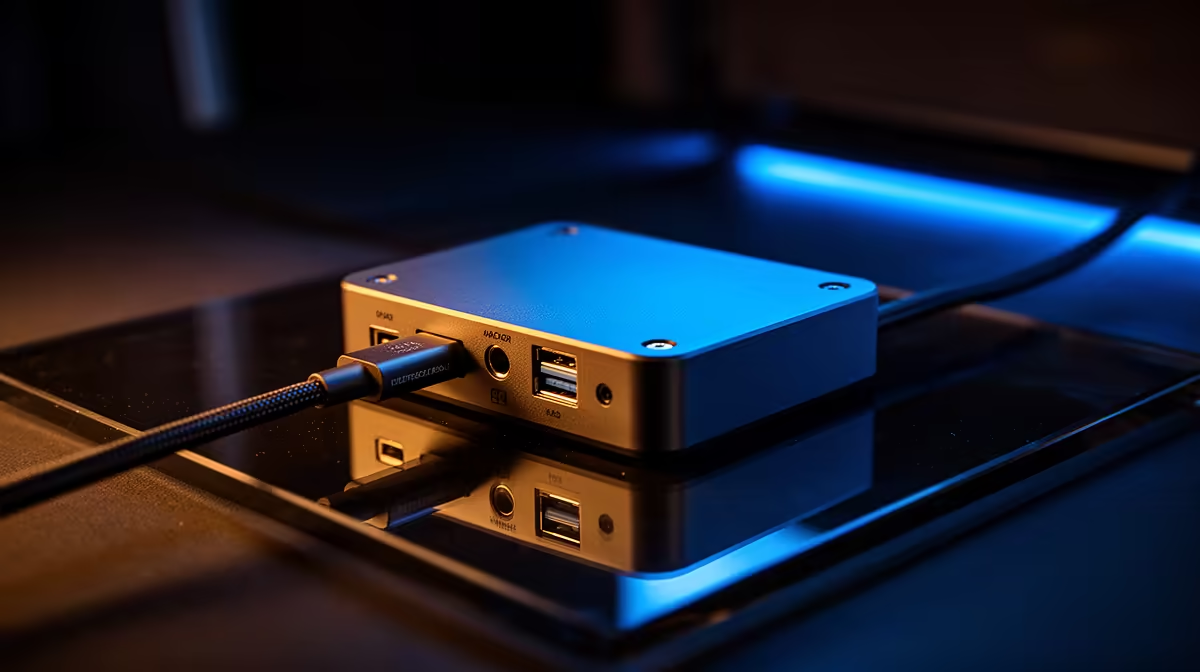
Ethernet quality matters more than cable length until the cable becomes impractical; a stable 1GbE link beats a messy short USB-C chain. Use a broad local planning band of about R700-R3,500 for practical USB-C docks. Shortlist named options such as UGREEN USB-C docks, Lenovo USB-C dock designs and Anker-style multiport hubs, then check the one spec that affects daily use: 4K60 output and stable 1GbE matter more than a long port list.
Start With The Bottleneck
For this setup, do not buy from the headline feature alone. Name the problem first: heat, latency, desk clutter, weak voice quality, comfort, slow storage, unstable power or poor coverage. That keeps the purchase tied to a result.
The practical baseline is 100W USB-C PD, 1Gb Ethernet, HDMI 2.0 4K60, DisplayPort and USB 3.2 5Gbps. If the current setup already meets that floor, the upgrade needs to bring lower noise, cleaner cable routing, better reliability or more headroom. If it misses the floor, replacement is usually cleaner than adding adapters around it.
SA Price And Spec Check
Live stock changes, so use price bands rather than exact claims. Plan around about R700-R3,500 for practical USB-C docks; unusually cheap listings often cut warranty, cables, switches, sockets or cooling quality.
For SA homes on Openserve or Vumatel fibre, placement and cabling can matter as much as the device itself. For gaming-adjacent setups, keep the performance target visible: 60 fps is the comfort floor, 120-165Hz is where responsive peripherals and stable networking become easier to feel, and 1440p gaming puts more pressure on the GPU than on the accessory.
When Spending More Makes Sense
Spend more when the premium feature removes a recurring problem: quieter operation, stronger wireless stability, 4K60 output, 100W charging, 32GB memory support, 1TB storage, a better mic capsule, closed-back isolation or a sturdier frame.
Also check fit before price. Measure the desk, confirm connector type, count sockets and ports, and make sure the device has a local warranty route. Confirm usb-c display support, charger wattage and monitor resolution before ordering.
FAQ
What price band should SA buyers use for docking stations?
Use about R700-R3,500 for practical USB-C docks as a broad planning band. Treat very low prices carefully because the missing value is often warranty, build quality or the cable you still need to buy.
Which specs matter most for this setup?
Focus on 100W USB-C PD, 1Gb Ethernet, HDMI 2.0 4K60, DisplayPort and USB 3.2 5Gbps. Those numbers tell you whether the docking station fits the desk, room and workload better than marketing labels do.
Should you buy the cheapest docking station first?
Only if it still covers the must-have specs and has a clear warranty path. For daily use, a mid-range model from the class of UGREEN USB-C docks, Lenovo USB-C dock designs and Anker-style multiport hubs is usually the cleaner long-term buy.
write down the one problem the new docking station must solve, then compare only models that meet the key spec, fit the space and stay inside your planned R-band.