Quick Answer
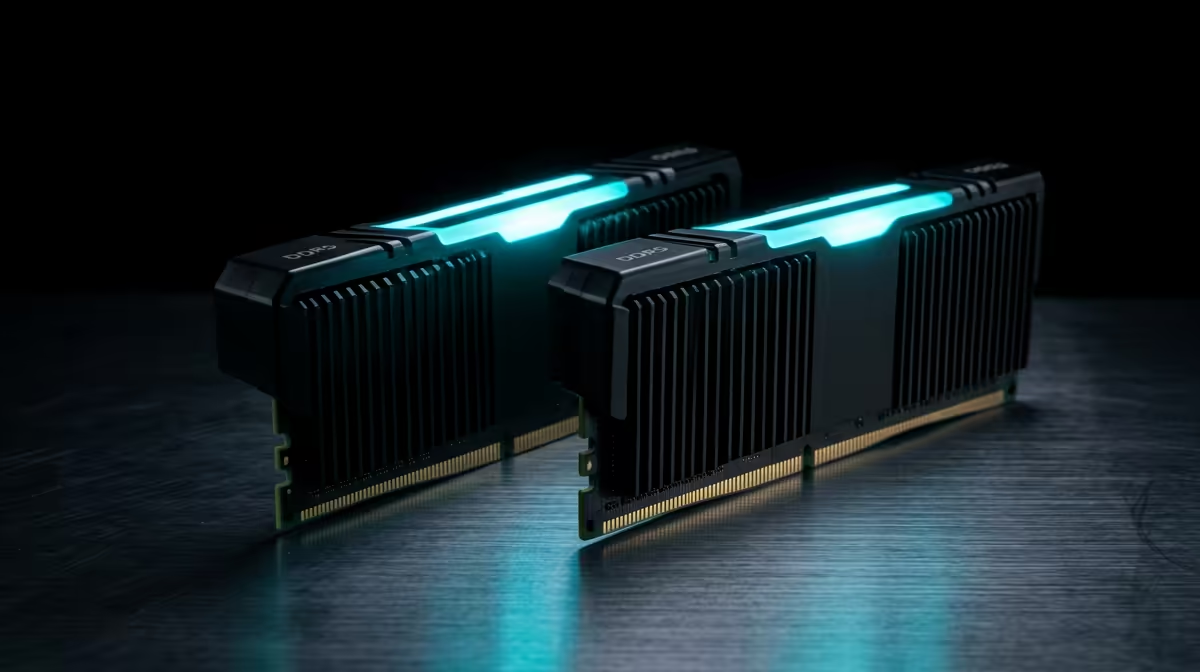
A 32GB DDR5-6000 CL30 kit is the right call for almost every SA gaming and creator build, costing roughly R2,200 for a 2x16GB mainstream kit. On AM5 stick to 6000 MT/s; on Intel you can chase DDR5-7200 if your board supports it.
Why 32GB DDR5 Is the SA Sweet Spot
32GB lets you game while running a browser, Discord and a stream overlay without swapping to disk. The 2x16GB layout trains cleanly on AM5 and leaves both slots free for a later 64GB jump. With a Ryzen 7 7700 or 9700X and an RTX 4060-class GPU, a DDR5-6000 CL30 kit keeps frame times tight in CPU-bound games.
Speeds, Latency and Platform Fit
DDR5-6000 CL30 gives roughly 10ns true latency, the figure that makes this tier feel responsive. AM5 prefers exactly this speed; Intel LGA1700 and newer can run faster kits like DDR5-7200. Always check your motherboard QVL for the exact kit. Budget tiers: about R1,800 for DDR5-5600 value kits, R2,200 for mainstream CL30, and R3,200 for high-speed RGB.
Pairing It With the Right Parts
A balanced SA build might run a Ryzen 5 7600 near R4,200, a 32GB DDR5-6000 CL30 kit near R2,200, and a 1TB Gen4 NVMe SSD near R1,500. That trio drives high-refresh 1080p and 1440p gaming with a capable GPU, hitting well past 144fps in esports titles.
FAQ
Should I buy 2x16GB or one 32GB stick?
Buy 2x16GB. Dual-channel doubles memory bandwidth versus a single stick, which directly helps gaming frame rates and everyday responsiveness.
Will faster than 6000 MT/s help on AM5?
Usually not. AM5 runs best at DDR5-6000 in 1:1 mode; faster kits force a 2:1 mode that often loses real-world performance.
Is 32GB future-proof for a few years?
Yes. It covers current and upcoming games comfortably, and leaving two slots free means you can add another kit for 64GB later if needed.
EXPO (AMD) or XMP (Intel) profile in BIOS after fitting a new kit, or it will default to a slow JEDEC speed and waste the upgrade.