Quick Answer
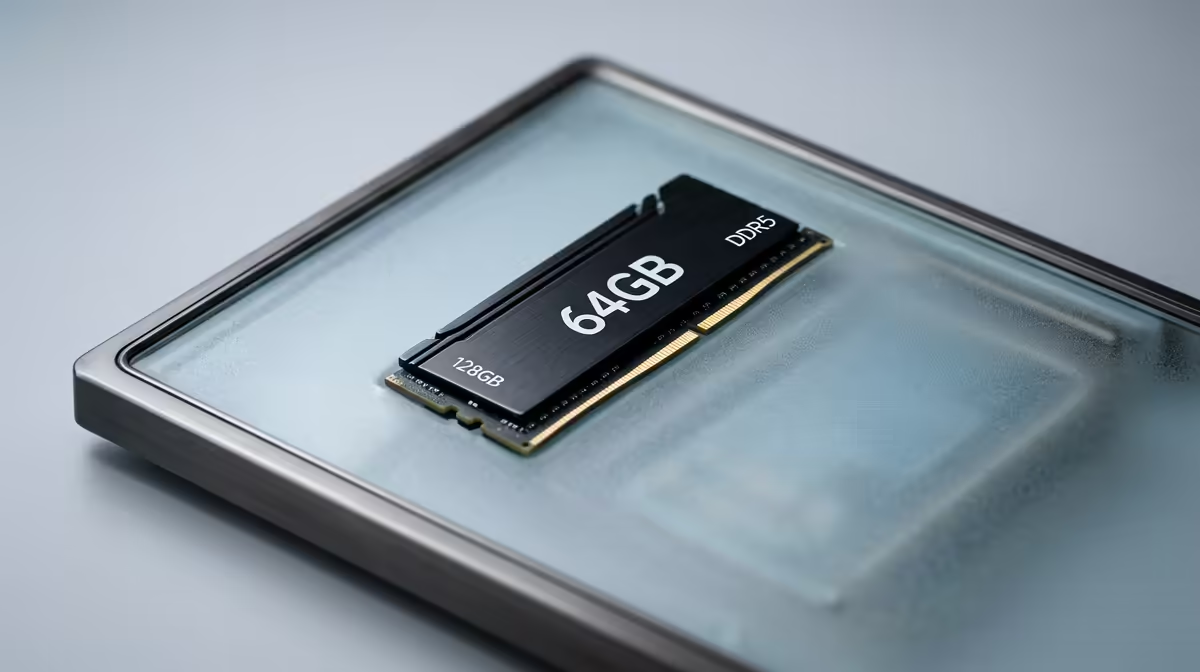
A 64GB DDR5 kit is a creator-and-multitasker upgrade, not a gaming one: 32GB still handles every current game, while 64GB matters for video editing, virtual machines, large datasets and heavy stream-plus-game setups. Buy a 2x32GB DDR5-6000 kit to keep dual-channel speed alongside the capacity.
Deciding If 64GB Suits You
Run a quick check of your actual RAM use under load. If your usage sits near 32GB during real work, with editing apps, browser tabs, a stream and the game all open, 64GB stops the slowdowns caused by hitting that ceiling. If you only ever game, your usage will sit well below 32GB and the upgrade does nothing for you.
The strongest cases are professional: 4K and multi-track video editing, 3D rendering, software development with several VMs, and data work. These workloads scale with memory in a way games do not.
Kit Selection And Stability
Two 32GB sticks beat four 16GB sticks because two-stick configurations run dual-channel cleanly and hold their rated speed more easily. DDR5-6000 with CL30 or CL32 timings is the realistic high-capacity target; pushing very high speeds at 64GB raises stability risk for little gaming gain. Check the QVL, fit the kit, and enable EXPO or XMP so it runs at rated speed rather than the slow 4800 default.
FAQ
Is 64GB overkill for a gaming PC?
For gaming only, yes. 32GB is plenty. Choose 64GB when you combine gaming with heavy creator work or run multiple demanding apps at once.
What speed should a 64GB kit run at?
DDR5-6000 CL30 or CL32 is the practical sweet spot. It balances bandwidth with the stability that large-capacity kits need, especially on AM5.
Can I mix a 32GB kit with another later?
It is risky. Mixing kits can cause instability or force lower speeds. Buying a matched 2x32GB kit upfront is the reliable route to 64GB.
If your real workload fills 32GB, choose a 2x32GB DDR5-6000 kit at Evetech and enable EXPO or XMP after installation.