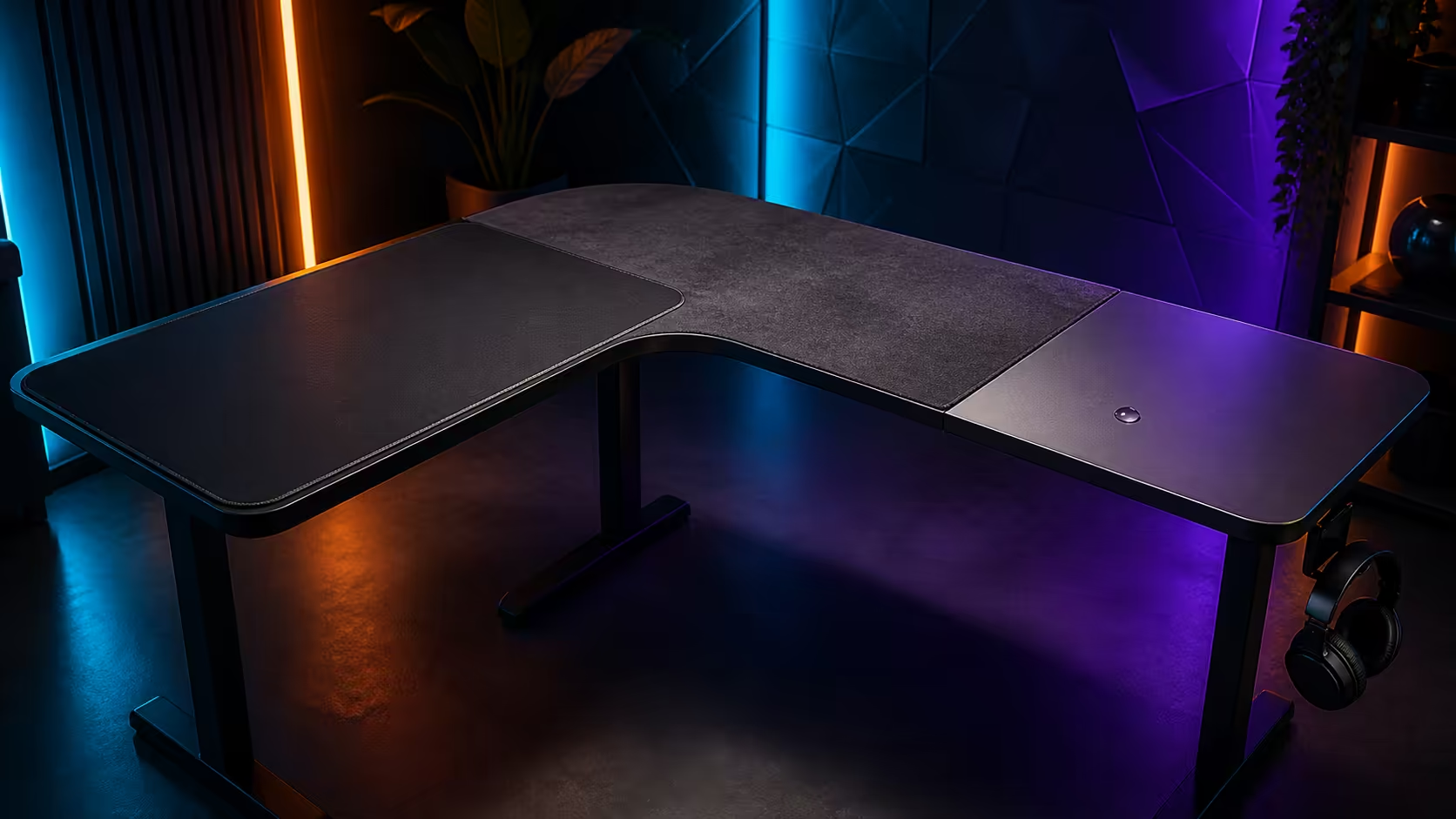
The layer beneath the keyboard and mouse affects glide, comfort, sound and cleaning, yet it is often chosen after the equipment fills the surface. Gaming-desk surfaces and full-desk mousepads should be planned as a working interface with its own dimensions and care routine. Evetech's category covers desks from around R2,499 up to R8,499.
Quick Answer
Across Evetech's gaming-desk prices of roughly R2,499 through R8,499, compare furniture dimensions separately from the pad. A broad microfiber cover can create a continuous keyboard-and-mouse area, while a compact mouse mat is easier to move and replace. Test glide, edge placement and cleaning requirements, and treat water resistance as time to respond rather than permission to leave a spill.
🧵 Understand the layers
The desktop supports the equipment and frame load. A deskpad sits above it to change contact feel, protect part of the finish and create an input zone. These layers have separate dimensions, materials and care needs.
Measure the bare surface, then mark the pad width and depth. Include monitor bases, cable openings, controls and front-edge overhang. A broad cover should lie flat without being pinched against a wall or folded over an edge.
Use Evetech's gaming desk category for live desk comparisons. Match any pad plan to the exact selected dimensions rather than assuming a generic size will cover the usable area.
Distinguish coverage from usable mouse room
A full-desk pad can remove the transition between a small mat and the surrounding surface. It does not move the keyboard, speakers or display stands. Mark the widest real mouse sweep and keep equipment outside it.
Surface depth is crucial. The user's forearm needs support without the mouse reaching the back of its zone during normal movement.
🖱️ Test glide and control
Use a familiar sensitivity and repeat slow tracking, rapid turns and precise stops. Notice initial friction, consistency across the pad and any resistance near stitching. Personal technique matters more than a generic speed-versus-control label.
Keep mouse settings constant during the comparison. Test a dedicated mat and the broad cover at the same chair height and with the same keyboard position. Several full sessions reveal more than a minute of desktop movement.
Consider keyboard feel and sound
A textile layer may reduce keyboard movement and change typing sound. It can also hold crumbs or make an unstable keyboard foot less obvious. Check all keyboard contact points and clean beneath the device regularly.
Shared-room users should compare noise as well as mouse response. A setup may feel better because it controls vibration across the whole input area.
💧 Treat water resistance as a response window
Keep drinks outside the primary electronic and mouse zones whenever possible. If liquid lands on a pad, move powered devices away safely, blot according to the exact care guidance and inspect the desktop beneath it. Let both layers dry fully before reassembly.
Water resistance can slow penetration or make a spill easier to manage, but pooled liquid still travels towards edges, seams, openings and cables. A large pad may hide moisture beneath equipment.
The Arozzi gaming setup selection offers complete setup inspiration. Preserve a dedicated drink position and a clear cleanup path when borrowing visual ideas.
Prepare a spill routine
Know how to disconnect power safely and keep an absorbent cloth nearby. Photograph the device and cable layout so the pad can be removed without losing every position. Avoid rubbing liquid deeper into the material.
Inspect the desk surface after drying. Moisture trapped between layers can be more damaging than a visible drop that is cleaned immediately.
🧼 Build a repeatable cleaning schedule
Remove loose dust gently and follow the exact pad's care instructions. Do not assume every microfiber cover can be machine washed, scrubbed or heated. Clean the desktop separately with a method suitable for its finish.
Schedule light cleaning often enough that grit does not accumulate beneath the keyboard or mouse. Deep cleaning is easier when monitor stands and cable routes do not permanently trap the pad.
Browse Evetech's gaming setup category to coordinate the desk with peripherals. Plan how each device moves during maintenance and where it can rest safely.
Dry flat and fully
Keep the pad's shape supported while drying in the manner its instructions require. Do not return electronics while either side remains damp. Check edges for curling or changes before resuming play.
Record normal drying time and choose a cleaning window that does not encourage a rushed rebuild.
📐 Manage edges, openings and wear
Place stitched edges beyond the widest mouse sweep where possible. Keep cable openings, fasteners and controls accessible. A pad that covers the keyboard area should not cover ventilation or become a shelf for warm equipment.
High-use zones may wear faster. Inspect tracking consistency from centre to edge and rotate the pad only if its design and instructions permit. A dedicated mat is cheaper and simpler to replace locally; a full cover changes more of the setup when removed.
Protect a clear accessory zone
Assign controllers, chargers, tools and drinks permanent locations beyond the input area. Open textile space tends to attract loose objects, gradually shrinking the movement zone the cover was meant to improve.
Use small labels or a reference photograph to restore the arrangement after cleaning. Consistency benefits both ergonomics and troubleshooting.
⚖️ Choose by total effort
Compare broad-pad and compact-mat options across glide, stopping control, keyboard stability, sound, cleaning time and replacement cost. Weight the factors relevant to the user's normal sessions.
Test each approach over several days. Dust, humidity and forearm position can change the experience. The better surface is the one that stays predictable after ordinary maintenance, not the one that looks smoothest on the first day.
Recheck after equipment changes
A new monitor stand, keyboard or speaker can shift the usable surface. Re-measure the mouse sweep and edge locations before assuming the previous pad plan still fits.
Keep the decision reversible. A separate mat can remain available while the broad cover is cleaned or while the user compares tracking feel.
Compare front-edge comfort
Pad thickness and edge construction can change how the forearm meets the front of the desk. Sit at the final chair height and complete the normal mouse range without lifting the shoulder. If the arm repeatedly crosses a raised edge, move that boundary beyond the working sweep or choose a different pad outline.
Check the keyboard side separately. A wide pad may feel comfortable beneath both forearms, but it should not hide an uncomfortable desk height. Resolve posture through the chair and desk relationship before using softness to mask pressure.
For shared setups, repeat the edge test with each user's reach and handedness. Mark the largest required input zone so everyday device movement does not gradually push one person back against the seam.
Frequently Asked Questions
Can a full-desk microfiber pad replace a mouse mat?
Yes, when it lies flat and provides the user's preferred tracking across the entire measured sweep.
Does a deskpad add physical desk space?
No. It creates a continuous surface, while devices and stand footprints still determine usable room.
What should happen after a spill?
Move powered devices safely, follow the pad's care method, inspect beneath it and allow every layer to dry fully.
What is Evetech's gaming-desk price range?
Current category pricing runs from around R2,499 to R8,499.
Why test for several days?
Longer use reveals cleaning, humidity, posture and wear effects that a short glide test can miss.
Ready to choose a gaming surface by repeatable control and realistic upkeep, not coverage alone?
Explore Evetech gaming desks, map the complete input zone, and test the pad plan through play, cleaning and a careful reset.