Quick Answer
Compared head to head, Gen 5 NVMe drives win on raw bandwidth (10,000-14,000 MB/s reads) but Gen 4 wins on value for gaming, where load times are nearly identical. For SA buyers, pick Gen 5 only for heavy file work; otherwise a 2TB Gen 4 drive is the smarter spend.
The Real-World Speed Gap
On paper Gen 5 roughly doubles Gen 4 sequential throughput. In practice that gap appears only in tasks that actually saturate the interface: copying very large files, scrubbing 4K-8K timelines, loading big game-development assets, or shuffling AI datasets. For booting Windows and loading games, the difference is a second or less because those tasks depend more on random access and CPU.
Random read and write performance, which affects responsiveness, is similar enough between good Gen 4 and Gen 5 drives that you will not feel it day to day.
Cooling, Capacity And Slot Compatibility
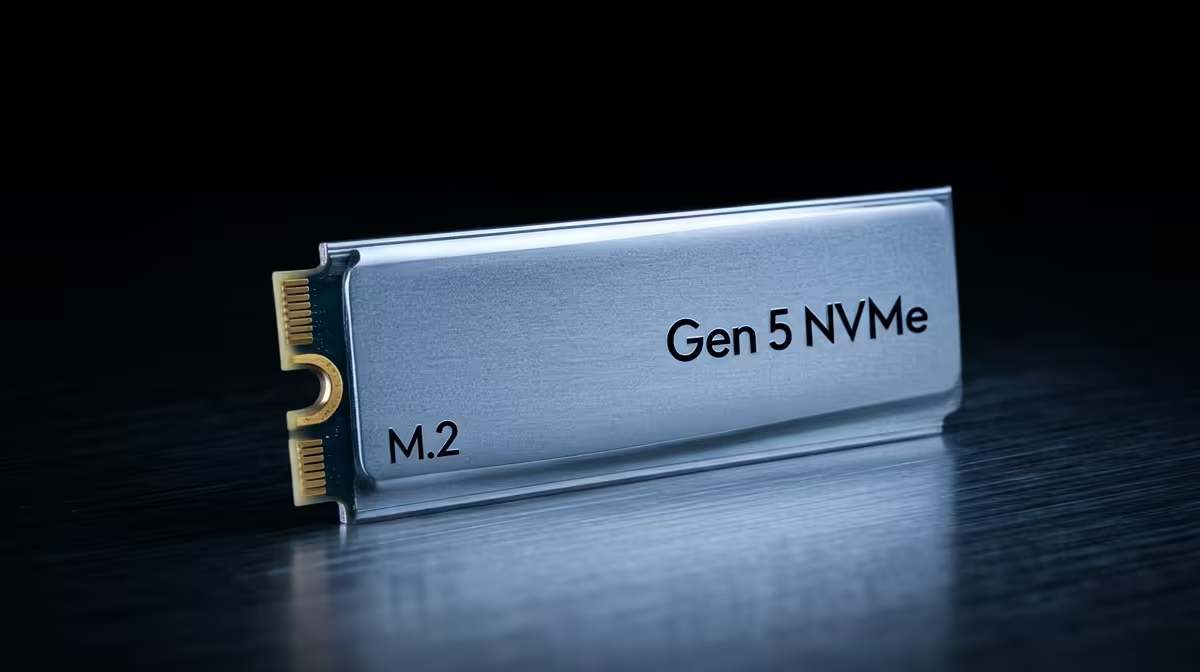
Gen 5 drives generate more heat and need a proper heatsink to avoid throttling, so check that your board includes one. On capacity, a 2TB drive is the practical sweet spot for a gaming and content library. Crucially, confirm your motherboard has a true Gen 5 M.2 slot; on AM5 and current Intel boards usually only the top slot is Gen 5, and the rest are Gen 4.
FAQ
Will a Gen 5 SSD make my games load faster?
Marginally. Game loads are limited by random access and CPU, so a Gen 5 drive saves only a second or two over Gen 4. The bandwidth helps creators more than gamers.
Which M.2 slot is Gen 5 on my board?
Usually the topmost slot nearest the CPU. The other slots are typically Gen 4. Check the manual, because a Gen 5 drive in a Gen 4 slot runs at Gen 4 speeds.
What capacity should I buy?
2TB is the sweet spot for a modern library of games plus media. 1TB fills quickly with large AAA installs, so 2TB gives more comfortable headroom.
Compare the Gen 4 and Gen 5 NVMe drives at Evetech and choose Gen 5 only if your workflow moves large files daily.