Quick Answer
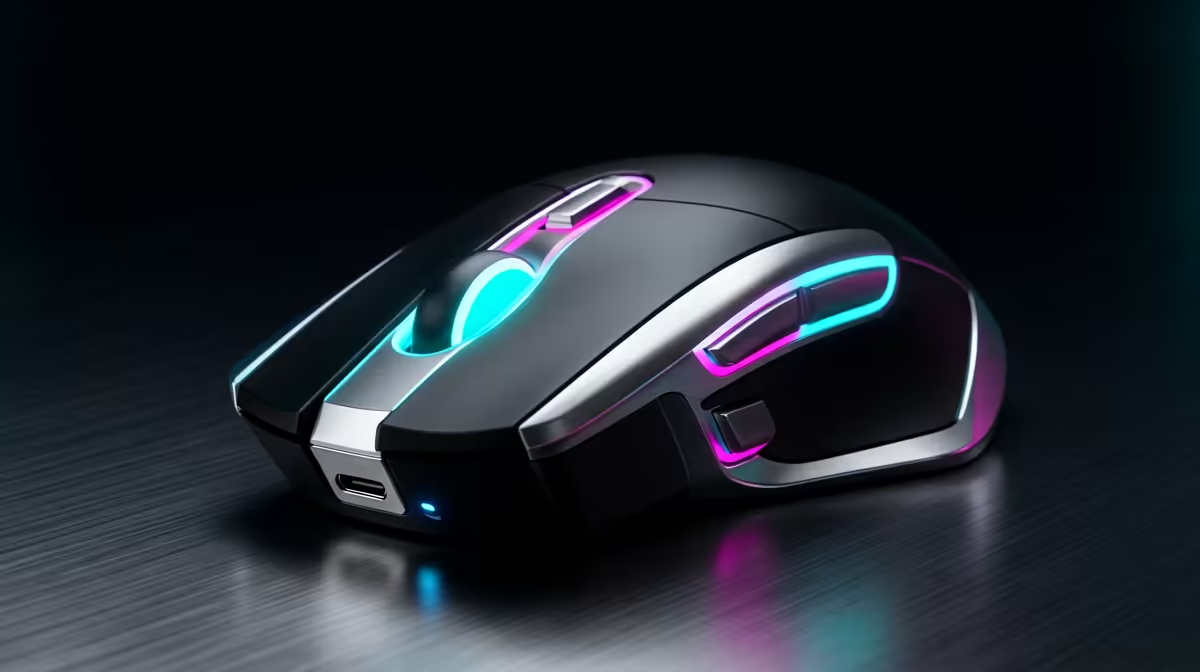
A strong wireless gaming mouse for cinematic story games should combine a reliable 2.4 GHz link, a modern sensor, low weight, and a shape that fits your grip. Use Logitech G Pro X Superlight, Razer DeathAdder V3 Pro, Razer Viper V3 Pro, and Corsair Katar or M75-style wireless models as comparison anchors. For SA buyers, plan around R900-R3,500, with 1,000 Hz polling as the baseline and 4,000-8,000 Hz only worth paying for if the rest of the setup can use it.
Shape Beats Spec Hype
Sensor numbers are important, but hand fit decides daily performance. Palm grip usually suits taller ergonomic shapes, claw grip likes a stable rear hump, and fingertip grip benefits from lighter, smaller shells. A 55-75 g mouse can feel quicker for esports, while heavier shapes may feel steadier for strategy, editing, and casual play. If you play on a small desk, also check cable-free charging habits and how much mousepad space you have beside the keyboard.
Sensor And Wireless Checks
A clean 2.4 GHz receiver path matters more than extreme DPI claims. Most players use 400-1,600 DPI with in-game sensitivity adjusted around it, so focus on tracking stability, click feel, skates, and battery life. For 144 Hz and 240 Hz monitors, 1,000 Hz polling is already smooth; higher polling can reduce latency slightly but drains battery faster. Keep the receiver close to the mouse if your PC sits under a desk or behind a monitor arm.
SA Buying Notes
Check replacement feet, USB-C charging, grip coating, and warranty support before choosing a model. Johannesburg, Durban, Cape Town, and Pretoria gamers may all buy from the same online listing, but desk surface, room heat, and hand sweat change how coatings feel. If two mice look close, choose the one with the safer shape and clearer return path rather than the one with the highest DPI number. A cheaper wired mouse can still beat a poor wireless shape.
FAQ
Is a wireless mouse good enough for esports?
Yes, modern 2.4 GHz gaming mice are fast enough for esports when the receiver is positioned well. The bigger risk is choosing the wrong shape or weight for your grip.
What polling rate should I choose?
Start with 1,000 Hz because it is stable, smooth, and battery friendly. Use 4,000 Hz or 8,000 Hz only if the mouse, receiver, CPU, and game all handle it cleanly.
How much should I spend in SA?
Use R900-R3,500 as a broad planning range for serious wireless gaming mice. Spend more only for a better shape, lower weight, proven sensor, or stronger battery life.
Buyer check
Write down your grip style, preferred weight, and monitor refresh rate before comparing mice; those three notes matter more than maximum DPI.