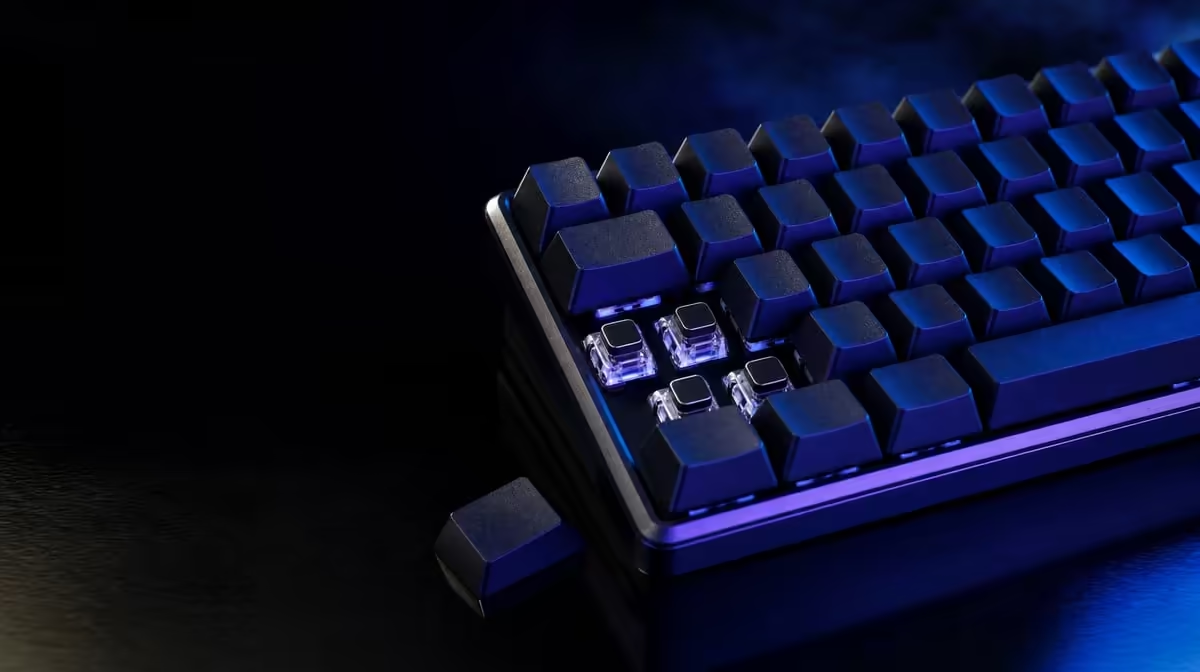
Hot-swap is a maintenance and experimentation feature, not a guarantee of universal switch support. Before buying a hot-swap keyboard, establish the socket format, layout, plate access, stabilisers, software environment and warranty terms that will shape every later change.
Quick Answer
Choose the keyboard as a complete working device before valuing hot-swap. Confirm which switch formats its sockets accept, whether the layout and software suit daily use, how the plate is accessed and what modification means for support; then plan compatible tools and parts.
🧩 Confirm the exact compatibility boundary
Hot-swappable means compatible switches can be removed and inserted without soldering. It does not mean every mechanical switch fits.
Socket design, pin arrangement and switch family determine support. Record the precise format from the keyboard documentation instead of relying on an online colour label.
Plate openings can also constrain fit. A switch may share an electrical style while its housing or additional pins need another plate arrangement.
Lighting compatibility can depend on switch housing and LED position. If illuminated legends matter, confirm how the candidate switch and cap transmit light rather than assuming every clear housing behaves alike.
Stabilisers are not switches. A hot-swap socket under a large key does not make the stabiliser equally easy to remove or replace.
Check orientation. A switch inserted backwards or with a folded pin can appear seated while failing to register.
Find out whether the board includes suitable pullers or whether they must be obtained separately. Improvised tools can scratch caps, crush housings or stress sockets.
Read the warranty before planning modifications. Hot-swap support enables a particular service action, but damage caused during handling may be treated differently from a product fault.
Keep the purchase record and support details. If a socket moves or a plate appears damaged, documented assistance is safer than an improvised repair.
Review Evetech's Logitech gaming-keyboard range with compatibility notes ready for each candidate.
⌨️ Choose the complete keyboard first
Layout affects every session. Decide whether full-size, 98%, TKL or another arrangement keeps the keys needed while leaving enough mouse room.
Measure width and depth on the occupied desk. Include wrist support, cable routing, monitor stands and the player's broadest mouse sweep.
Test the original switches if possible. A hot-swap board that already feels comfortable can be useful even if no change is made immediately.
Check stabilised keys, case flex, keycap fit and cable behaviour. Hot-swap does not make every other part removable or serviceable.
Listen to ordinary keys and larger stabilised keys separately. A switch experiment cannot correct every rattle, and attributing case or stabiliser sound to the mechanism can lead to unnecessary replacement.
Software support matters for profiles, lighting and assignments. Confirm that the relevant utility works in the intended operating environment and that the board remains usable without excessive configuration.
Examine function layers and compact key positions. Replacing switches cannot restore a dedicated key the layout omits.
Check whether the layer state is indicated clearly. A custom switch feel offers little benefit when the user continually loses track of navigation or media modes.
Compare complete boards in Evetech's gaming-keyboard listings, not sockets in isolation.
🧰 Plan safe ownership
Prepare a keycap puller, switch puller, good light and labelled storage. The exact tools should suit the keyboard guidance.
Add a small tray for removed parts and a layout photograph. Pins can be damaged by being dropped into a mixed pile, while keycaps can be returned to the wrong row.
Disconnect the board before changing parts. Work on a clean, stable surface away from liquids and loose metal objects.
Start with one non-critical key. Lift the cap straight, release the switch housing tabs and remove it in line with the socket.
Inspect the replacement pins before insertion. Unexpected resistance is a reason to stop and recheck alignment, not to press harder.
Reconnect and test the changed key through repeated presses, holds and releases. Continue only after a small group passes.
Keep original switches and keycaps organised by position. They are the fastest path back when an experiment disappoints.
Store spare switches so their pins cannot carry weight. Heat, moisture and crushing are poor conditions for parts expected to become future replacements.
Frequent swapping can wear sockets. Use hot-swap to answer a defined feel or repair question rather than changing parts without purpose.
💡 Decide what customisation should solve
Replacing one failed compatible switch can extend useful service without changing the entire board. That maintenance case is different from a full-board feel experiment.
A small sample can compare linear, tactile or clicky feedback. Keep the same keycaps and similar key roles to reduce variables.
Test across several days and include typing. A mechanism that feels sharp during a five-minute game trial may produce fatigue in long work sessions.
Mixed switches can be intentional for movement, abilities or typing areas, but the map must remain understandable. Label positions and save any software profile that supports them.
Avoid mixing so many forces and feedback patterns that moving between keys becomes distracting. Customisation should create a deliberate control map, not a collection of samples.
Do not assume replacement availability. Check the current category and relevant compatibility when the need arises rather than claiming a future part will always be obtainable.
For a South African buyer, the practical question is whether compatible parts and support can be accessed when a repair is needed. Confirm that situation at the time of purchase without promising a permanent supply.
The value of hot-swap is flexibility under careful ownership. If the user never plans to experiment or repair a switch, layout and feel may deserve more weight.
Set a stopping rule for modification. Once the board feels consistent and passes input testing, preserve the configuration rather than chasing novelty.
Create a baseline input test before any changes. If chatter or missed presses appear later, the original result helps distinguish a new switch issue from an older software or connection problem.
The best hot-swap purchase remains useful with its original switches. Flexibility should add a service path, not excuse a poor first-day keyboard.
Ask who will perform future changes. A shared family keyboard needs a simple documented routine, while an enthusiast may accept more organised experimentation.
Photograph the final board and store the compatibility note with spare parts. The next switch replacement can then begin from known information.
See Evetech's accessories best sellers for broader setup context and check current availability at purchase time.
Frequently Asked Questions
What compatibility detail matters most for replacement switches?
The switch's physical and electrical format must match the keyboard's supported hot-swap socket.
Does hot-swap support make every component removable?
No. It applies to compatible switches; keycaps, stabilisers, plate and case have their own construction.
Why should the exact keyboard layout be chosen first?
Switch changes cannot add missing dedicated keys or recover desk space lost to the wrong footprint.
What tools should arrive with the customisation plan?
Use appropriate keycap and switch pullers, good lighting and safe labelled storage.
Can frequent switch changes wear the sockets?
Yes. Repeated insertion and removal can add wear, especially when alignment or force is poor.
How can software support affect a custom board?
Profiles, assignments and lighting may depend on a compatible utility and operating environment.
What warranty question should be checked before modifying it?
Ask how permitted switch replacement and damage caused during modification are handled.
Considering hot-swap for repair or experimentation?
Compare Evetech gaming keyboards by socket support and complete-board fit, then prepare compatible parts before the first change.