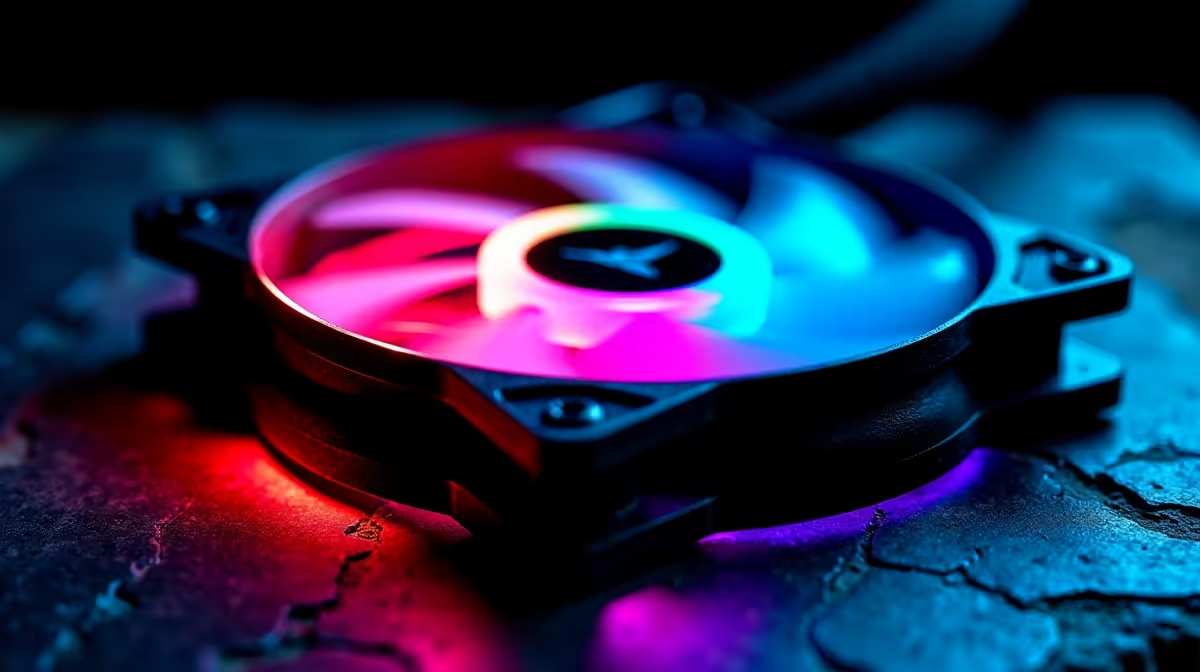
A family should choose case fans from the existing computer case, component heat and household noise tolerance. More fans are not automatically better. Correct size, connector type and airflow direction matter, while a basic office computer may need no extra fans at all.
Inspect the computer first
Read the case manual for supported diameters and mounting positions. Check motherboard fan headers, available hub power, graphics-card length and cable clearance. Record idle and gaming temperatures before changing anything. Dust mats or carpet can restrict intake even when fan count looks adequate.
Create a simple airflow path
Use front or lower intake and rear or upper exhaust where the case design allows it. Keep slight intake bias with filtered vents to reduce dust entering through open gaps. Match fan speed through BIOS controls and avoid running every unit at maximum near homework or video-call spaces.
The factpacks give no verified case-fan set with a price for this family setup. Compare current stock by size, PWM support, noise rating, bearing type and included controller. The GAMDIAS AURA GC11 ARGB case costs a verified R400 as a case reference, but its layout and included equipment must be confirmed before any fan purchase.
Clean filters with the computer off and check that every blade spins freely. Replace a noisy or wobbling unit instead of masking it with aggressive speed settings.
Cooling a shared family PC? > Ask Evetech to check case fit, fan connectors and airflow direction before purchase.