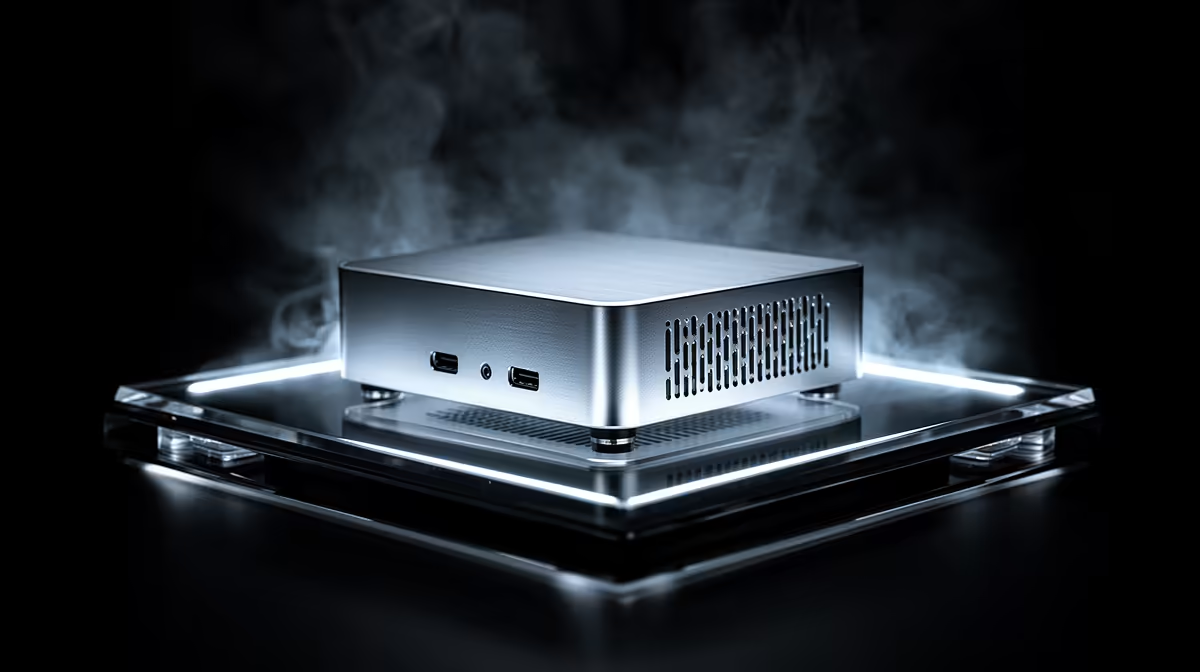
Minisforum NAB6 Lite i5 8GB/512GB at R4,150 suits a first-year student who needs a quiet, compact study machine for notes, browser work, assignments, and campus admin. A mini pc is not automatically overkill in this situation, but paying for a higher-end silent setup can be unnecessary when the daily workload is mostly documents, tabs, video calls, and cloud storage.
What to buy first
The Minisforum NAB6 Lite i5 8GB/512GB at R4,150 is the sensible starting point because its 512GB storage gives enough room for course PDFs, browser downloads, Office files, and a few offline media folders without turning the desk into a tower-PC setup. It also keeps the spend below the higher student-machine options on this list.
The UM750L 16GB/1TB at R4,600 is the stronger value step-up if the student multitasks heavily. Its 16GB memory is useful for running many browser tabs, Teams or Zoom, a PDF reader, and a writing app at the same time, while the 1TB storage gives more breathing room across a full academic year.
Student Desk Reality in SA
For a res room, digs desk, or small home study corner, the NINKEAR M7 16GB/512GB at R4,650 makes sense when desk space matters more than having a built-in screen. Compared with the HP AIO 22 at R10,036, the choice is really about layout: the HP gives a fixed 22-inch screen footprint, while the smaller box lets the student place the screen where it is most comfortable and keep the computer itself tucked away.
The NINKEAR M8 16GB/1TB at R8,350 and NINKEAR L12 PRO i9 at R8,150 move into a higher bracket, so they make more sense for students who expect heavier software, larger local files, or a more permanent desktop replacement. The GEEKOM A8 Max 32GB/1TB at R12,900 is powerful, but for a first-year workload it is closer to a premium creator desk choice than a necessary starting point.
Ready to choose the right mini pc?
Match fanless mini overkill first year to Minisforum NAB6 Lite i5 8GB/512GB at R4,150, then let its listed spec decide whether it belongs on the desk.