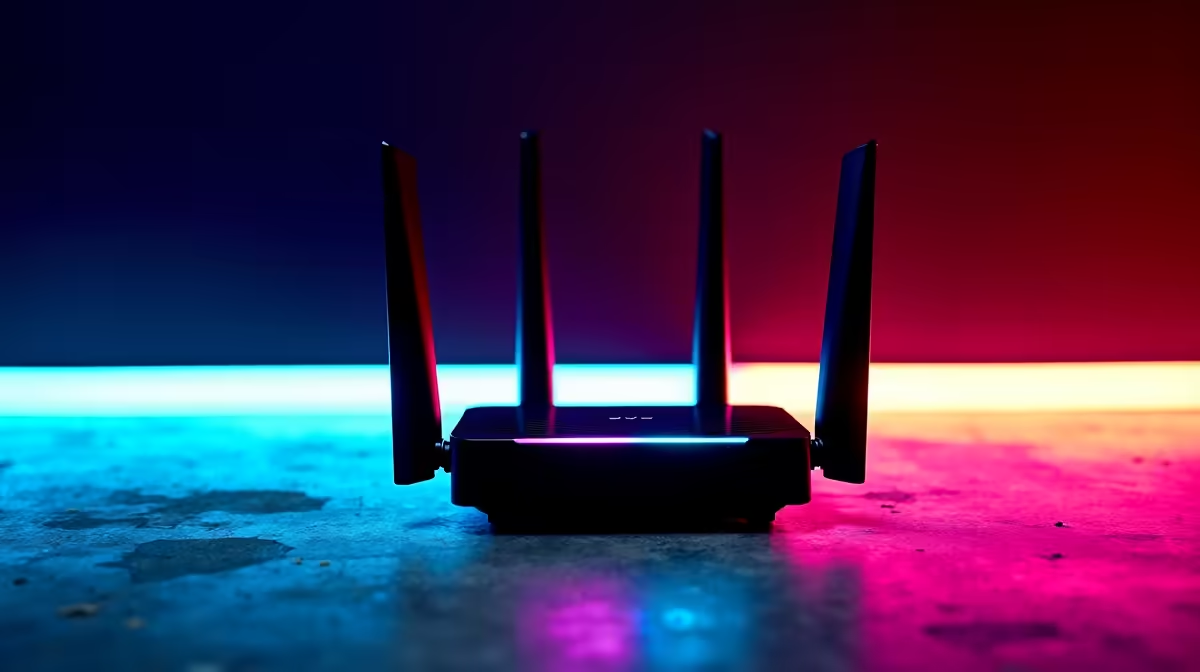
That feeling… you’re one kill away from a clutch win, and then it happens. A massive lag spike. Your fibre connection promises lightning speed, but those frustrating "fibre bursts" and Wi-Fi dead zones tell a different story. Don't just blame your ISP. Often, the culprit is inside your own home, and the fix is easier than you think. Let's get your network sorted and stable.
Diagnosing Those Dreaded Fibre Bursts
When we talk about "fibre bursts," we're usually not talking about the line to your house. We're describing the symptoms of an unstable home network: sudden ping spikes, downloads that start fast then crawl, and video calls that freeze at the worst possible moment. ⚡ These issues often stem from Wi-Fi signal congestion, physical obstructions like brick walls, or simply network hardware that can't keep up with your demands.
Before you spend hours on the phone with your provider, it’s worth investigating if the problem is closer to home. A simple audit of your setup can reveal the true bottleneck, and often, a targeted upgrade is all you need. A stable connection starts with quality components, so exploring your wireless networking options is the first step towards a lag-free life.
Is Your Router the Real Bottleneck?
The free router your ISP gave you was a nice gesture, but let's be honest… it's probably not built for serious performance. These standard-issue units often buckle under the pressure of multiple devices streaming, downloading, and gaming simultaneously. This is a common cause of inconsistent speeds that feel like fibre bursts, even on a 100Mbps line.
Upgrading to a modern router with tech like Wi-Fi 6 (802.11ax) and MU-MIMO (Multi-User, Multiple-Input, Multiple-Output) can make a world of difference. These features are designed to manage traffic more efficiently, ensuring every device gets a stable slice of bandwidth. Think of it as upgrading from a single-lane farm road to a multi-lane highway for your data. Investing in one of these powerful wireless routers is the single most effective way to improve your entire home network's speed and stability.
Router Placement 101 💡
Don't hide your router in a cupboard! Place it in a central, elevated spot away from thick walls and other electronics for the best signal coverage. A simple move can make a massive difference.
Conquer Dead Zones with Smart Internet Boosters 🚀
If your router is solid but you still have Wi-Fi black holes in the bedroom or home office, it's time to deploy some dedicated internet boosters. These devices are designed to extend your network's reach and eliminate weak signal areas for good.
For Your PC: The Underestimated Upgrade
Sometimes the problem isn't the signal's strength, but your PC's ability to catch it. The built-in Wi-Fi on a motherboard or an old USB dongle can be a weak link. A modern Wi-Fi adapter with a high-gain external antenna can drastically improve reception, pulling in a stronger, more stable signal from your router. For gamers, this means lower latency and less packet loss. Check out these high-gain wireless adapters to give your rig the connection it deserves.
For Your Home: Eliminate Dead Spots
For rooms just out of your router's reach, a Wi-Fi range extender is the perfect, easy-to-install solution. It picks up your existing Wi-Fi signal and rebroadcasts it, effectively stretching your network coverage to banish those annoying dead zones. No more buffering when you're trying to stream in bed or dropping from a team call in your study. These internet boosters are a cost-effective way to ensure wall-to-wall coverage.
Stop Tolerating Lag. Upgrade Your Network.
Ready to finally get the stable, high-speed connection you pay for? Explore our range of Wi-Fi range extenders and networking hardware to eliminate those fibre bursts for good.