MSI A520M-A PRO at R700 suits a first-year student who needs the cheapest sensible motherboard starting point for a basic CPU bundle and study desk PC. For most students, the right choice is the board that keeps the build affordable while leaving enough budget for the rest of the setup.
Start with the board tier, not the fanciest name
The MSI A520M-A PRO at R700 is the budget anchor here. Its A520M naming points to an entry-level board tier, which makes sense when the student needs documents, browsing, streaming, and light everyday use before chasing premium extras.
The ASUS Prime B850M-F WiFi at R2,300 is a stronger student-desk option because WiFi is built into the listed model name. That matters in res or digs rooms where the router may sit across the passage and a long cable is awkward.
The ASROCK B850 Pro RS at R2,850 and MSI B850 Gaming Plus at R2,900 sit close together in price, but they signal different priorities. The Pro RS name reads more neutral for a clean study build, while Gaming Plus is the obvious pick if the same PC will also handle after-class gaming.
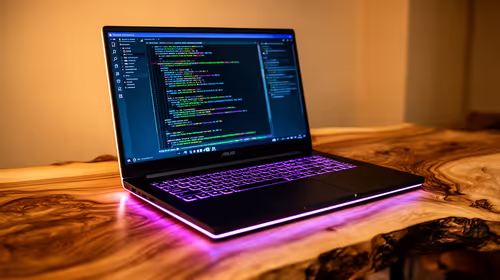
Student desk setup in SA
For a first-year build, avoid spending ASUS TUF Z890-Pro money at R5,000 unless the CPU bundle genuinely needs that higher board class. A tighter student budget usually benefits more from choosing ASUS Prime B850M-F WiFi at R2,300 and keeping cash available for the rest of the desk setup.
Ready to choose the right motherboard?
For should first year student choose, put MSI A520M-A PRO at R700 first and judge the setup around its listed spec.