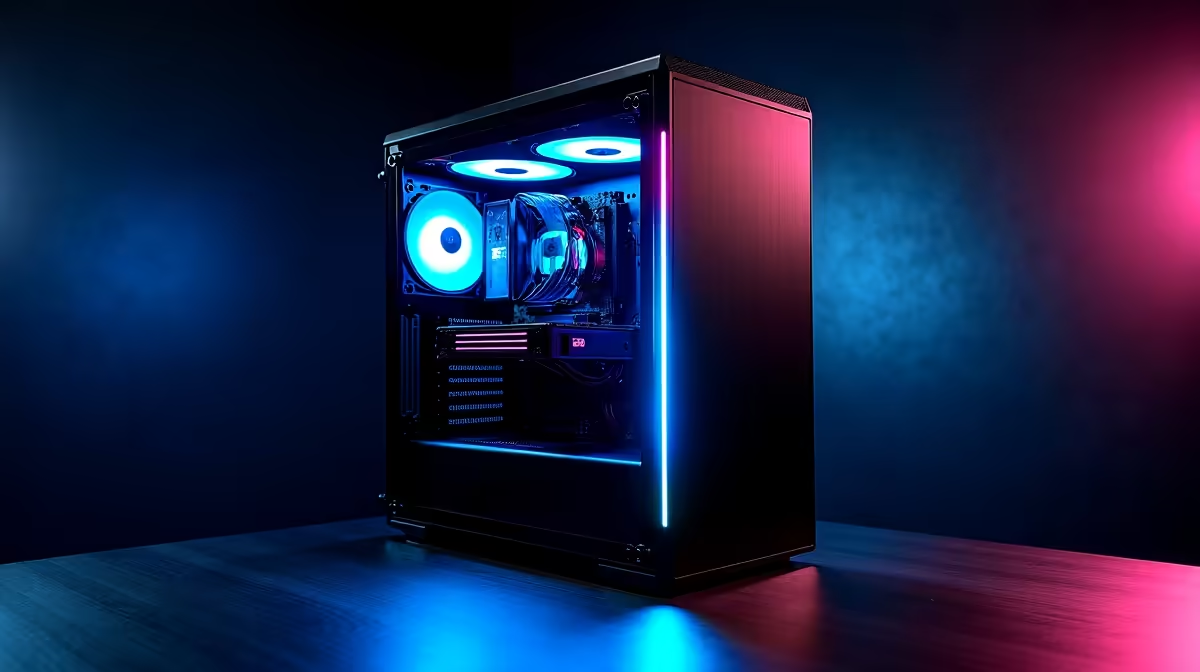
A first-year student should choose a video-editing PC from the course codec, project length, software, portability and campus resources rather than an imagined professional maximum. A balanced computer that finishes real assignments reliably is more useful than expensive graphics that sit idle.
Ask for one representative final project
Open course-style footage with normal captions, grading and effects, then record playback, memory, VRAM, cache growth and export time. Confirm whether campus labs handle occasional heavy work and whether the student must carry the computer between residence, class and home.
The Palit RTX 5060 8GB GPU is verified at R4,800. The ASUS ExpertBook P1503 laptop with Core i5-13420H, 8GB memory, 512GB storage and Windows 11 Pro is R9,858 as a separate portable reference. Verify editing-software support, codec acceleration, memory, storage, display, PSU and warranties.
Keep source footage, project files and exports in versioned independent backups. Use licensed software, protect student accounts and preserve enough free storage for cache. Test a restore before clearing camera media.
Buy the least costly complete system that passes the course project with headroom. A laptop plus campus workstations may provide better first-year flexibility than a large tower.
First-year buyers should include software access, campus portability and repair support before allocating the whole budget to rendering speed.
Preparing for first-year editing? > Compare Evetech GPUs and laptops after checking course requirements.