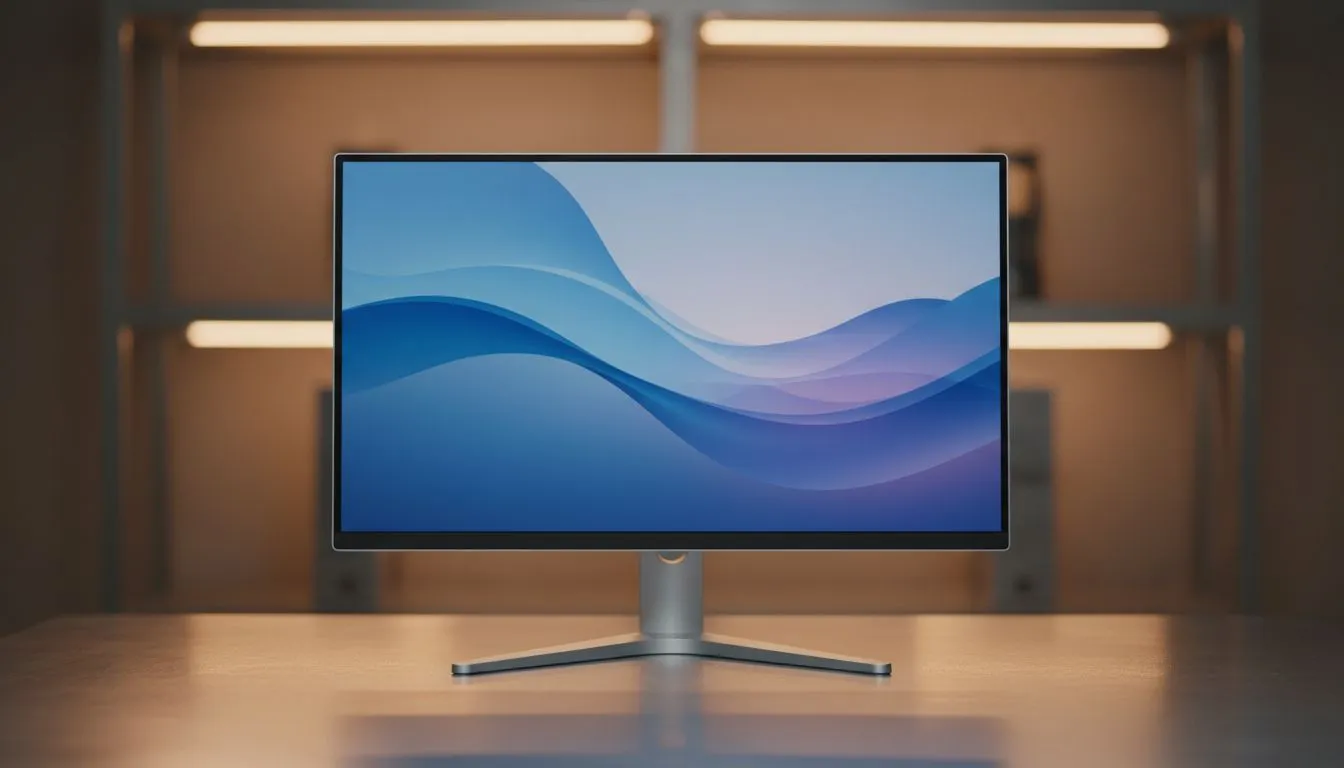
Understanding Why Your Screen Causes Fatigue
Ever finished a long session of Warzone or Apex Legends only to feel like your eyes are burning? It isn't just the late nights... it is likely your screen. If you are tired of headaches and fatigue, switching to a flicker-free monitor is the fastest way to reduce digital eye strain. We look at why South African gamers need to ditch the strobe effect and embrace smoother visuals today. ⚡
Many older or budget displays use Pulse Width Modulation (PWM) to control brightness. This technique flashes the backlight on and off at high speeds. While your brain might not see the flicker, your eye muscles are constantly adjusting to the light changes. This leads to that heavy, tired feeling after just an hour of work or play. Upgrading to a modern unit from our wide variety of PC monitors eliminates this issue by using Direct Current (DC) dimming, providing a constant stream of light that is much kinder to your vision.
How a Flicker-Free Monitor Saves Your Sight
The primary benefit of a flicker-free monitor is the immediate reduction in ocular pressure. When you combine this technology with accurate colour reproduction on IPS panels, you create a viewing experience that is both vibrant and comfortable. This is especially important for designers and office workers in South Africa who spend eight hours a day staring at spreadsheets or creative assets. 🚀
Eye Health Pro Tip ⚡
Follow the 20-20-20 rule to keep your eyes fresh. Every 20 minutes, look at something 20 feet away for at least 20 seconds. This simple habit, combined with a flicker-free display, significantly lowers the risk of long-term fatigue during those marathon sessions at your desk.
Syncing for Smoothness and Comfort
Visual discomfort isn't just about the backlight... it is also about screen tearing and stuttering. To truly reduce digital eye strain fast, you should look for monitors with Adaptive Sync. This technology synchronises your monitor's refresh rate with your GPU's output, ensuring every frame is delivered smoothly.
For those running Team Red, choosing FreeSync for AMD users ensures a tear-free experience without the premium price tag. Conversely, if you are rocking a high-end RTX card, investing in G-Sync for NVIDIA setups provides the ultimate in fluid motion. When your eyes don't have to "fill in the gaps" of a stuttering image, they stay relaxed for much longer.
Choosing the Right Form Factor for Your Eyes
Does the shape of your screen matter for eye health? Absolutely. Many professionals prefer classic flat screen monitors for their predictable geometry and lack of distortion. However, if you use a very large display, immersive curved monitors can actually be better for your eyes. The curve keeps the edges of the screen at a more consistent distance from your pupils, meaning your eyes don't have to refocus as much when scanning from the centre to the corner. ✨
Whether you are spending R3,000 or R15,000, prioritising flicker-free technology is an investment in your long-term health. Don't let a flickering backlight dim your performance.
Ready to Upgrade Your View?
Don't let eye fatigue hold you back from your best performance. Whether you are grinding ranks or finishing a project, a high-quality display makes all the difference. Browse our full range of monitors and give your eyes the comfort they deserve today.