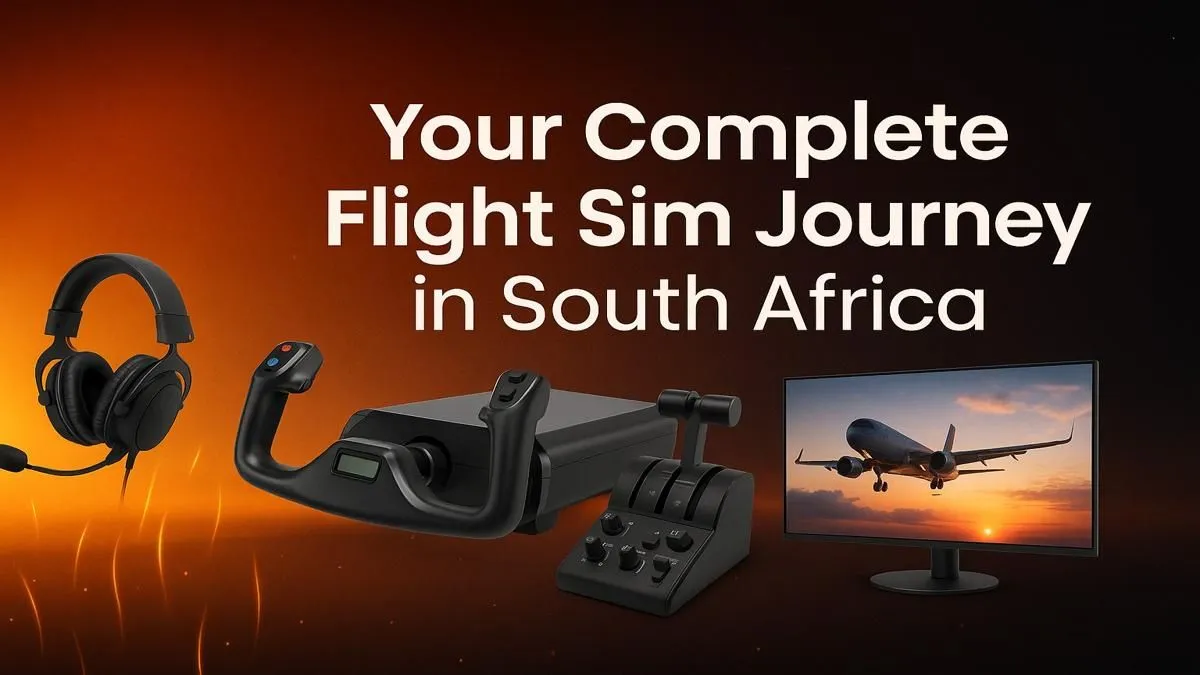
Ever dreamed of soaring over Table Mountain at sunrise or tracing the Blyde River Canyon from your own cockpit? With today's technology, you don't need a pilot's license to experience the thrill. Microsoft Flight Simulator brings the entire globe to your screen with breathtaking detail. For aspiring pilots and tech enthusiasts, setting up for Flight Simulator South Africa is the ultimate project, blending high-performance hardware with the sheer joy of flight. Let's get you airborne. 🚀
Getting Started with Flight Simulator in South Africa: The Right PC
Before you can explore our country's stunning virtual landscapes, you need a machine that can handle the immense detail. Microsoft Flight Simulator is notoriously demanding, relying heavily on both your processor (CPU) and graphics card (GPU) to render realistic weather, terrain, and aircraft.
For a smooth experience, you'll want a powerful multi-core CPU to handle the complex physics and a modern GPU to deliver crisp, high-frame-rate visuals. Don't skimp on RAM either; 16GB is the minimum, but 32GB is highly recommended for flying over dense cities like Johannesburg or Cape Town. To avoid guesswork, consider one of our purpose-built Microsoft Flight Simulator Gaming PCs that are optimised for this very task.
Choosing Your Cockpit View: The Best Monitor Setup
Your monitor is your window to the world. While any decent screen will work, true immersion comes from a display that fills your peripheral vision. This is where the debate between size, resolution, and shape comes in. Do you go for a massive 4K TV or a multi-monitor setup?
For many virtual pilots in South Africa, the sweet spot is an ultrawide display. These immersive curved monitors wrap the image around you, making it feel like you're actually sitting in the cockpit. The extra horizontal space is perfect for keeping your main flight instruments in view without feeling cramped. Of course, whether you prefer a single ultrawide, a triple-screen behemoth, or a high-refresh-rate 1440p panel, you can explore our full range of PC monitors to find the perfect fit.
Taking Control: Essential Flight Sim Peripherals ✈️
You can technically fly with a mouse and keyboard... but why would you want to? The right controls are what separate a simple game from a true simulation. At a minimum, a joystick or a HOTAS (Hands-On Throttle-And-Stick) system is essential for realistic control.
A HOTAS setup gives you a dedicated throttle quadrant and a joystick with multiple buttons and hat switches, allowing you to manage your aircraft's systems without ever reaching for the keyboard. For those wanting the next level of realism, investing in a yoke and rudder pedals is the way to go, especially for flying commercial airliners. You can find incredible gear from specialists like Thrustmaster that replicates the feel of a real aircraft.
Local Aviator's Tip 🇿🇦
a truly spectacular first flight in South Africa, try this route: Take off from Cape Town International Airport (FACT), fly south around the Cape Peninsula past Simon's Town, and then head east along the coast. The flight over the Garden Route towards George Airport (FAGG) offers some of the most beautiful scenery in the entire simulator. It’s a fantastic way to test your new setup!
Comfort for the Long Haul
Virtual flights can last hours, especially if you're simulating a real-world route from Johannesburg to Durban. Sitting in an uncomfortable chair for that long is a recipe for a sore back. An adjustable, supportive chair isn't just a luxury; it's a crucial part of your setup. Investing in one of our ergonomic gaming chairs ensures you can focus on your flight plan, not on your discomfort. ✨
Ready for Takeoff?
Building your dream cockpit is the first step to exploring the skies. From powerful PCs to immersive peripherals, we have everything you need to start your Flight Simulator South Africa journey. Explore our flight-sim ready gaming PCs and find the perfect machine to conquer the virtual skies.