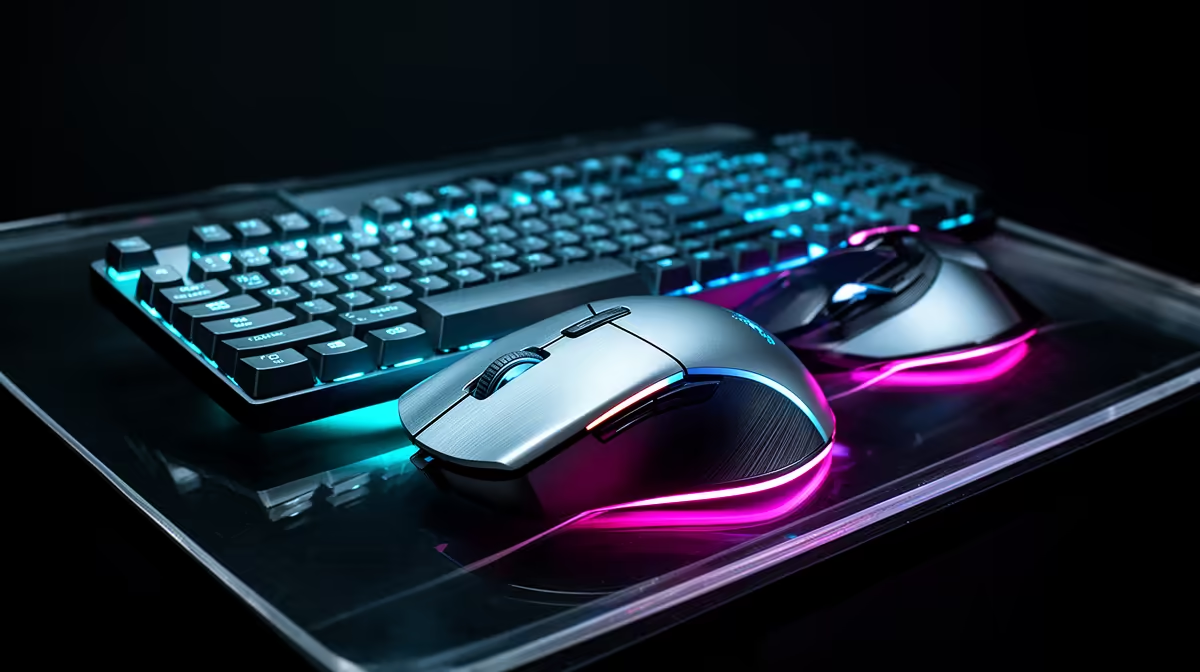
Fortnite asks new players to aim, build and manage audio without needing a premium desk on day one. A beginner Fortnite loadout puts comfort and reliable input first, then upgrades where practice exposes a limit.
Quick Answer
For a beginner Fortnite setup under a R3,000 ceiling, prioritise a mouse that tracks well and a keyboard that registers your movement, build, edit, and weapon inputs together. Keep an existing headset when it is comfortable and clear. Add a new one only after the core controls fit the current basket.
Use the peripheral best sellers to shortlist proven layouts, then compare connection and size choices among gaming accessories. The ceiling needs exact named July 2026 prices; it does not guarantee a fixed mouse, keyboard, and headset combination.
Start with the binds you can reach
Fortnite asks you to move, aim, place builds, edit, swap weapons, jump, crouch, and interact in quick sequences. Write your current binds and mark the ones that force your hand to leave normal movement position.
Use side mouse buttons for one or two frequent actions only when you can press them without changing grip. Loading every build piece onto the mouse can disturb aim and create mistakes. The keyboard should carry the rest across keys your fingers can distinguish.
Change one bind at a time and practise it in a quiet creative map. Several new binds make every error ambiguous. Keep the old map written down until the new one survives real matches.
Controller remains a valid Fortnite input. This guide is for a keyboard-and-mouse beginner, and a switch should follow comfort and platform support rather than a claim that one method wins for everyone.
Choose a mouse you can aim and build with
Shape comes before a large maximum DPI number. Check hand size, grip, side-button position, click feel, cable behaviour, and weight. A mouse that fits lets you maintain the same grip while flicking and selecting builds.
The sensor should track cleanly at your chosen sensitivity and pad. Test slow movement, quick turns, lift and reset, and diagonal tracking. Keep one DPI stage active during play so an accidental button press cannot change the feel mid-fight.
Wired offers a direct path without charging. A supported low-latency wireless mode can remove cable drag. Place its receiver near the desk and away from crowded wireless devices when the maker provides an extension route.
Give the mouse enough surface. A larger pad may deliver more improvement than moving to a costlier sensor you cannot distinguish. Measure the desk with the keyboard placed at its final angle.
Pick keyboard layout before switch type
A compact keyboard frees mouse space, while a full-size board supports work that needs a number pad. TKL and smaller layouts may move function, arrow, or navigation keys. Confirm where your non-game tasks live before choosing.
Membrane and mechanical keyboards can both register Fortnite inputs. Test the combinations used for movement, edit, build, jump, and modifiers. Rollover matters only where the exact required combination is supported.
Mechanical switch labels describe broad feel, not quality or speed on their own. Choose a force and travel that avoid accidental presses while remaining comfortable. Optical, Hall Effect, or rapid-trigger features need current game and event-rule checks when they change input behaviour.
Stable keycaps and a board that does not slide are useful. RGB does not improve edit speed, though restrained lighting can help identify keys in a dark room. Do not sacrifice layout or switch comfort for lighting.
Leave audio until the controls work
The existing earbuds or headset can stay when left and right channels work, speech remains clear, and the fit is comfortable. Fortnite's game mix can provide useful position through stereo without an expensive surround badge.
Set effects and voice levels so team calls remain intelligible. Compare virtual spatial modes with stereo and avoid enabling processing in the game, operating system, and headset at the same time.
If you buy a headset, check microphone position, clamp, pad depth, cable length, and platform connection. Record yourself while pressing the new keyboard. Close microphone placement and lower gain can reduce key noise.
A headset stand is optional. Store the set where the cable and ear pads are not crushed. Charge wireless audio before play and keep a supported wired fallback when the model provides one.
Build two honest R3,000 baskets
Basket one keeps the current audio and uses exact current prices for a suitable mouse, keyboard, and pad. Basket two keeps the current keyboard if its input test passes, adding a mouse and headset that solve proven faults.
Include required receivers, cables, batteries, and delivery conditions. A device that needs an unsupported adapter does not fit merely because its sticker price is under the remaining amount.
Do not buy the cheapest item in each category to force three boxes into the ceiling. Two controls that fit can beat a complete set that causes discomfort or missed inputs. Save for the headset when the current one still works.
Set up before entering ranked play
Update official device software only when needed, save one onboard profile if supported, and disable unused DPI stages. Set Windows and game sensitivity, then leave them unchanged through several practice sessions.
Place the keyboard to create mouse room without twisting the wrist. Keep the pad flat and clean. Route the mouse cable through a clear path or place the wireless receiver where the signal remains dependable.
Practise build placement, edit confirmation, weapon swaps, and aim in separate drills. Hardware provides consistent inputs; repetition turns them into speed. Record missed actions so the next change addresses a pattern.
Check the setup in the mode you play, not only an empty practice island. A busy fight adds visual load, rapid key combinations, voice chat, and pressure. If an input fails there, reproduce the same combination in a keyboard tester or device tool before blaming the game. This separates a hardware limit from a bind conflict or a moment of missed timing.
FAQ
Can R3,000 cover a beginner Fortnite setup?
It may cover a focused basket at current July 2026 prices, especially when you keep a working headset or keyboard. Price exact named products and required accessories before deciding.
Is mechanical better than membrane for Fortnite?
Either can work when it registers the required key combinations and feels comfortable. Layout, rollover, switch force, stability, and your binds matter more than the mechanism label.
Should a beginner buy the headset last?
Keep existing audio when it provides clear stereo, communication, and comfort. Replace it first only when sound or microphone faults harm play; otherwise, settle the mouse and keyboard controls.
Map your Fortnite binds, test the controls you own, and build a July 2026 basket that spends only on the inputs that fail that test.