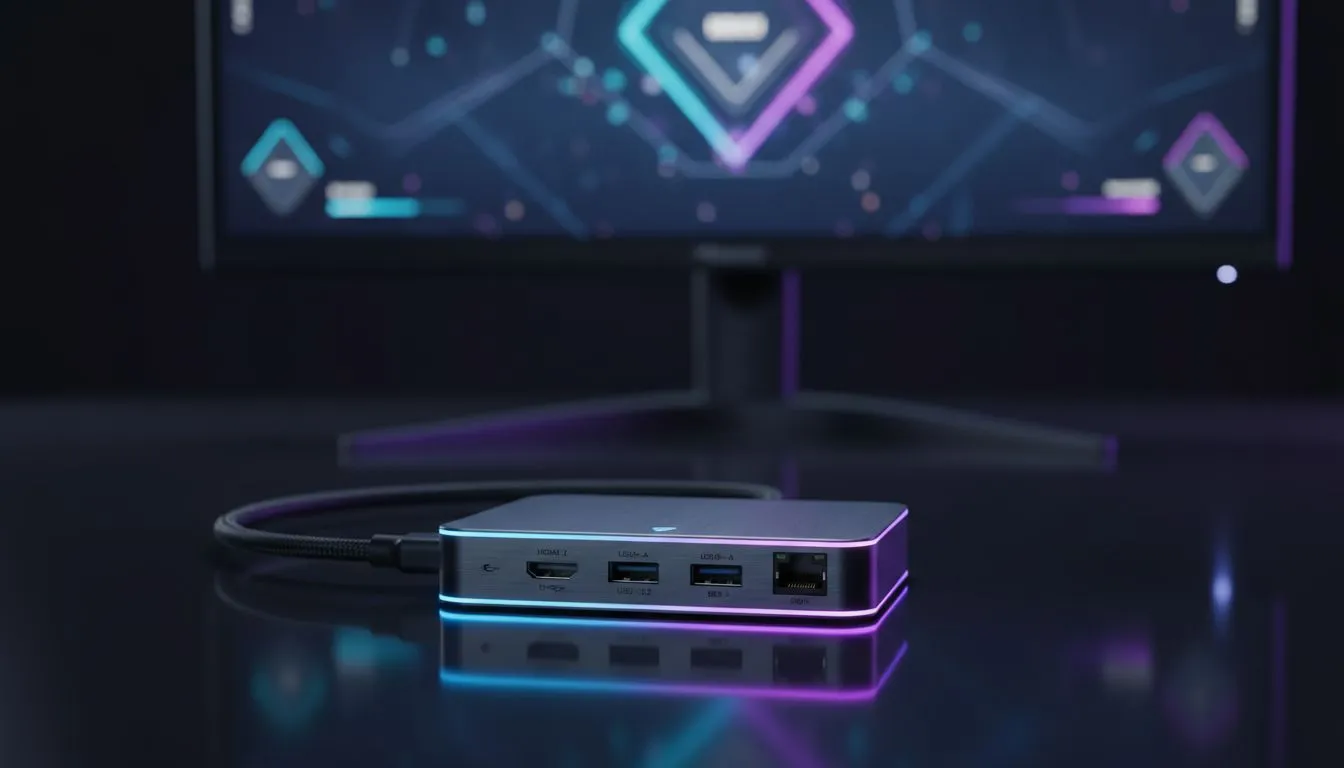
Can You Really Game on an External Monitor with a USB-C Hub?
You have the perfect gaming laptop, but that small screen is holding you back. You want to plug into a massive 144Hz display... but your ports are limited. Can you actually game on an external monitor with a USB-C hub without lag? The short answer is yes. However, choosing the wrong hub can lead to stuttering or capped refresh rates. Let's fix your setup. 🔧
Understanding the Bandwidth Bottleneck
Not all USB-C ports are created equal. To get a clean signal to your monitor, your laptop port must support DisplayPort Alt Mode. This allows video data to pass through the USB-C connection. If you are watching your budget, you can find affordable docking stations under R1000 that handle basic 1080p output perfectly.
When you add peripherals like a mouse, keyboard, and headset to the same hub, you consume bandwidth. For competitive shooters like Counter-Strike 2 or Valorant, every millisecond counts. High-quality hubs manage this data flow better than generic alternatives.
Choosing the Right Specs for High Refresh Rates
If you are aiming for 144Hz or 4K resolution, you need a hub with high-spec internals. Standard HDMI 1.4 hubs often cap you at 30Hz or 60Hz... which is a nightmare for gaming. For those needing 4K support or higher refresh rates, investing in a mid-range hub under R2000 is often the sweet spot for performance.
Look for hubs that explicitly mention HDMI 2.0 or DisplayPort 1.4 support. These standards have the "pipe" size required to move massive amounts of graphical data from your GPU to your screen without breaking a sweat.
Gaming Performance Tip ⚡
Always plug your laptop's original power brick directly into the wall rather than relying solely on the hub's Power Delivery for gaming. While hubs can charge your device, heavy gaming loads often draw more power than a standard hub can pass through, which might throttle your CPU or GPU performance during intense matches.
Reliability and Build Quality Matters
Heat is the enemy of electronics. Cheap plastic hubs tend to overheat when pushing a high-resolution video signal for hours. This leads to dropped connections or flickering screens in the middle of a raid. Many local gamers swear by Promate docking stations for their reliability and sleek aluminium builds that dissipate heat effectively.
The market is full of options, so browsing the full range of docking stations helps you compare port layouts and find exactly what your desk setup requires. 🚀
The Verdict: Is it Worth It?
Using a hub simplifies your life. One cable connects your monitor, peripherals, and sometimes even your internet via Ethernet. As long as you match the hub's capabilities to your monitor's resolution and refresh rate, the experience is indistinguishable from a direct connection. Just remember to check your laptop's port specs first... it saves a lot of troubleshooting later. ✨
Ready to Level Up Your Setup?
Finding the right connection shouldn't be a guessing game. Whether you need high refresh rates or just more ports for your gear, we have the tech to get you there. Explore our massive range of docking stations and find the perfect hub to power your gaming sessions.