Navigating Your Desktop with Gamepad Touch Panel Controls ⚡
Have you ever wished your gaming controller could do more than just play? South African gamers know the frustration of juggling a keyboard, mouse, and controller simultaneously. Enter gamepad touch panel controls for desktop navigation—a clever way to blend gaming precision with everyday PC use. Imagine scrolling through your media, switching windows, or browsing the web without leaving your desk or breaking your flow. This tech is leveling up how you interact with your computer.
What Are Gamepad Touch Panel Controls and Why They Matter
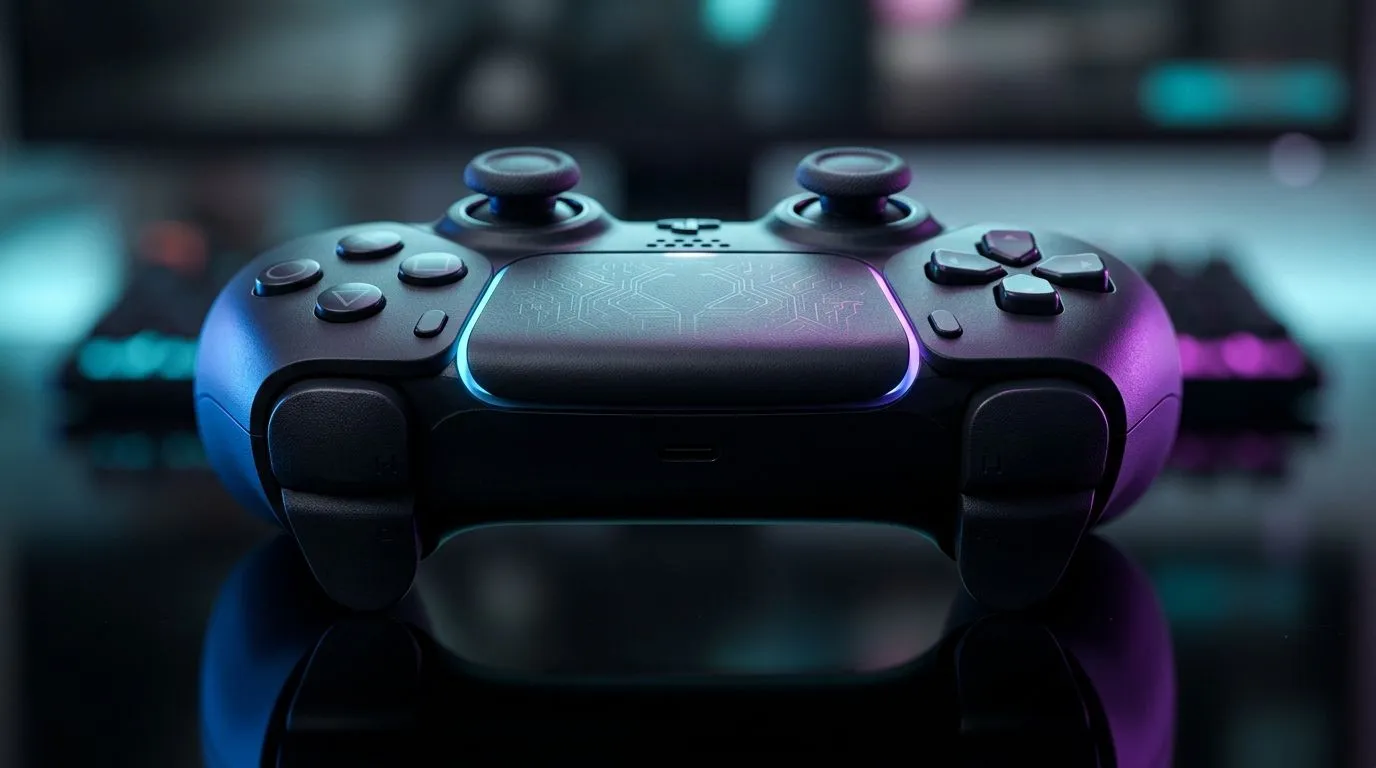
Gamepad touch panel controls integrate touch-sensitive surfaces on controllers, turning taps and swipes into commands for your desktop. Instead of reaching for your keyboard or mouse, you can navigate menus, switch apps, and even control media playback effortlessly. This means less desk clutter and more seamless multitasking during gaming breaks or work sessions.
Many modern controllers now feature this functionality, including premium options like the Razer Wolverine V3 Tournament Edition, which blends responsive buttons with touch controls for unmatched versatility. You can find the Razer Wolverine V3 Tournament Edition for competitive prices right here.
How to Make the Most of Touch Panel Controls on Your Gamepad
To harness gamepad touch panel controls effectively, firstly, customise the touch panel settings linked to your desktop OS or gaming platform. Many controllers offer software to map swipes and taps to keyboard shortcuts or macros.
For instance, you might map a swipe left to "alt-tab" between open applications or a tap to pause your media. This lets you keep your hands on the controller without breaking immersion. Such layouts are especially powerful for multitasking during livestreams or quick desktop navigation.
If you're hunting for a gaming controller packed with these modern features, check out the full range available at Evetech. From budget options to elite gear, the selection here covers all your gaming control needs: Buy gaming controllers at Evetech.
Pro Tip
Set your touch panel sensitivity low enough to avoid accidental inputs but high enough to catch deliberate actions. This balance keeps your desktop navigation smooth and frustration-free.
Choosing the Right Controller for Touch-Enabled Desktop Use 🔧
Not all gaming controllers offer touch panels designed for desktop navigation, so picking the right one is key. Razer’s premium line stands out for blending tactile buttons with responsive touch areas tailored for PC users.
You’ll want a model that supports both wired connections for low latency and has robust software support for customising touch inputs. These features make your experience fluid whether you’re gaming hard or just browsing.
Explore Razer’s diverse controller range here and find a model that fits your setup and lifestyle perfectly: Explore Razer controllers at Evetech.
The Future of Desktop Navigation Is in Your Hands 🚀
Gamepad touch panel controls are redefining how South Africans interact with desktops during and beyond gaming. From multitasking without missing a beat to controlling media with a flick of your thumb, the benefits are clear. Staying ahead means upgrading your gear to controllers that empower you beyond button mashing.
Isn’t it time your controller worked as hard as you do?
Elevate Your Desktop Control Today
Take your desktop navigation and gaming experience to the next level with cutting-edge controllers. Shop now at Evetech for performance that leaves lag in the dust.