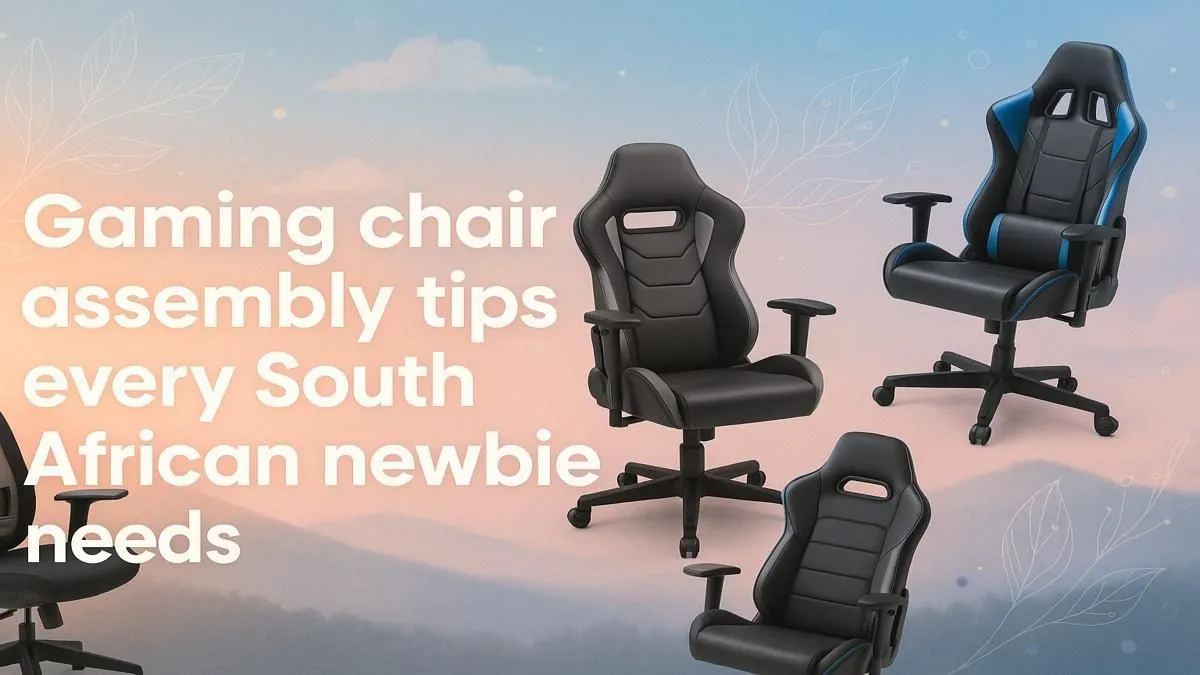
That massive box from Evetech has landed. The excitement is real! Inside is your new command centre, the throne for countless future victories. But first, there's the small matter of assembly. Feeling a bit nervous staring at all those parts? Don't stress. This essential gaming chair assembly guide is your step-by-step plan to get you from box to battle-ready in under an hour, without dropping a single screw (or a swear word).
Your Pre-Assembly Checklist
Before you even think about tearing open the plastic, let’s get organised. A smooth assembly starts here. First, find some space. Clear a decent patch of floor in your room – you’ll need more space than you think to lay everything out.
Next, open the box carefully and lay out every single component. Grab the instruction manual and the parts list. Now, do a quick inventory. Check that every bolt, washer, and wheel is accounted for. There’s nothing worse than getting halfway through your new gaming chair assembly only to find a critical piece is missing. 🔧
Assembling Your Gaming Chair Like a Pro
Alright, with everything checked, it's time to build. We'll break this down into simple, manageable stages. Most chairs follow this same basic process, whether you've snagged one of the best gaming chair deals or invested in a top-tier model.
Step 1: Building the Foundation
Start from the ground up. Take the five-star base and pop the caster wheels into their sockets. They should click in firmly. Sometimes they need a good, solid push. Once they're all in, flip the base over and simply slot the gas lift cylinder into the centre hole. Easy peasy.
Step 2: Attaching the Mechanism & Armrests
Now for the seat. Place it upside down on a soft surface (like the box it came in) to avoid scratches. Locate the control mechanism – this is the chunky metal part with all the levers. Align it with the pre-drilled holes on the bottom of the seat, making sure the height adjustment lever is on the correct side (usually the right). Screw it in, but don't tighten the bolts all the way just yet.
Next, attach the armrests. Pay close attention to the 'L' and 'R' markings to ensure you put them on the correct sides!
Pro Assembly Tip
Hand-tighten all your bolts first. Only once every bolt for a component (like the seat mechanism) is in place should you go back and tighten them fully. This gives you wiggle room for perfect alignment and prevents stripping the threads.
Step 3: The Final Connection ✨
This is the moment of truth. Carefully lift the assembled seat section and lower it onto the gas lift cylinder on the base. It should slide on securely. Give it a gentle press downwards to lock it in place.
Finally, attach the backrest to the seat using the large bolts on the side hinges. This can be the trickiest part to do alone. Our advice? Prop the backrest against a wall or sofa while you align the first bolt. Once one is in, the other is much simpler. Pop the plastic covers over the hinges, and you're done!
Avoiding Assembly Frustration
Even the best of us make mistakes. A good gaming chair assembly guide prepares you for them. A common issue with premium gaming chairs above R4000 is their complex mechanisms; always double-check the manual for your specific model's features.
Watch out for:
- Wrong bolt, wrong hole: The provided bolts are often different lengths. Using a long bolt in a short hole can damage the chair.
- Backwards Mechanism: Putting the seat mechanism on backwards is a classic! The tension knob should almost always face the front of the chair.
- Forgetting the Covers: Those little plastic covers for the gas lift and side hinges seem cosmetic, but they keep dust out of the important parts.
Your Post-Build Systems Check
You did it! Your throne is assembled. But before you jump into a 10-hour gaming session, test everything.
- Roll it around. Do the wheels move freely?
- Test the height adjustment lever.
- Check the recline and tilt-lock functions.
- Adjust the armrests to your preferred height and angle.
Taking a minute to do this ensures everything is working as intended. Remember, even a great value gaming chair under R4000 will last for years with a little bit of care. Wipe it down occasionally and check the bolts are still tight every few months. 🚀
Ready to Claim Your Throne?
Whether you're assembling your first chair or looking for an upgrade, the right seat makes all the difference. Explore our massive range of gaming chairs in South Africa and find the perfect fit for your setup.