Quick Answer
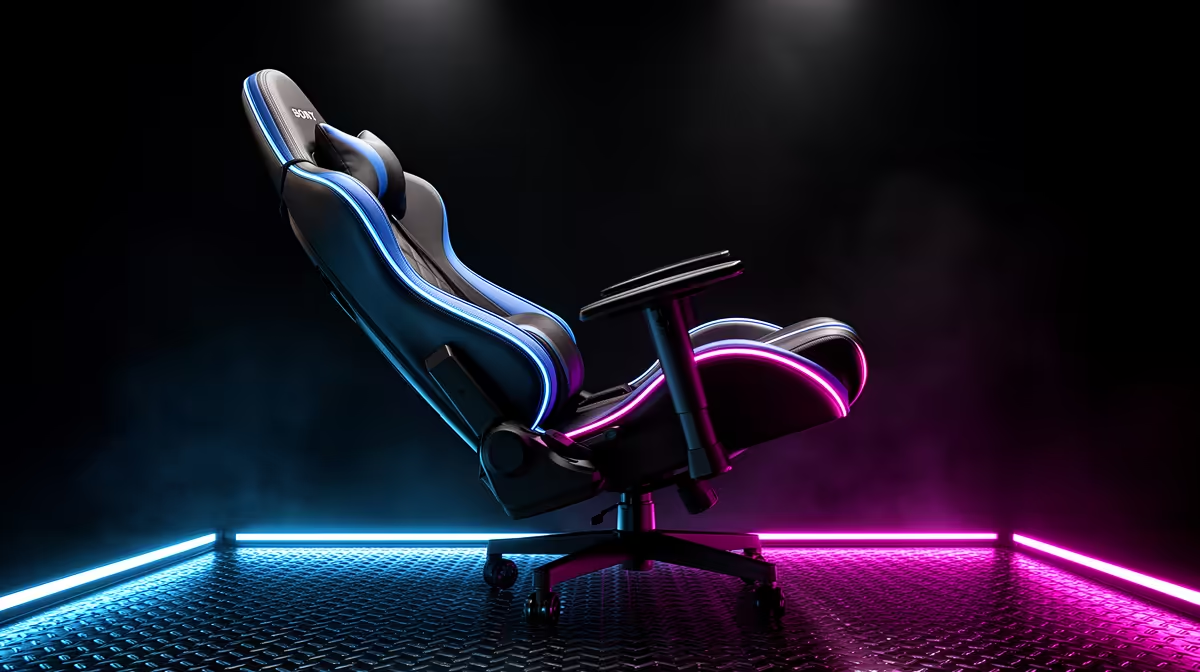
On your gaming chair upgrade checklist, do not ignore recline. A backrest that locks at 135 to 155 degrees turns one chair into both a work seat and a rest seat. Expect quality multi-tilt chairs from around R3,200 at Evetech.
Why Recline Deserves A Spot On The List
Most checklists obsess over armrests and lumbar but skip recline, which is the feature you use every long session. A backrest that reclines and locks lets you sit upright for competitive play, then lean back to 150 degrees for cutscenes, video, or a break without leaving the chair. A fixed or stiff backrest forces you to stand and move every time you want to relax.
Look for a smooth tilt mechanism with a tension dial, not just a lever that drops the whole chair backward. The dial lets you set how easily the chair rocks so it does not flop back the moment you lean.
The Rest Of The Checklist, Briefly
After recline, confirm a separate adjustable lumbar, height-adjustable armrests, and a weight rating above your own with margin. Check castor type for your floor; soft polyurethane wheels are quieter and kinder to tiles and laminate than hard nylon. Finally, verify the cover material suits a warm SA room so it does not get sticky.
FAQ
What recline angle should I look for?
A range from upright to roughly 150 degrees covers both focused play and resting. A lockable backrest at several stops is more useful than a single fixed angle.
Is a tilt tension dial necessary?
It is genuinely useful. The dial sets how much force is needed to rock back, preventing the chair from tipping unexpectedly and letting heavier and lighter users tune the feel.
Does recline weaken the chair over time?
On a quality chair with a metal mechanism, no. Cheap plastic recline parts are the ones that wear, so check the mechanism build rather than avoiding recline.
Test the full recline range and tension dial in person, then confirm the lumbar and armrests adjust to your frame before upgrading.