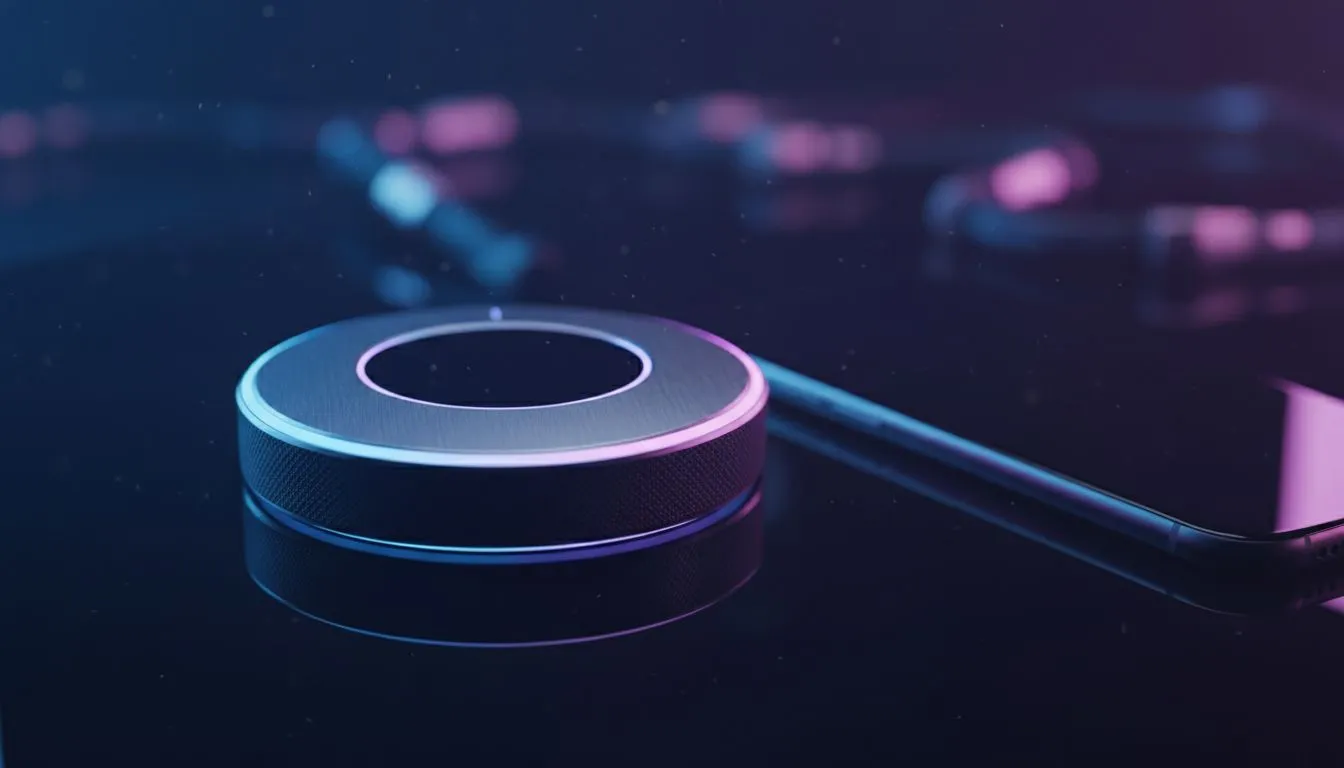
Finding the Perfect Vibe: Gaming Lights Control: Smart Dial vs App Control
You have spent hours perfecting your cable management and choosing the right GPU. The final touch is always the lighting... that immersive glow that sets the mood for a late-night session in Cape Town or Joburg. But how do you manage it? Deciding on gaming lights control: smart dial vs app control is a choice between tactile speed and deep customisation. It changes how you interact with your space. ⚡
The Tactile Advantage of Smart Dial Control
There is something satisfying about a physical interaction. A smart dial sits on your desk, ready for action. You do not need to unlock a phone or minimize your game to change the mood. When you buy gaming accessories with physical dials, you are choosing immediate feedback.
A quick twist adjusts the brightness. A press might cycle through your favourite colour presets. It is the ultimate convenience for South African gamers who want to stay focused on the match. If the sun sets and glare hits your screen... a simple turn of the dial fixes it in a second. No menus... no loading screens... just instant results.
Lighting Pro Tip ⚡
To reduce eye strain during long sessions, use your smart dial to set a warm amber glow behind your monitor. This 'bias lighting' balances the contrast between your bright screen and the dark room, making those marathon sessions much more comfortable for your eyes.
The Deep Customisation of App Control
Smartphone apps offer a different level of power. While dials are about speed, apps are about precision. You can choose from millions of colours or create complex lighting animations that sync with your hardware. If you are hunting for gaming accessories deals in ZAR, you will find that many high-end kits rely on robust software ecosystems.
Apps allow you to set schedules. You could have your lights turn a soft orange at sunset or flash red when your PC hits a certain temperature. This level of gaming lights control: smart dial vs app control usually leans toward the app for those who love automation. You can even control your room's vibe while you are away from your desk... ensuring your setup is glowing the moment you walk in.
Which Control Method Suits Your Setup?
The choice often comes down to your personal workflow. Do you prefer the "set it and forget it" nature of software? Or do you enjoy the hands-on feel of premium hardware? Many enthusiasts choose a hybrid approach, using apps for the initial setup and dials for daily adjustments. 🚀
When browsing the latest gaming accessories, consider how much space you have on your desk. A dial takes up physical real estate... while an app lives entirely on your phone or PC. Both have their place in a modern South African battlestation. 🔧
Ready to Find Your Perfect Match?
The Gaming Lights Control: Smart Dial vs App Control debate is personal, but having the right gear makes all the difference. Explore our massive range of gaming accessories and find the perfect lighting solution to conquer your world.