Article (MDX)
Ever nailed that perfect headshot in Valorant, only to feel like your screen couldn't quite keep up? Or marvelled at the breathtaking vistas in Elden Ring, wishing the colours were just a bit more vibrant? That's not your GPU complaining… that's your monitor. The gaming monitor technology packed into that panel is the unsung hero of your entire setup, translating raw data into visual victory. Let's dive into the science behind your screen. 🚀
The Core Specs That Truly Matter
Forget the marketing jargon for a second. When you're looking at gaming monitor technology, three key specs determine 90% of your experience: Resolution, Refresh Rate, and Response Time.
Resolution: The Quest for Clarity
Resolution is simply the number of pixels on your screen. More pixels mean a sharper, more detailed image. While 1080p (Full HD) is still a solid entry point, the sweet spot for many South African gamers today is 1440p (QHD). It offers a significant visual upgrade without demanding a top-tier graphics card. For those chasing ultimate immersion and detail, the jump to ultra-high definition with 5K & 4K monitors makes every game a cinematic masterpiece.
Refresh Rate (Hz): Smoothness is Speed
Measured in Hertz (Hz), refresh rate is how many times your monitor updates the image per second. A standard 60Hz screen is fine for browsing, but for gaming, it's a bottleneck. A higher refresh rate, like 144Hz or 240Hz, creates a buttery-smooth image where you can track fast-moving targets with incredible precision. This is arguably the most impactful piece of the gaming monitor technology puzzle for competitive players. You can see the difference across a wide variety of all gaming monitors available in SA.
Response Time (ms): Banishing Ghosting
Response time, measured in milliseconds (ms), is how quickly a pixel can change colour. A slow response time leads to "ghosting" or motion blur, where you see a faint trail behind moving objects. For fast-paced shooters and racing games, a 1ms response time is the gold standard, ensuring every frame is crisp and clear.
Decoding Panel Technology: IPS vs. VA vs. TN
The type of LCD panel in your monitor heavily influences its performance characteristics. There's no single "best" type; it's about what you prioritise.
- IPS (In-Plane Switching): The king of colour. IPS panels offer the most accurate and vibrant colours with wide viewing angles. They're perfect for gamers who play visually stunning single-player titles and also do creative work.
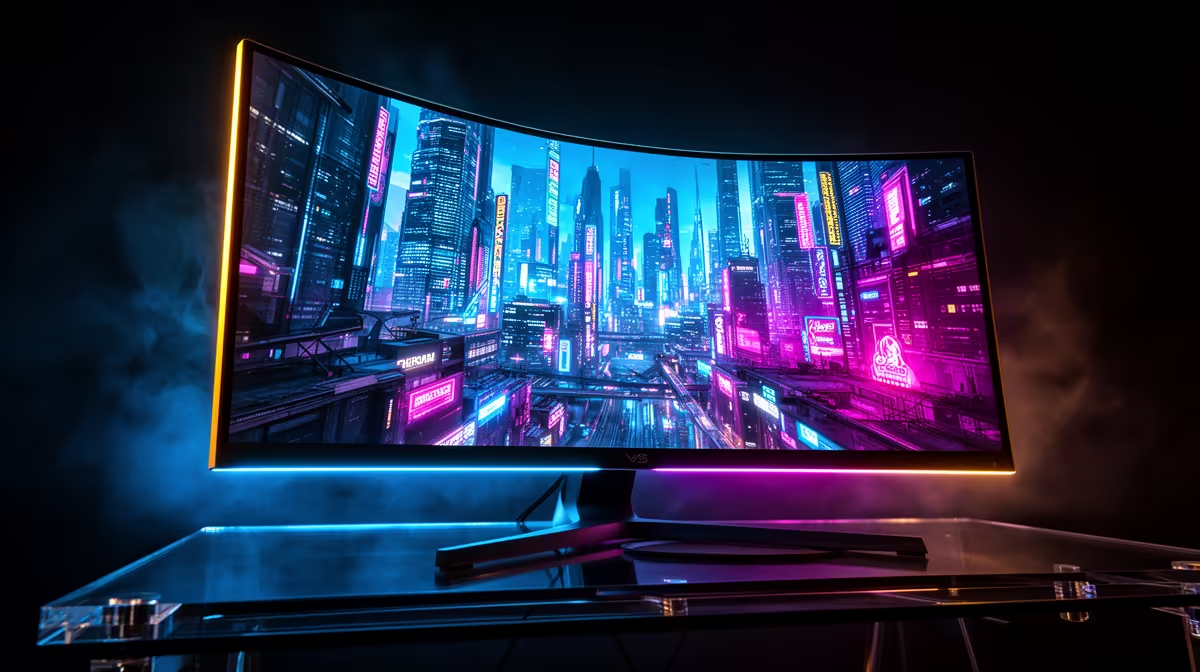
- VA (Vertical Alignment): The master of contrast. VA panels produce the deepest blacks, making them fantastic for playing in a dark room and enjoying cinematic games. This deep contrast is why they're a popular choice for immersive curved gaming monitors.
- TN (Twisted Nematic): The speed demon. TN panels traditionally offer the fastest response times at the lowest cost, making them a favourite for esports pros who value performance above all else. However, their colour reproduction and viewing angles are the weakest of the three.
Next-Level Features: Sync, Colour, and Comfort 🔧
Modern gaming monitor technology goes beyond the basics. Adaptive Sync (NVIDIA's G-Sync and AMD's FreeSync) is a must-have feature that synchronises your monitor's refresh rate with your GPU's frame output, eliminating ugly screen tearing.
Then there's HDR (High Dynamic Range), which allows for a much wider range of brightness and colour. A good HDR display makes explosions brighter, shadows deeper, and game worlds feel incredibly lifelike. ✨
Ergonomics Pro Tip ⚡
monitor's stand is more important than you think. But for ultimate flexibility, nothing beats a VESA mount. It lets you position your screen at the perfect height and angle, reducing neck strain during long gaming sessions. Plus, it frees up valuable desk space. Check out our range of high-quality [monitor accessories](https: www.evetech.co.za PC-Components buy-monitor-accessories-368) to perfect your setup.
Specialised Screens for Every Gamer
The market has evolved to meet specific needs. Ultrawide monitors offer a massive field of view in supported games, while the latest portable monitors are perfect for laptop gamers, LAN parties, or as a secondary Discord screen.
Ultimately, understanding the science behind your screen isn't about memorising acronyms. It's about knowing what features will make your favourite games look and feel better. Choosing the right display is one of the most significant upgrades you can make, transforming your entire gaming experience. Browse our full catalogue of PC monitors to see all the options.
Ready to See the Difference?
The right screen technology elevates your entire gaming world. From blistering refresh rates to stunning 4K clarity, your perfect visual upgrade is waiting. Explore our massive range of gaming monitors and find the perfect display to dominate the competition.