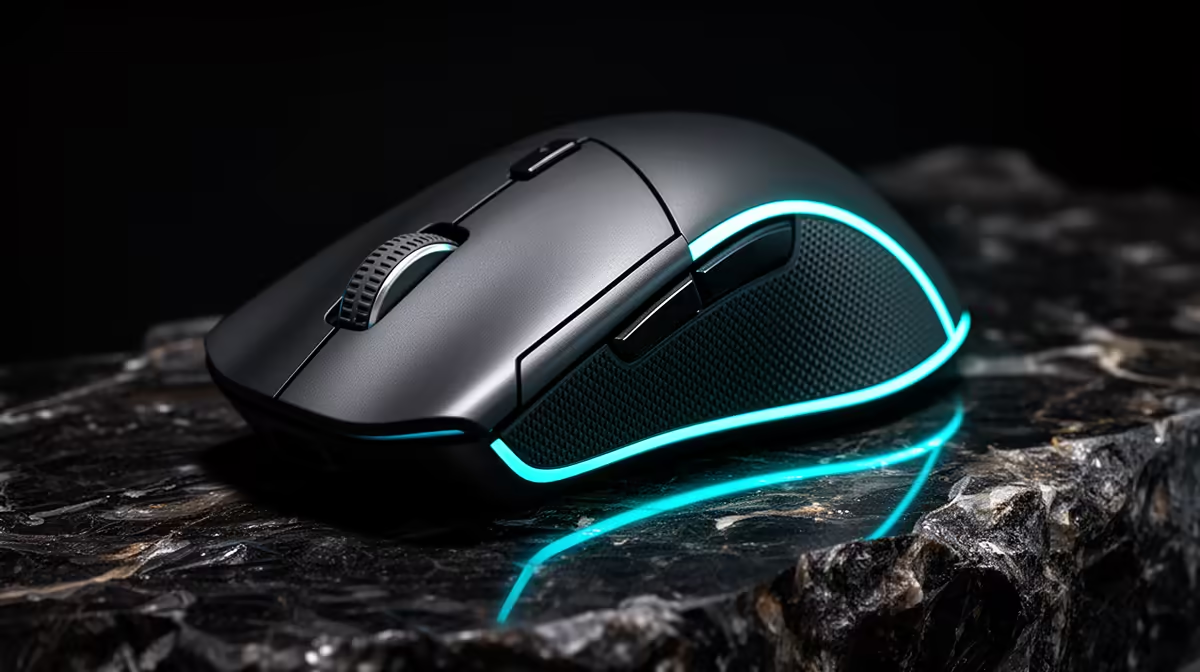
Logitech G305 Wireless at R525 suits editors who want a cleaner creator desk and quicker pointer control without paying for an ergonomic specialist mouse. A gaming mouse is worth buying when your current mouse slows down timeline scrubbing, clip trimming, window switching, or precise drag work, because those small movements repeat for hours.
Better control for timeline work
The Logitech G305 Wireless at R525 is the strongest middle pick here because its wireless design keeps the desk less cluttered while you work across panels, bins, and preview controls. For a creator who edits after work or studies from the same desk, that matters more than flashy extras.
The Logitech Lift Ergonomic at R956 is the comfort-first option. Its ergonomic design makes sense if long sessions leave your wrist tired, especially when you spend more time selecting, dragging, and adjusting than actually typing. It costs more than the G305 Wireless, but the spec is aimed at posture and hand position rather than pure gaming feel.
Promate SAMIT at R100 is the budget option for a second desk, spare workstation, or basic editing station where the main goal is simply replacing a weak office mouse. It is the cheapest listed SKU, so treat it as the practical fallback rather than the most comfortable long-session choice.
SA creator desk reality
On a South African creator desk, the useful upgrade is not about looking like a gaming setup. It is about keeping the mouse responsive enough for repeated cuts, enough room for a keyboard and notebook, and fewer cables fighting with chargers, drives, and speakers. That is where the Logitech G305 Wireless at R525 feels more sensible than a basic spare mouse.
Ready to choose the right gaming mouse?
Start the gaming room shortlist with Promate SAMIT at R100, especially if gaming mouse actually editing davinci points you toward its listed spec.