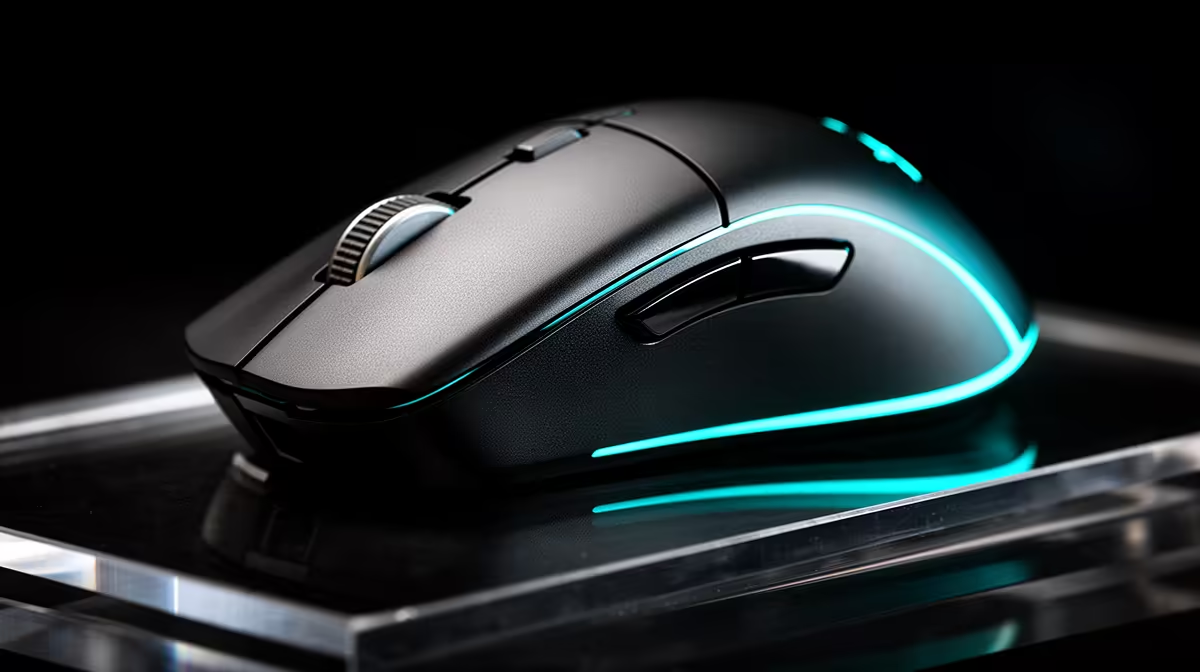
Logitech G305 Wireless at R525 suits a creator who wants a gaming mouse for a colour grading desk where cable-free control matters more than spending anywhere close to the full setup budget. It keeps the pointer area clean beside a keyboard, tablet, or grading panel, and the Wireless spec is the useful detail here: less cable drag when you are making small timeline, slider, and mask adjustments.
Strong mouse picks for a creator desk
The Logitech G305 Wireless at R525 is the most natural first pick because the Wireless spec fits a tidy editing space. For colour grading, you are often moving between tiny UI controls, previews, and adjustment panels, so a mouse that does not tug against a cable can make the desk feel calmer during long sessions.
Promate SAMIT at R100 is the lean option if you only need a basic mouse beside a larger creative setup. The useful spec is its low R100 price, which makes sense when most of the budget is already going into the screen, PC, or peripherals around the grading station rather than the mouse itself.
Logitech Lift Ergonomic at R956 is the comfort-focused choice. Its Ergonomic spec is the reason to consider it if you spend hours making fine edits, browsing reference images, and moving through project timelines.
Colour grading desk reality in SA
On a creator desk, the mouse should support the workflow without stealing budget from the display and PC. Logitech G305 Wireless at R525 is a sensible middle ground because its Wireless spec keeps the surface cleaner while still matching the required category.
Ready to choose the right gaming mouse?
Use Promate SAMIT at R100 as the gaming room benchmark, then check whether its listed spec matches the space, workload, and upgrade path.