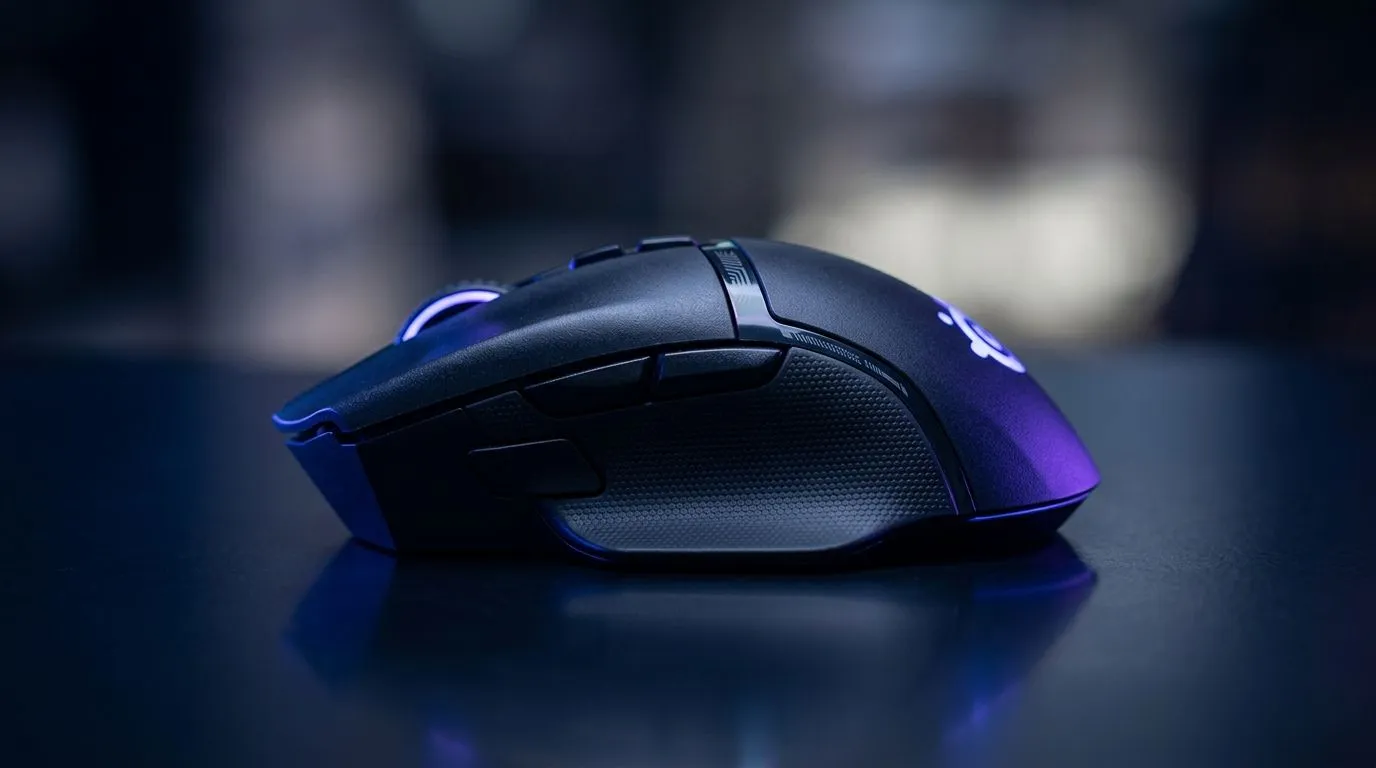
Gaming Mouse Sensors Guide: Owl-Eye 26K DPI Optical Tracking for South African players
If you’ve ever felt your aim “slip” mid-fight, you already know… mouse tracking matters. In South Africa, where we game on everything from budget rigs to high-end builds, the right sensor can be the difference between clean micro-adjustments and annoying inconsistency. 👀
So what do you look for when a spec sheet says “26K DPI” and “optical tracking” with an Owl-Eye style sensor? Let’s break it down like we’re dialling in your settings before a ranked session.
What “Owl-Eye 26K DPI Optical Tracking” actually means 🔍
“DPI” is how many pixels the cursor moves per inch of mouse movement. Higher DPI gives you more movement precision potential, but it does not automatically make you a better aimer. Real performance comes from sensor quality, polling stability, and how well the sensor reads your specific mousepad surface.
“Optical tracking” generally uses light to detect movement. Compared to older mechanical approaches, modern optical sensors tend to deliver more consistent tracking across typical surfaces. The “Owl-Eye” branding usually signals a focus on precision and reliability, but the key takeaway is this: the sensor must be stable at your real-world movement speeds, not just at maximum DPI.
Evetech stocks a wide range of wired and wireless gaming mice, and you can filter by the type that best suits your play style:
The sensor settings that actually improve aim (not just the DPI number) 🎯
Start with a realistic DPI, then tune your sensitivity. Many competitive players prefer DPI between 400 and 1600 and adjust in-game sensitivity from there. The best sensor in the world won’t save bad settings, especially if your mousepad texture fights the sensor.
Here’s a simple approach you can test tonight:
- Pick one DPI you can control comfortably (for example 800 DPI).
- Lower in-game sensitivity until you can do precise 180-degree turns without overshooting.
- Adjust your mousepad choice if you notice drift or inconsistencies during smooth tracking.
Why it feels different: optical sensors can behave differently across cloth, hard plastic, and mixed-surface pads. That’s normal. Your goal is consistency.
When to prioritise tracking vs comfort 🔧
If you’re mostly doing flicks (higher-speed aim) in shooters, tracking stability matters more than “max DPI”. If you’re doing sustained tracking (holding onto targets), then consistent glide and sensor read speed matter more.
If you keep switching grips because the mouse feels awkward, you’ll chase your aim settings forever. Comfort is part of performance, especially in long South African gaming sessions after work.
Compatibility and add-ons: don’t ignore the boring stuff ✨
Even with a top sensor, your results can suffer if you use the wrong cable, skates, or setup. Before you blame the “26K DPI” marketing, check your basics:
- Clean your sensor area
- Ensure your feet aren’t worn unevenly
- Use a mousepad that matches your tracking needs
- Consider mouse skates or accessories if you’ve noticed drag
If you’re building or upgrading the rest of your setup, Evetech has mouse accessories you can browse here:
https://www.evetech.co.za/buy-mouse-accessories/x/1595.aspx
For ongoing upgrades, also explore mouse models by category:
https://www.evetech.co.za/components/gaming-mouse-117.aspx
Productivity Pro Tip ⚡
On Windows, use the PowerToys “Mouse Utilities” and pointer precision settings to reduce unwanted acceleration effects. Pair this with a single fixed DPI you use consistently in every match, then fine-tune only in-game sensitivity. This keeps sensor feel stable while you test different mousepads.
Choosing your next mouse in South Africa: wired, wireless, or a deal?
Buying in SA often comes down to value. The good news is you don’t need to overpay for performance. If you’re cost-aware, deal rounds can help you get a higher-tier sensor without blowing your budget.
Check current gaming mouse deals (often with ZAR discounts) here:
https://www.evetech.co.za/best-gaming-mouse-deals/x/054.aspx
And if you’re deciding between wired and wireless for tournament-style consistency, start with these categories:
Ultimately, a sensor like Owl-Eye with optical tracking and high DPI is great… but the best purchase is the one that gives you repeatable tracking on your desk, your mousepad, and your settings.
Ready to stop guesswork and start matching your playstyle
When you test a mouse, don’t just “feel” it once. Use the same in-game sensitivity and do a short routine: smooth tracking left-to-right, then a controlled flick to a target. If it stays consistent, you’re onto something.
Ready to Find Your Perfect Match?
The Mac vs Windows debate is complex, but for maximum power, choice, and value in South Africa, Windows is hard to beat. Explore our massive range of laptop specials and find the perfect machine to conquer your world.