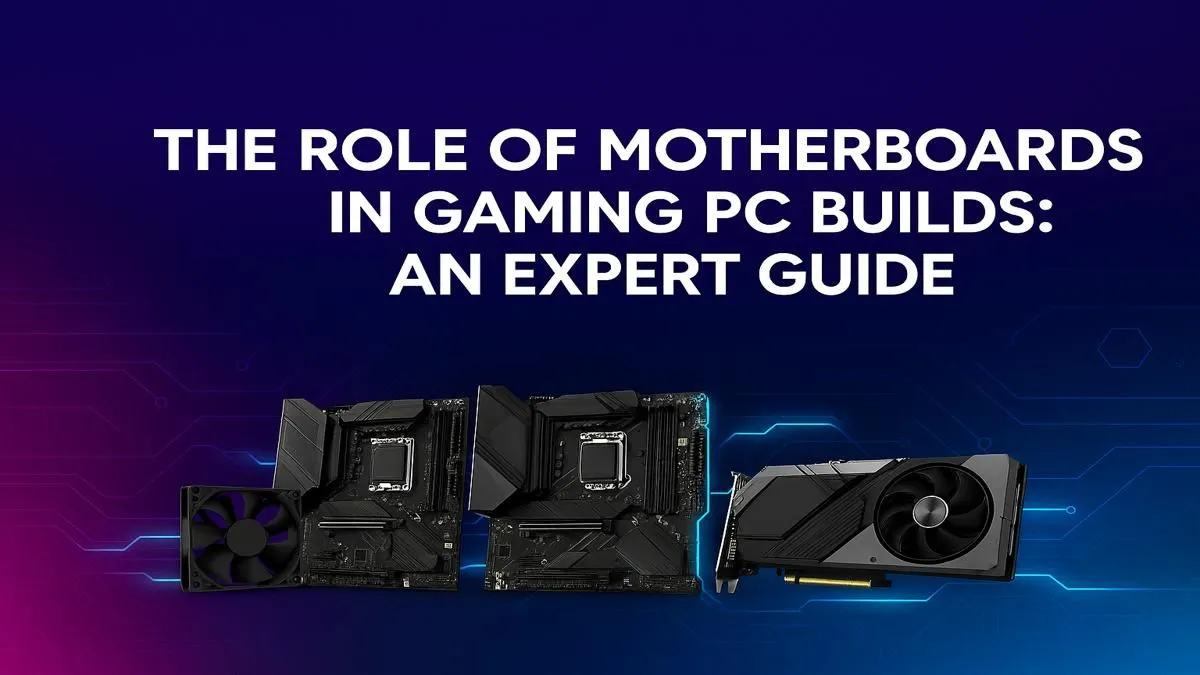
Think your GPU and CPU are the superstars of your rig? You're not wrong, but they’d be nothing without the unsung hero: the gaming PC motherboard. It’s the central nervous system, the foundation connecting every high-speed component, ensuring they all talk to each other without lag. Choosing the right one is crucial for stability, performance, and future upgrades. This guide breaks down the essential role of the motherboard and which features truly matter.
What is a Gaming PC Motherboard, Really?
Imagine your PC as a high-tech city. The CPU is the city hall, the GPU is the entertainment district, and the RAM is the short-term transport system. The gaming PC motherboard is the entire city plan… the roads, the power grid, and the communication lines that allow everything to function together. It’s a printed circuit board (PCB) that houses the CPU and acts as the connection hub for every single component in your machine.
A good motherboard doesn't just connect parts; it ensures they can run at their full potential. It delivers stable power, manages data flow, and provides the physical slots and ports for everything from your graphics card to your keyboard. A poor choice here can bottleneck your expensive components, leading to crashes, slow performance, and a frustrating gaming experience. A reliable motherboard is essential, even for the most affordable budget gaming PCs.
Key Features of a Modern Gaming Motherboard 🔧
When you're looking at a motherboard spec sheet, it can feel like reading a different language. Let's decode the most important features you need to understand.
The CPU Socket: The Heart of the Matter
This is the physical slot where your processor clips in. It's the most critical compatibility check you need to make. There are two main players:
- Intel: Uses the Land Grid Array (LGA) socket type (e.g., LGA 1700).
- AMD: Uses the Pin Grid Array (PGA) socket type, now transitioning to LGA with their latest platforms (e.g., AM5).
A CPU designed for an AMD socket will not fit in an Intel socket, and vice-versa. Always match your CPU to your motherboard's socket type first.
Chipset: The Traffic Controller
The chipset is a set of electronics on the motherboard that manages the data flow between the CPU, RAM, GPU, and other peripherals. It determines many of the board's core capabilities, such as:
- How many USB ports you get.
- How many high-speed M.2 SSDs you can install.
- Whether you can overclock your CPU.
For example, Intel's B-series chipsets (like the B760) are fantastic for mainstream builds, offering great performance without the premium price of the overclocking-ready Z-series (like the Z790). This makes them a perfect backbone for many powerful gaming PCs under R20,000.
RAM Slots & Speed: Your PC's Short-Term Memory
Most gaming motherboards come with either two or four DIMM slots for RAM. For gaming, a dual-channel setup (using two sticks of RAM) is ideal. The big decision today is between DDR4 and the newer, faster DDR5. Your motherboard will only support one type, so choose wisely. High-speed DDR5 is a feature often found in high-performance PCs over R20,000, offering a significant bandwidth boost for next-gen titles.
Expansion Slots (PCIe): Room to Grow 🚀
The Peripheral Component Interconnect Express (PCIe) slot is where your most powerful components live. The long one at the top is the x16 slot, reserved for your graphics card. Modern motherboards use PCIe 4.0 or 5.0, offering incredible data transfer speeds for both GPUs and NVMe SSDs, ensuring your games load in a flash. That's why our pre-built PC deals always feature well-balanced motherboards that won't bottleneck your graphics card.
Check Your I/O Before You Buy! 🔌
Before finalising your motherboard, look up a picture of the back panel (the I O shield). Count the USB ports. Do you need USB-C? How many monitors could you run if you needed to? Thinking about your real-world needs for your mouse, keyboard, headset, and webcam can save you from buying a USB hub later.
Do You Really Need an Expensive Motherboard?
This is the big question for many builders. Does a R6,000 motherboard give you more frames-per-second than a R3,000 one? Directly, no. The role of a motherboard in a gaming PC is to provide a stable platform that allows your CPU and GPU to perform their best.
So, what are you paying for with a premium board?
- Better Power Delivery (VRMs): Crucial for serious overclocking and running top-tier CPUs.
- More Connectivity: More M.2 slots, more USB 3.2 Gen 2 ports, and faster onboard Wi-Fi.
- Enhanced Features: Higher-quality onboard audio, better cooling solutions, and BIOS Flashback.
- Aesthetics: Premium designs, more metal, and extensive RGB lighting. ✨
For most gamers, a solid, mid-range motherboard is the sweet spot. It provides all the essential features for a fantastic gaming experience without breaking the bank. Our goal is to help you find the best gaming PC deals where every component, especially the motherboard, is perfectly balanced for value and performance.
Ready to Build on a Solid Foundation?
Choosing the right gaming PC motherboard can feel complex, but it's the key to a stable and powerful rig. Skip the guesswork and let our experts match the perfect components for you. Explore our massive range of custom-built gaming PCs and find the rig that's ready to conquer.