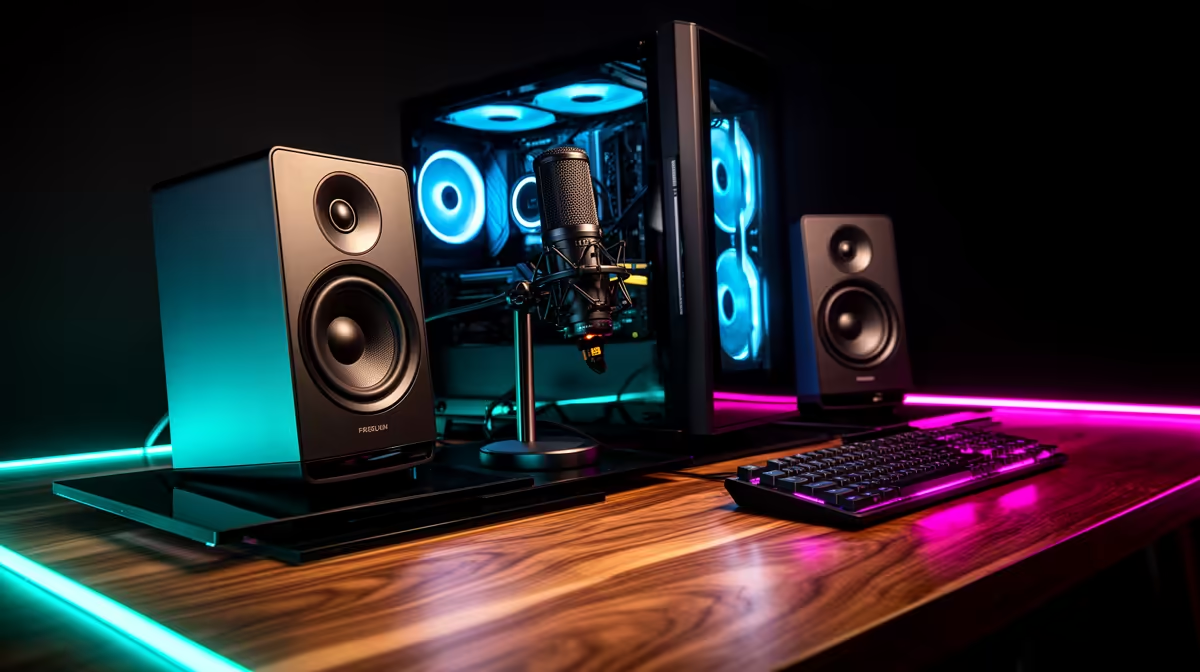
You’ve dialled in your graphics card and optimised your FPS, but what about your ears? A top-tier gaming PC sound setup is often the most overlooked part of a rig in South Africa. It’s the secret weapon that separates the champs from the chumps, letting you pinpoint enemy footsteps or get lost in an epic soundtrack. Ready to unlock the other half of your gaming experience? Let's dive in. 🚀
Why Your Gaming PC Sound Setup is More Than Just Noise
Think of audio as another sense. In a fast-paced shooter, it’s a tactical tool. Being able to pinpoint the exact location of an enemy reload in a tense Call of Duty: Warzone 2.0 match gives you a massive competitive advantage.
But it’s not just about winning. For immersive, story-driven titles, a great audio setup transforms the experience. It’s the difference between just playing a game and truly living in its world. The subtle environmental cues, the swelling orchestral score, the crackle of a nearby fire... it all adds layers of depth that visuals alone can't replicate.
The Core Components of a Killer Sound Setup
Building the perfect gaming PC sound setup involves a few key choices. There's no single "best" option—it all depends on your games, your space, and your budget.
Headsets vs. Speakers: The Big Debate
This is the first crossroad every gamer faces.
- Gaming Headsets: These are the go-to for competitive play. They offer excellent positional audio, isolating you from background noise so you can focus. A good headset is non-negotiable for team-based shooters like Overwatch 2, where callouts and positional cues are everything. Plus, the built-in microphone is essential for squad communication.
- Speakers: For single-player epics and cinematic experiences, nothing beats a quality speaker system. You can feel the bass in your chest during an explosion and enjoy a wide, open soundstage that a headset can't quite match. They’re also great for when you have mates over for a gaming session.
Sound Cards & DACs: Do You Need One?
Most modern motherboards have excellent onboard audio, sufficient for the majority of gamers. However, if you're an audiophile or experiencing electrical interference (a faint buzzing or hiss), a dedicated sound card or an external DAC (Digital-to-Analogue Converter) can be a worthy upgrade. These devices process audio separately from the other noisy components in your PC, resulting in cleaner, richer sound that can make the rain-slicked streets of Night City in Cyberpunk 2077 feel incredibly alive.
Virtual Surround Sound vs. True Surround Sound
You'll see "7.1 Surround Sound" advertised everywhere, but there's a key distinction.
- Virtual Surround: This is software-based trickery, using two speakers (like in a headset) to simulate a 3D soundscape. It's surprisingly effective and has become a standard feature in most gaming headsets. This technology is a massive advantage in battle royales like PUBG, where knowing the direction of gunfire is a matter of survival.
- True Surround: This requires a multi-speaker setup (5.1 or 7.1 channels) physically placed around you. It offers the most authentic and immersive experience but requires significant space and budget.
Optimising Your Setup for Peak Performance 🔧
Getting the right gear is only half the battle. A few simple tweaks can dramatically improve your audio quality without costing you a Rand.
Software Tweaks & EQ Settings
Don't just plug and play! Dive into your audio drivers or headset software. Most offer an equaliser (EQ) that lets you fine-tune the sound profile. For competitive gaming, try slightly boosting the high-mid frequencies—this can make subtle sounds like footsteps more pronounced. For cinematic games, a "V-shaped" EQ (boosted bass and treble) can make the experience more exciting. It's also great for enhancing the ambient audio cues in creative games like Minecraft.
Acoustic Pro Tip ⚡
Don't underestimate soft furnishings! If your gaming room has hard floors and bare walls, sound will bounce around, creating nasty echo. Adding a rug, curtains, or even some wall art can absorb these reflections, resulting in cleaner, more accurate audio from your speakers. It's a cheap and effective acoustic treatment.
Physical Placement Matters
If you're using speakers, placement is crucial. For a standard 2.1 setup (two speakers, one subwoofer), position the speakers so they form an equilateral triangle with your head. This creates the optimal "sweet spot" for stereo imaging. You want to feel the bass of a car chase in GTA V without it sounding muddy or overwhelming the dialogue.
Putting It All Together for South African Gamers ✨
Ultimately, the best gaming PC sound setup is the one that fits your needs and budget. You don’t need to spend a fortune to get a massive audio upgrade. A good quality, entry-level headset can make a world of difference.
Whether you need a budget-friendly headset to dominate in Fortnite or a high-fidelity speaker system to appreciate the roar of the engines in Microsoft Flight Simulator, a well-planned audio system is an achievable and worthwhile investment for any serious ZA gamer.
Ready to Hear the Difference?
A killer gaming PC sound setup is the final piece of the puzzle. From tactical headsets to immersive speakers, the right audio gear elevates every moment. Explore our wide range of audio components and build the rig that lets you hear everything.