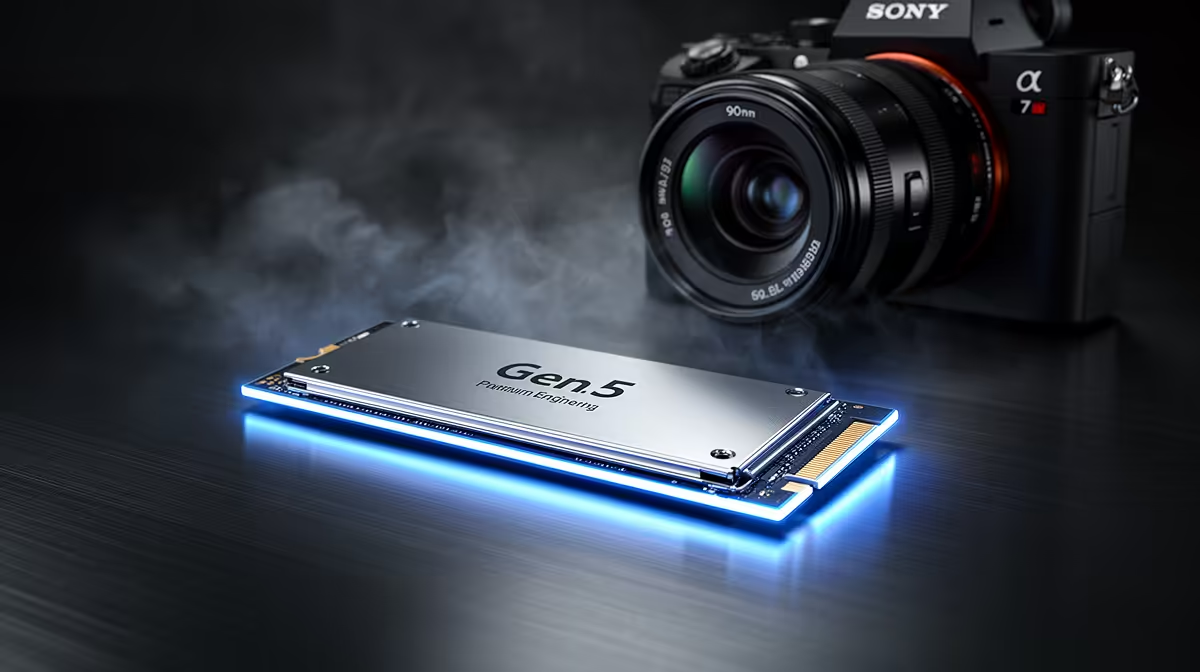
Staring at a loading screen while your mates are already in the drop ship… we’ve all been there. It’s a uniquely modern frustration for PC gamers. But what if those loading bars could vanish in the blink of an eye? That’s the promise of the next leap in storage technology. A Gen 5 M.2 SSD isn't just an upgrade; it’s a fundamental shift in how your PC accesses data, aiming to make waiting a thing of the past.
So, What Makes a Gen 5 M.2 SSD So Fast?
At its core, the speed jump comes down to one thing: bandwidth. Think of it like a highway. Previous generations, like PCIe 4.0, had a certain number of lanes for data to travel. A Gen 5 M.2 SSD uses the newer, wider PCIe 5.0 interface, effectively doubling the number of lanes.
This means staggering theoretical speeds. While a top-tier Gen 4 drive might hit around 7,000 MB/s, Gen 5 drives are already pushing past 12,000 MB/s and climbing. 🚀 This isn't just about loading games faster; it means everything from booting up Windows to transferring massive video files happens in a fraction of the time.
How This Speed Actually Transforms Your Gaming
Raw numbers are impressive, but how does this power translate into a better gaming experience? The key lies in technologies like Microsoft's DirectStorage API.
DirectStorage allows your graphics card to pull game assets directly from your SSD, bypassing the CPU. This process drastically reduces CPU overhead and eliminates data bottlenecks. With a Gen 5 M.2 SSD, this means:
- Instant Asset Loading: Imagine a massive open world with no pop-in. Textures, models, and entire sections of the map can load almost instantly as you approach them.
- Seamless Transitions: Moving between different areas or levels in a game becomes a fluid, uninterrupted experience.
- Richer Game Worlds: Developers can build more detailed and complex environments, knowing that the storage can keep up with the demand.
It’s about making the game world feel more real and responsive than ever before.
Check Your Specs First! 🔧
Before you get too excited, grab your motherboard's manual or look up its model online. You need a dedicated PCIe 5.0 M.2 slot to unlock the full speed of a Gen 5 drive. Plugging it into a Gen 4 or Gen 3 slot will work, but it will be limited to the speed of that older slot.
Gearing Up: What Your PC Needs for Gen 5
Jumping to a Gen 5 drive isn't just a simple plug-and-play affair for every PC. To harness its full potential, your system needs to be ready. The most crucial component is your motherboard, as it houses the M.2 slot and the chipset that controls the data flow.
You'll need a modern board that explicitly supports the PCIe 5.0 standard for storage. Thankfully, there are fantastic compatible motherboards available that provide the necessary foundation. For Team Blue fans, many of the latest Intel motherboards based on the Z690, Z790, and newer chipsets come equipped with Gen 5 M.2 slots. Similarly, Team Red enthusiasts will find support on many X670 and B650 series AMD motherboards designed for Ryzen 7000 series CPUs and beyond. ✨
The Verdict: A Worthy Upgrade?
For gamers building a top-tier rig in South Africa today, investing in a Gen 5 M.2 SSD is a powerful way to future-proof your machine. While not every game takes full advantage of it yet, the performance ceiling it provides is undeniable. As game development catches up, you'll be perfectly positioned to experience titles as their creators intended: with zero loading and maximum immersion. ⚡
If you're looking for the absolute cutting edge in performance and want to eliminate storage bottlenecks for years to come, the answer is a resounding yes.