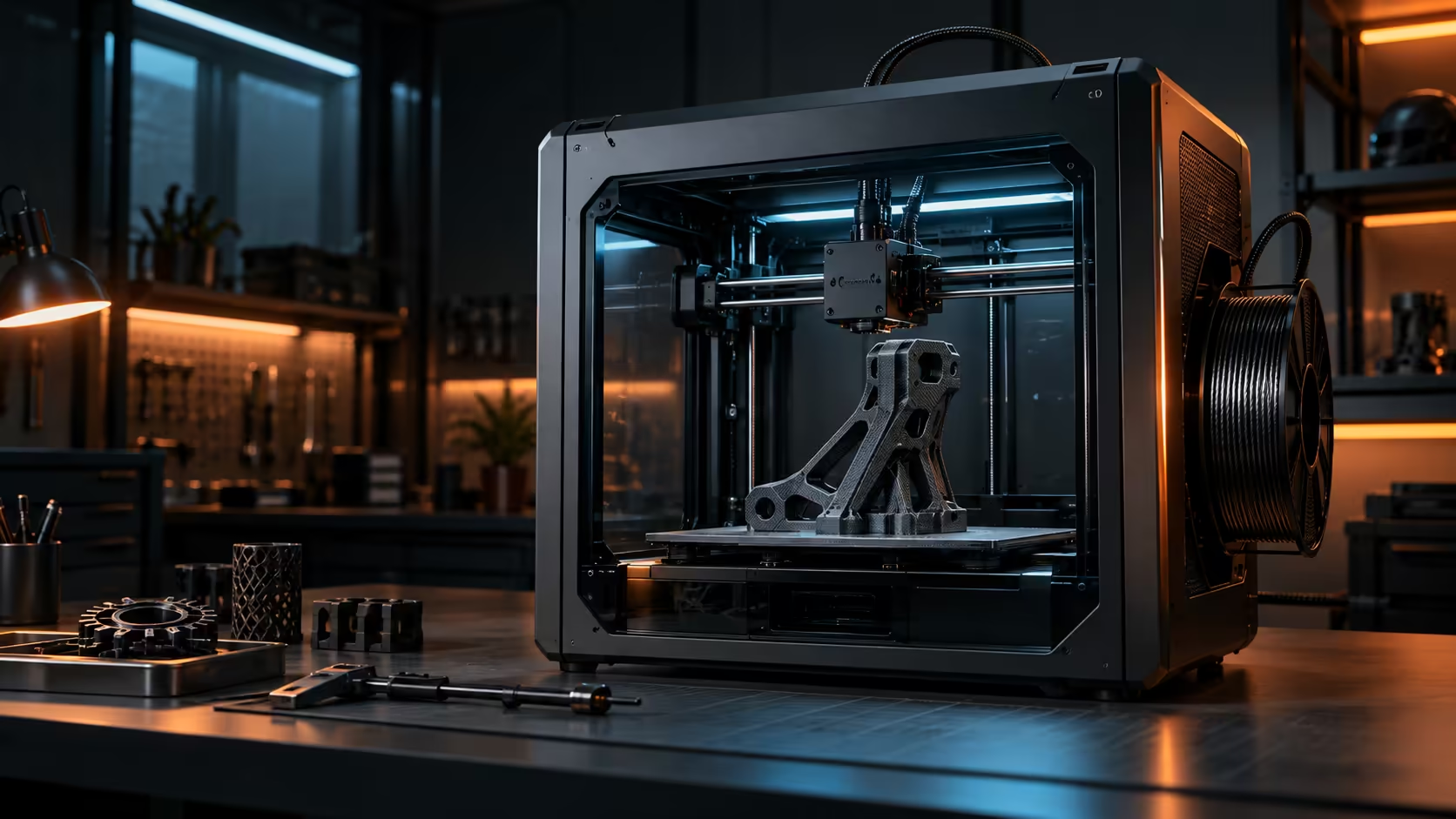
Two genuinely different faults show up on a rough print surface, and they come from opposite ends of the entire process: an uneven first layer that was wrong right from the start, and vibration during the print itself that no first-layer check could ever possibly have caught. Auto calibration and dynamic balancing aim at exactly those two different faults.
Quick Answer
Auto calibration measures the plate and the flow rate before a print ever starts, and on the Creality K1C it handles levelling hands-free. Dynamic balancing is a separate concept: it looks for resonance in a machine's motion and softens the specific moves that excite it, addressing vibration during the print rather than the state of the bed beforehand. Check a model's own feature list before assuming a machine handles both, since they solve different problems and are not always paired. The K1C is R12,599.
🧭 What auto calibration is actually checking
Auto calibration on the K1C removes the manual guesswork from bed preparation, handling levelling hands-free rather than asking you to adjust screws by feel at four corners. That single step addresses one of the two faults a rough surface can trace back to: a plate that was not level, or not readable consistently, before the first layer ever went down.
This matters most at the very start of a print, since a first-layer problem tends to compound as height builds on top of it rather than correcting itself.
🎚️ What dynamic balancing is trying to solve, in general terms
Vibration during a print is a separate issue entirely from bed preparation, and it comes from the machine's own motion exciting a resonant frequency, often somewhere between 20Hz and 100Hz, in its structure, belts, frame, or the toolhead itself. Balancing routines of this kind typically measure that resonance and adjust acceleration or timing to avoid exciting it, which shows up on a finished print as reduced ringing near corners and cleaner walls generally.
🔍 Reading a model's actual feature list before assuming either
These two capabilities genuinely solve different problems, so do not simply assume a machine offering one automatically offers the other too, and check the specific feature list for a given model rather than inferring anything from marketing language that groups the two terms together loosely. A printer that handles levelling automatically has already solved a real and genuinely common source of poor surface quality regardless of whatever else it may or may not offer.
Check filament quality too, since even a perfectly calibrated and balanced machine still needs consistent, dry material to produce a clean surface, and a webcam pointed at the plate gives you your own eyes on the result alongside whatever the printer checks automatically.
🧪 A simple test to separate the two fault types
Print a plain 20mm calibration cube and check two specific things separately and carefully: whether the first layer sits genuinely flat and evenly squashed across its whole base, and whether the vertical corners show any visible rippling at all as the print gets progressively taller. A flat, even first layer with rippled corners points to a vibration problem needing balancing or input shaping; an uneven first layer with clean corners points to a calibration problem in the levelling routine instead.
Running this exact same test before and after any settings change gives a genuinely objective before-and-after comparison rather than judging purely by memory, which turns out to be quite unreliable across prints run several days apart from each other. Keep the test cube itself as a physical reference too, since holding two cubes side by side under good light reveals differences a written description in a forum post never quite manages to fully capture on its own.
🖥️ What to check in a machine's documented feature list
Look specifically for the exact words "automatic" or "hands-free" attached directly to levelling, and separately for terms like "input shaping" or "resonance compensation" attached to vibration handling specifically, rather than simply assuming a single vague "smart" or "AI-enhanced" label somehow covers both capabilities at once. Look through the 3D printer range specifically for listings that state both capabilities explicitly and separately, since that level of detail usually indicates both features are genuinely implemented rather than one being borrowed language from a marketing template.
Frequently Asked Questions
Does auto calibration fix vibration problems during a print?
No, it addresses bed levelling and flow before the print starts; vibration during the print is a separate issue handled by different mechanisms.
Is dynamic balancing the same thing as input shaping?
They address similar territory, resonance and vibration in the machine's motion, though the specific implementation varies between manufacturers and models.
Can a rough surface be caused by something other than these two faults?
Yes, filament quality, cooling fan settings and general nozzle condition can all affect surface finish independently of both bed calibration and motion balancing entirely on their own.
Should I check for both features when buying a new printer?
It is worth checking, since they solve different problems and having both gives more complete coverage against the two common causes of a rough surface.
What does a calibration cube test actually reveal?
A flat, even first layer with rippled corners points to a vibration issue, while an uneven first layer with clean corners points to a calibration problem in the levelling routine instead.
How often should the calibration cube test be repeated?
After any settings change, hardware adjustment, or move to a genuinely new surface, since each of those factors can independently affect either fault entirely without the other one changing at all in the process.
Does a printer need to advertise "input shaping" by name to actually have it?
Not always by that exact specific term, but the feature list should describe some genuine form of resonance or vibration compensation explicitly rather than simply leaving it implied by a vague "smart" label with no further supporting detail given anywhere on the same page.
Is it worth testing a printer's calibration and balancing separately before a big project?
Yes, genuinely so, running the calibration cube test on a new or unfamiliar machine before committing to a long, valuable print catches either fault while it only costs about 20 minutes of your time rather than an entire wasted job hours later on.
Chasing better surface quality on your prints?
Separate a bed problem from a vibration problem before deciding what to fix.