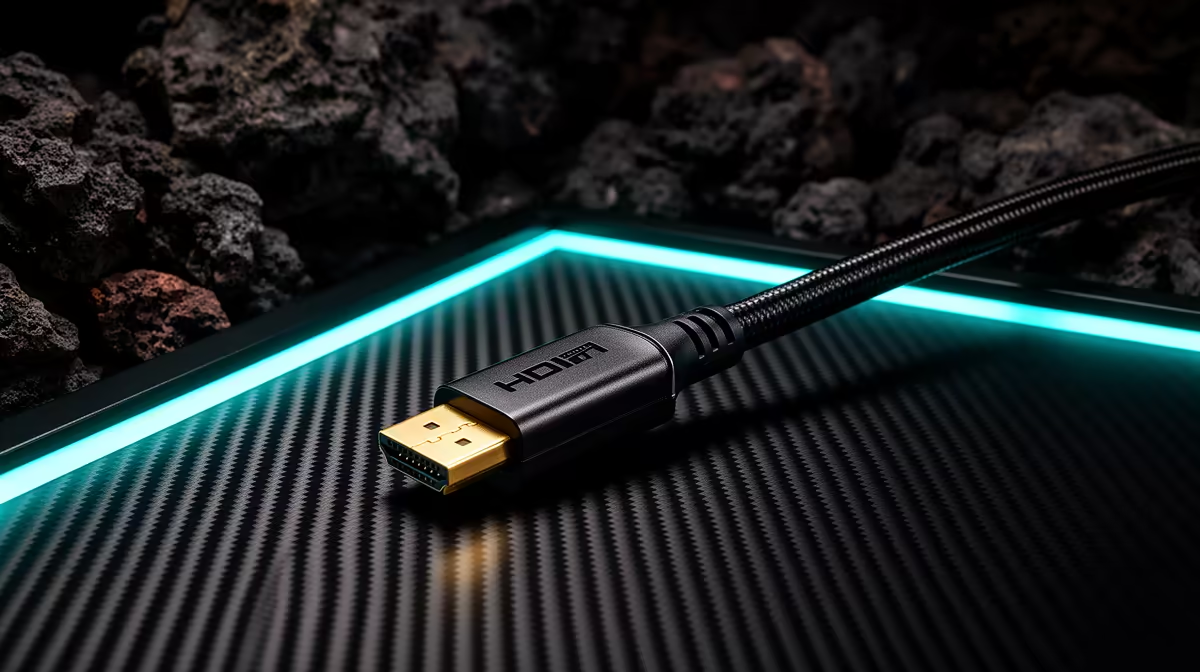
An HDMI 2.1 cable is worth buying for racing simulation when the graphics output, display input and chosen mode require its bandwidth. The label alone does not create higher refresh, variable refresh or 4K output. Every device in the chain must support the exact resolution, refresh rate, colour depth and feature set.
Specify the display mode
Write down the GPU port, monitor or television input, target resolution, refresh, HDR and adaptive-sync requirement. Test a known-good short cable through a repeatable race. Watch for blanking, sparkles, reduced colour mode or an option missing from the display menu. Check whether DisplayPort is the more appropriate PC connection.
The supplied factpacks verify no HDMI cable or price. The ASUS TUF VG27AQM5A QHD 300Hz monitor is factpack-listed at R5,900. Confirm its current input capabilities and the mode supported on each port. A high-refresh specification does not mean every refresh rate is available through HDMI.
Buy a clearly certified cable from a reputable supplier in the shortest practical length. Avoid tight bends, crushed connectors and unsupported couplers. Secure it where a wheel stand or moving chair cannot pull the display. Purchase only when the endpoint documents and race test show a bandwidth need. If frames remain low with a stable signal, profile the processor and graphics card. A cable can carry a supported image cleanly, but it cannot render the racing scene.
Connecting a racing display? > Compare verified monitors with Evetech around the GPU port and target mode.