



PCIe 5.0 vs PCIe 4.0 for Video editing in 4k in SA
PCIe 5.0 vs PCIe 4.0 for video editing in 4k is mainly about fit, features, compatibility, cost, and upgrade path, not one automatic winner. SA buyers should match the choice to the setup.
Read moreTrying to use an HDMI to VGA adapter cable? Learn whether it is the same as a passive converter, when you need active conversion, and how to avoid black screens. ✅🔌
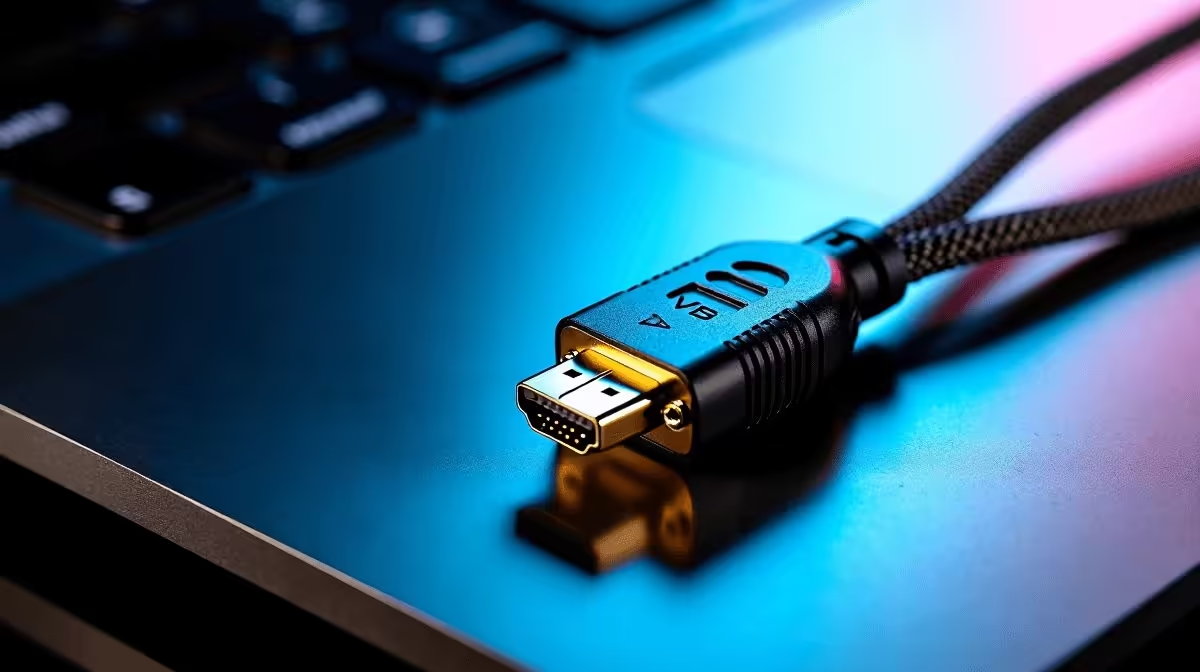
If your old office monitor still has VGA, you’re not alone in South Africa. A lot of gamers, students, and home-office buyers still need one screen to work with a newer laptop or PC. That’s where the HDMI to VGA adapter cable vs passive converter debate starts... and where buying the wrong one wastes time, money, and a few much-needed spoils. 🔧
The short version is simple. HDMI is digital. VGA is analogue. Those two signals do not speak the same language on their own. So when people compare an HDMI to VGA adapter cable vs passive converter, the biggest question is whether the device can actively convert the signal or merely reroute it.
A passive converter does not convert digital HDMI into analogue VGA by itself. It usually relies on the source device to output a compatible signal, which HDMI sources generally do not. In practical terms, many passive options fail unless the hardware chain is very specific. That’s why they often look cheaper, but cost more in frustration.
An adapter cable with active conversion includes electronics inside the housing. It takes the HDMI signal, processes it, and outputs a usable VGA signal. For most modern laptops, graphics cards, mini PCs, and media boxes, that is the safer choice. If you’re connecting to an older projector for a meeting in Joburg or a spare monitor in Cape Town, active conversion is usually the sensible route.
When you are shopping locally, think about the whole setup, not just the plug shape. Check the display’s native resolution, the input ports, and whether audio matters. VGA carries video only, so if you need sound, you’ll need a separate audio solution. That’s a common gotcha.
For shoppers browsing comprehensive cable solutions, the best habit is to read the product description carefully. If it says “active,” that usually means the device is doing the conversion work. If you see a simple adapter with no electronics mentioned, be cautious. For budget-conscious buyers, that small detail can decide whether a setup works first time or not.
South African buyers often mix home use with work use. One day it’s a PS5 or laptop setup, the next it’s a borrowed projector at school or church. That flexibility matters. If you want fewer headaches, active conversion is usually worth the extra spend, especially when compared with a cheap passive option that may not function at all.
Brand support can also help. If you are comparing accessories from HP cable solutions or Promate cable options, look for clear compatibility notes and honest specs. Reputable listings make it easier to match the adapter to the device and avoid return hassles. That matters when delivery delays already test your patience.
When converting HDMI to VGA, assume you need active conversion unless the product description explicitly says otherwise. Also check whether your setup needs audio separately, because VGA will not carry it. That one check saves a lot of troubleshooting.
If your goal is reliability, choose the option that clearly states active signal conversion. If you only need the cheapest possible connector, make sure you understand the limitations first. In most modern setups, that means the HDMI to VGA adapter cable vs passive converter choice leans heavily toward the active adapter cable.
For South African gamers and tech buyers, the smart move is simple... buy for compatibility, not just price. A slightly better adapter today can save a failed presentation, a blank monitor, or a wasted trip tomorrow. 🔍
Ready to Find Your Perfect Match? The Mac vs Windows debate is complex, but for maximum power, choice, and value in South Africa, Windows is hard to beat. Explore our massive range of laptop specials and find the perfect machine to conquer your world.
Not always. Many products are passive and only work if your HDMI source supports VGA over HDMI. Otherwise you need an active HDMI to VGA converter.
Check the listing and power requirements. Passive adapters usually have no external power, while active converters often need USB power or an external adapter.
A common cause is using a passive converter with a source that does not output VGA. Confirm compatibility or switch to an active converter.
No. Some laptops require active conversion to output analog VGA. Look for device specs or try an active HDMI to VGA converter for reliable results.
Sometimes, but only if the console’s HDMI output supports VGA over HDMI. Many modern devices need an active HDMI to VGA converter.
It can. Passive adapters rely on the source. Active converters can still limit resolution depending on the chipset and adapter design, but usually handle more cases.
Confirm your HDMI source supports VGA over HDMI (for passive), verify the adapter type, and check for required power to avoid black screen issues.
Yes. If your HDMI source explicitly supports VGA output over HDMI, a passive HDMI to VGA adapter cable can work without extra power.
PCIe 5.0 vs PCIe 4.0 for video editing in 4k is mainly about fit, features, compatibility, cost, and upgrade path, not one automatic winner. SA buyers should match the choice to the setup.
Read more
Wi-Fi 7 vs Wi-Fi 6e for competitive esports comes down to router support, latency goals, device compatibility, and coverage. SA buyers should match the choice to the real network setup.
Read more
ATX 3.1 vs ATX 3.0 for mMO and live-service games buyers - what changes is mostly about compatibility, budget, upgrade path, and setup fit. SA buyers should check device support and real needs before expecting a clear win from either option.
Read more
LGA 1851 vs LGA 1700 can affect Twitch and YouTube streaming when gaming and encoding share CPU resources. For SA creators, the real-world difference depends on encoder choice, memory support, motherboard cost, thermals, and upgrade plans.
Read more
X870E vs X670E for aaa single-player gaming is mainly about fit, features, compatibility, cost, and upgrade path, not one automatic winner. SA buyers should match the choice to the setup.
Read more
Hall Effect switches vs Mechanical switches for mMO and live-service games is mostly about compatibility, budget, upgrade path, and setup fit. SA buyers should check device support and real needs before expecting a clear win from either option.
Read more
Minisforum's M2 Pro pairs Core Ultra X7, Arc B390 graphics and 32GB onboard memory in 1.8 litres. SA buyers should weigh its fixed memory and $1,439 launch offer against local mini PCs.

Lenovo says Legion Go failures linked to BIOS N3CN42WW are not user error. Affected SA owners should stop retrying the update, preserve proof and open a support case.

Smart monitors can add apps and convenience, but they also add privacy settings and unwanted-software risk. SA buyers should audit the operating system before paying for extras.

A fake 113GB GTA VI ISO reportedly used empty padding around a small malware payload. SA gamers should delete unofficial builds, keep Windows security active and wait for official channels.

Shokz OpenFit Air 2 earbuds weigh 7.2g each and use a redesigned dual-driver open-ear layout. SA buyers should choose them for comfort and awareness, not maximum isolation.

AMD's current driver now lists a Radeon RX 9050 4GB, while product coverage details a narrowed memory system. SA buyers should weigh the low VRAM ceiling against current local Radeon options.

Samsung Display has demonstrated a 16-inch 2.5K OLED laptop panel running at 300Hz. SA buyers should wait for a named notebook, full panel specifications and a local price before planning an upgrade.

Microsoft says some Windows 11 game crashes after recent updates are linked to RGB-related drivers. Affected SA gamers should confirm the update and driver before using the published registry workaround.
Minisforum's M2 Pro pairs Core Ultra X7, Arc B390 graphics and 32GB onboard memory in 1.8 litres. SA buyers should weigh its fixed memory and $1,439 launch offer against local mini PCs.
Smart monitors can add apps and convenience, but they also add privacy settings and unwanted-software risk. SA buyers should audit the operating system before paying for extras.
Lenovo says Legion Go failures linked to BIOS N3CN42WW are not user error. Affected SA owners should stop retrying the update, preserve proof and open a support case.

The ROG Gjallar gaming soundbar is now listed in the US at $599.99. SA buyers should compare its 2.1.2 audio, wireless bass and built-in chat controls with simpler local options.