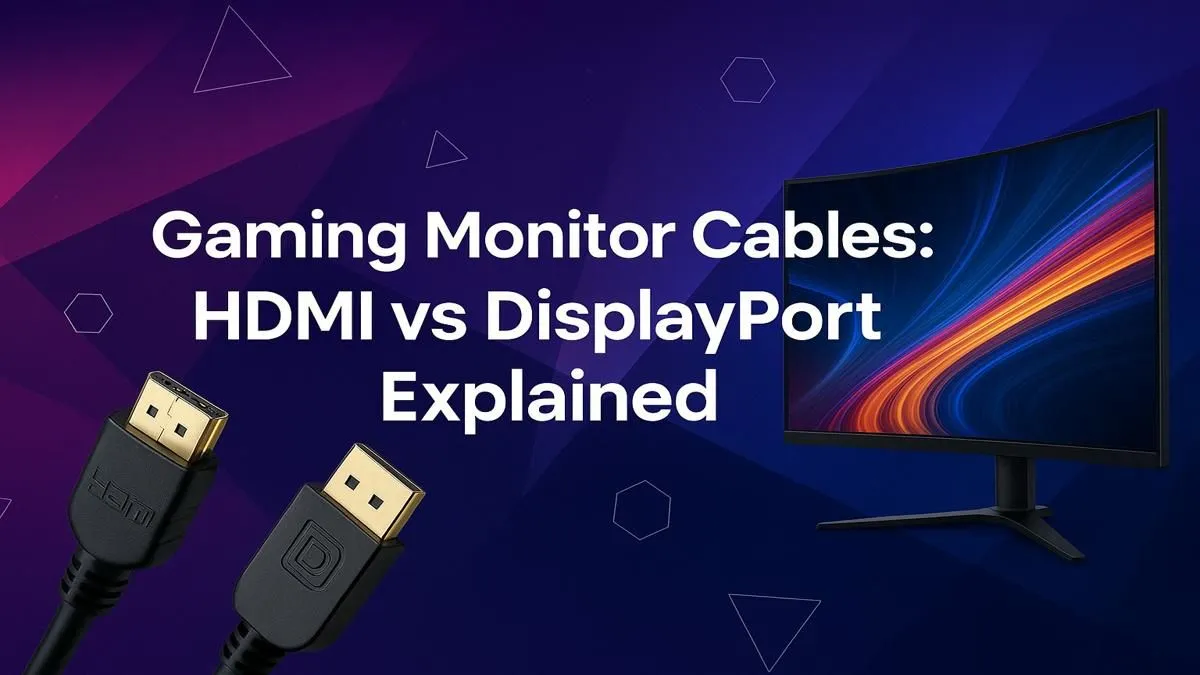
You’ve just dropped some serious ZAR on a shiny new GPU and a lightning-fast monitor. You unbox it, ready to dominate, but then you face a surprisingly crucial choice: that black HDMI cable or the one with the funny clips, the DisplayPort? In the battle of HDMI vs DisplayPort for gaming, picking the right one isn't just about plugging something in—it's about unlocking the performance you paid for. Let's settle the debate for South African gamers. ✨
Understanding the Basics: HDMI vs DisplayPort
At first glance, both cables do the same thing: send high-definition video and audio from your PC or console to your screen. But they were born for different worlds.
HDMI (High-Definition Multimedia Interface) is the king of the living room. It's the standard for TVs, Blu-ray players, and gaming consoles. It’s designed for universal convenience.
DisplayPort, on the other hand, was built from the ground up for computers. It was created by the Video Electronics Standards Association (VESA) specifically to be the ultimate video interface for PCs, focusing on maximum bandwidth and features that PC gamers and professionals demand.
The Core Differences for Gaming Performance
This is where the real HDMI vs DisplayPort for gaming debate heats up. For a gamer, three things matter most: refresh rate, resolution, and adaptive sync.
Bandwidth and Refresh Rates
The biggest technical difference is bandwidth—how much data the cable can carry at once. More bandwidth means higher resolutions at higher refresh rates.
- HDMI 2.1: The latest standard, offering up to 48Gbps. This is fantastic and enables 4K at 120Hz, making it the perfect choice for PlayStation 5 and Xbox Series X gamers with compatible TVs or monitors.
- DisplayPort 1.4: The current widespread standard for PCs, offering 32.4Gbps. While that number looks smaller, its more efficient data transmission allows it to push incredible refresh rates, like 1440p at 240Hz or 4K at 120Hz. The newer DisplayPort 2.1 standard pushes this even further, future-proofing it for years to come.
For competitive PC gamers chasing every frame, DisplayPort often has the edge, especially on the wide variety of high-refresh-rate gaming monitors available today.
Adaptive Sync (G-Sync and FreeSync)
Tired of screen tearing? Adaptive Sync is the solution. It syncs your monitor's refresh rate to your GPU's frame output for buttery-smooth gameplay.
- NVIDIA G-Sync: Historically, G-Sync worked best over DisplayPort. While "G-Sync Compatible" monitors can now work over HDMI, DisplayPort remains the most reliable and feature-complete connection for NVIDIA users.
- AMD FreeSync: This works over both HDMI and DisplayPort, giving you more flexibility.
The takeaway? If you have an NVIDIA card and a G-Sync monitor, DisplayPort is almost always your best bet to guarantee performance.
Check Your Ports! 🔧
Before buying a cable, check the specs of your graphics card AND your monitor. Both need to support the same version (like DisplayPort 1.4 or HDMI 2.1) to get the maximum resolution and refresh rate. A mismatch means your new gear will be bottlenecked by the weakest link in the chain. You can usually find this info on the Evetech product pages or the manufacturer's website.
Unique Features: Daisy-Chaining
Here's a cool trick exclusive to DisplayPort: Multi-Stream Transport (MST), or "daisy-chaining." This allows you to connect multiple PC monitors to each other, with only one cable running back to your graphics card. It’s a brilliant way to reduce cable clutter for a clean, multi-monitor setup.
So, Which Cable Is Best for Your Gaming Setup?
Let's break it down into simple scenarios to help you decide which display cable is best for your specific needs.
For Console Gaming (PS5 / Xbox Series X)
Winner: HDMI 2.1
No contest here. To get that glorious 4K @ 120Hz experience on your next-gen console, you need an HDMI 2.1 port and cable. It's the standard the consoles were built for.
For High-End PC Gaming
Winner: DisplayPort 1.4 (or higher)
If you're running a powerful PC and aiming for 144Hz or higher at 1080p, 1440p, or even 4K, DisplayPort is your champion. It provides the robust bandwidth and reliable adaptive sync support that competitive gamers need, especially on immersive curved monitors or razor-sharp crisp 4K monitors.
For a Gaming Laptop or Portable Setup
It Depends...
Many modern gaming laptops come with both ports, but increasingly use USB-C with "DisplayPort Alt Mode." This means the USB-C port can carry a native DisplayPort signal, giving you the best of both worlds. This is also the standard for connecting a portable monitor for gaming on the go. 🚀
The Final Verdict
The debate over HDMI vs DisplayPort for gaming isn't about one being universally "better," but about which is right for the job.
- For PC Gamers: DisplayPort is the undisputed king for maximising performance, refresh rates, and features like G-Sync.
- For Console Gamers & Home Theatres: HDMI is the simple, powerful, all-in-one solution.
Don't forget that the cable itself matters. A cheap, uncertified cable can cause flickering or prevent you from hitting your target speeds. Investing in quality monitor accessories ensures your signal is clean and stable. Now go get connected!
Ready to See the Difference?
The HDMI vs DisplayPort debate depends on your setup, but unlocking peak PC performance requires the right cable matched with the perfect screen. Explore our massive range of gaming monitors and find the perfect display to conquer your world.