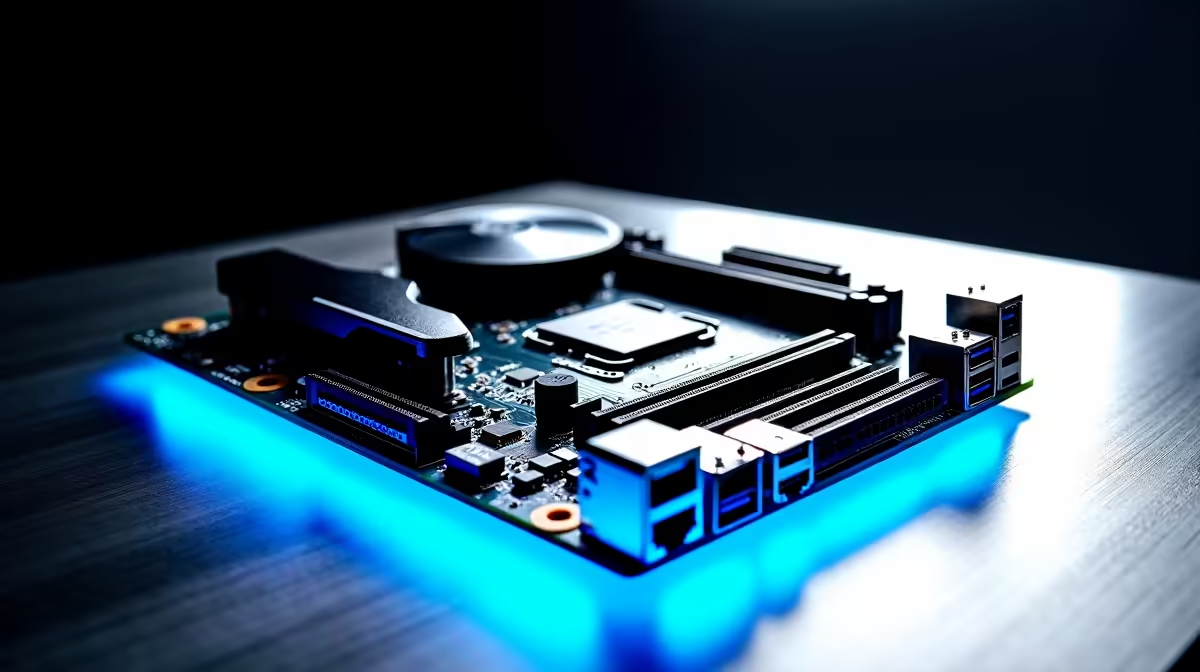
Building a PC in South Africa is a serious investment. You want maximum frames per ZAR and a rig that looks incredible. But right now, a massive design shift is dividing local builders. Should you stick to the classic layout or join the cable-free revolution? Let us explore hidden-connector vs traditional motherboards to see which layout makes more sense for your next build.
The Appeal of the Hidden-Connector Layout ✨
Cable management is usually the hardest part of any custom PC build. Hidden-connector motherboards solve this headache by moving all the power headers, fan headers, and USB ports to the back of the PCB. This leaves the front looking incredibly clean.
Hardware brands are heavily pushing this new aesthetic. If you are eyeing the latest ASUS Intel motherboards, you will notice their BTF (Back-To-the-Future) series adopting this sleek design. Your graphics card and cooler take centre stage. There are no thick power cables ruining the view. It looks like pure magic.
However, there is a catch. You absolutely need a compatible chassis. Standard PC cases do not have the necessary cutouts behind the motherboard tray to access these relocated ports. Upgrading to this layout means you will likely need to buy a brand-new case alongside your board.
Why Traditional Motherboards Still Reign Supreme 🔧
While hidden layouts look amazing, standard designs offer unmatched flexibility. The market for standard traditional motherboards is massive. You can mix and match components without worrying about specialised case compatibility.
Whether you are looking at top-tier ASUS AMD motherboards or budget-friendly options, the standard layout guarantees your parts will fit. If a component fails years down the line, finding a replacement is quick and stress-free.
Plus, standard boards often cost slightly less. That is extra ZAR you can put toward a better graphics card or a faster NVMe drive. For the average South African gamer, that value is hard to ignore.
Aesthetics vs Practicality: Making the Choice
Choosing between hidden-connector vs traditional motherboards comes down to your personal priorities. Do you want a showroom-quality PC with zero visible clutter? The hidden layout is perfect for you. Just remember that you still need to slot in high-speed memory kits and your graphics card on the front.
If you prefer maximum hardware compatibility and an easier upgrade path, stick to the traditional layout. It has been the reliable industry standard for decades for a very good reason.
Cable Management Pro Tip ⚡
When building with a hidden-connector board, ensure your chassis has enough clearance behind the motherboard tray. You will need at least 30mm of space to comfortably route those thick 24-pin power cables without bulging the side panel.
If routing cables and checking case compatibility sounds too stressful... you can always skip the hassle entirely. Simply grab one of our best gaming PC deals and let our expert technicians handle the hard work for you. You get to enjoy the performance without the building anxiety.
Ready to Start Your Next Build?
Whether you want the ultra-clean look of a hidden-connector setup or the endless compatibility of a traditional layout, we have you covered. Explore our massive range of motherboards and start planning your ultimate South African dream rig today.