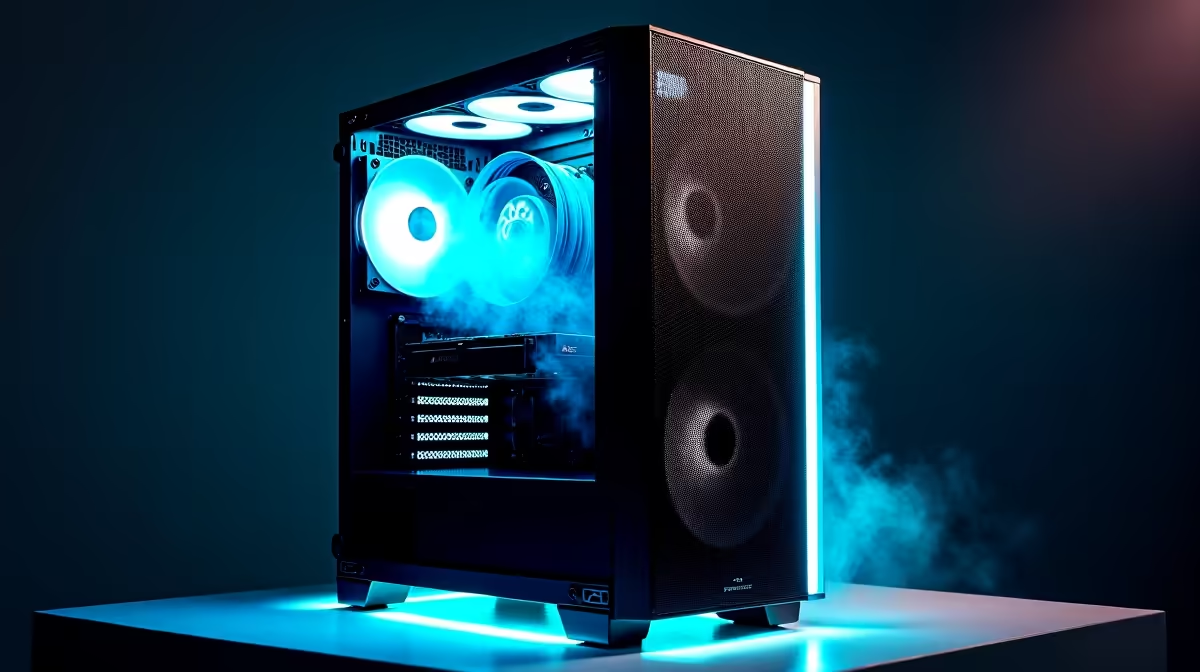
A high-airflow case is worthwhile when the chosen processor and graphics card create sustained heat that the current enclosure cannot exhaust without high noise or throttling. The game title alone does not set the case requirement. Component temperatures and physical fit decide it.
Test heat through a long gaming session
The verified facts do not contain a confirmed high-airflow case model or price. Check current Evetech availability for graphics-card clearance, cooler height, radiator support, included fans, fan sizes, dust filters, front-panel ports and warranty. Confirm motherboard and power-supply formats before ordering.
Run the game through a busy area for at least an hour while monitoring processor temperature, graphics temperature, clock behaviour, fan speed and noise. Clean blocked filters and confirm that current fans spin in a clear intake-to-exhaust path. If temperatures stay stable at comfortable noise, a new enclosure may add little.
A case change becomes useful when blocked panels, poor clearances or limited fan mounts prevent sensible cooling. Plan cable routes, keep the tower off thick carpet and leave space around vents. Repeating the same temperature test after the move shows whether the enclosure solved the problem. Choose airflow for the measured build, with enough room for future parts that are part of a real upgrade plan during regular daily gaming.
Cooling a gaming build? > Ask Evetech to check current cases, fans and component clearances.