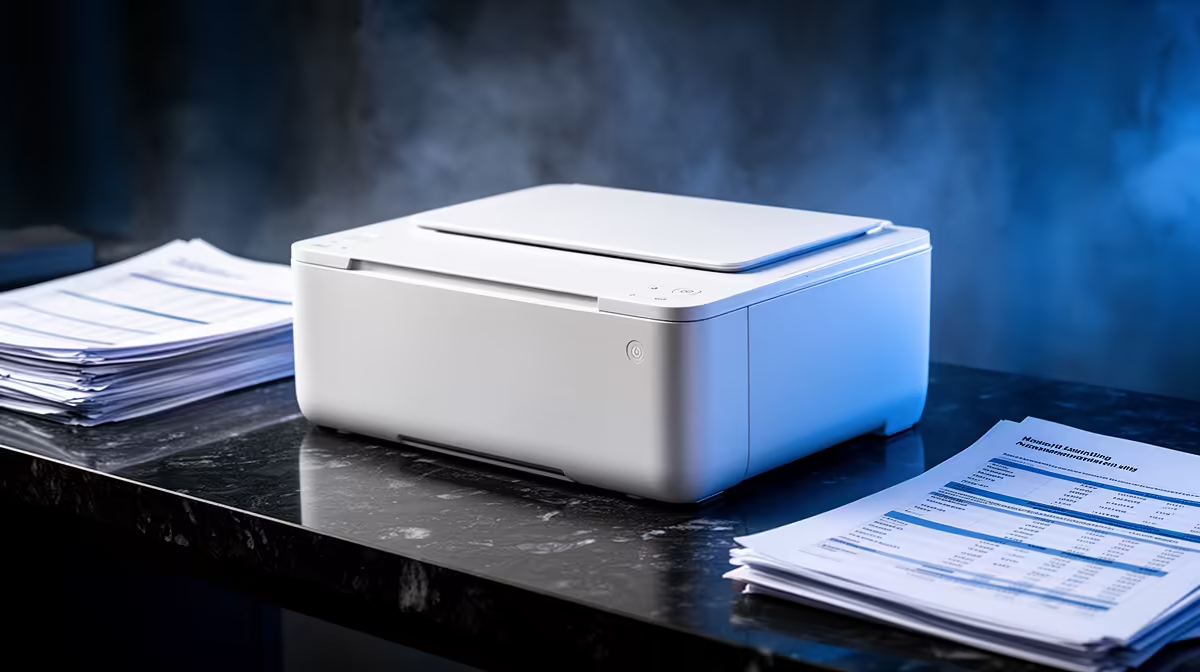
A home printer can support accounting and payroll when the business produces signed reports, payslips or statutory records on paper. The verified facts contain no printer model. Source one elsewhere after measuring page volume, confidentiality needs and consumable cost. A digital workflow may be safer and cheaper when recipients accept encrypted electronic documents.
Trace each document from system to storage
The MINISFORUM UM750L at R4,600 provides verified Ryzen 5 hardware with 16GB memory, 1TB storage and Windows 11 Pro. The ASUS ExpertBook P1503 at R9,858 supplies a confirmed laptop alternative with Windows 11 Pro.
Accounting teams can use the verified Seagate One Touch 1TB SSD at R1,972 for approved encrypted backup copies.
Print a complete payroll sample
Use staged data to test reports, envelopes and any duplex or colour requirement. Check driver support, page order, barcode readability and whether another authorised staff account can print. Place the device where visitors cannot collect confidential pages, enable secure-print features if supported and shred rejected copies. Compare toner or ink cost at the expected monthly volume. Keep payroll files encrypted and backed up independently. A printer earns its place when regular paper output saves time without exposing employee information.
Keep the printer away from phone conversations and visitor traffic so confidential pages cannot be photographed or collected without authorisation.
Equipping an accounts office? > Tell Evetech the software, print volume and backup requirements.