Quick Answer
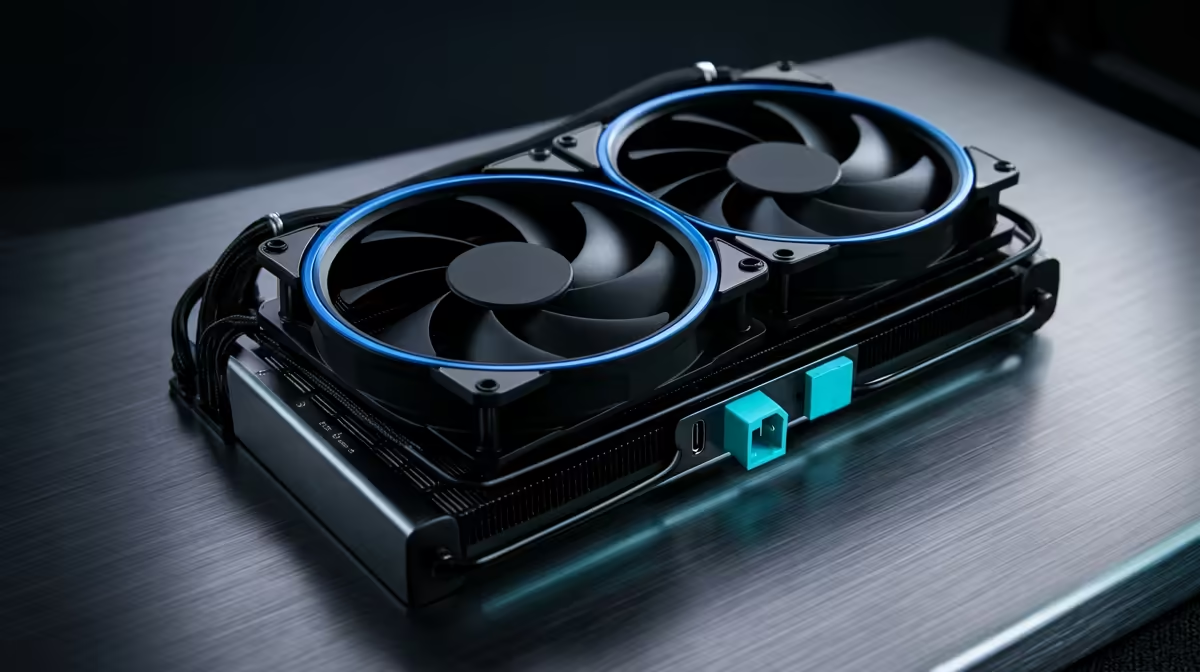
Daisy-chain fan cabling reduces the three separate fan cables on a standard 360mm AIO to a single cable running to the motherboard header, eliminating cable clutter near the radiator, improving airflow through the fan stack, and simplifying future maintenance when removing or reseating the cooler.
How the Daisy-Chain Wiring Architecture Works 💡
In a traditional AIO installation, each of the three radiator fans requires its own connection to the motherboard, which means either three occupied headers, a splitter dongle, or a proprietary fan hub. Daisy-chain architecture builds a pass-through connector into each fan's housing: fan one receives the cable from the motherboard header, and an output port on fan one connects to the input of fan two, which similarly connects to fan three. The entire chain shares a single control signal from the motherboard, and PWM speed adjustments applied to the header propagate identically to all three fans simultaneously.
The Airflow Benefit of Fewer Cables Near the Radiator 🌬️
Cables draped across or between radiator fan frames create physical turbulence that disrupts the laminar airflow needed for efficient heat exchange. Each cable crossing a fan blade's intake path increases impedance, reducing effective static pressure by a small but measurable amount. On a front-intake 360mm radiator, where three fans are stacked vertically, untethered cables can be drawn into the fan frame by negative pressure and cause a rattle or jam if cable routing is careless. Daisy-chain cabling confines wire routing to the outer edge of the fan stack, keeping the intake face of the radiator clear.
Practical Installation Advantages 🔧
During AIO installation, fewer cables to manage means the radiator can be mounted and positioned before any fan cabling is finalised, reducing the number of hands-free balancing acts that make fan installs frustrating. When reseating or replacing a 360mm radiator in the future, disconnecting one cable header frees the entire fan stack without unplugging three separate connectors from the motherboard or hunting for a splitter tucked behind the motherboard tray.
Label the Chain Direction Before Disassembly ⚡
Before removing a daisy-chained fan stack for cleaning or maintenance, mark which fan is the first in the chain (the one connecting to the motherboard header) with a small piece of tape. Fan one-to-three order does not affect function, but knowing the start of the chain saves time reconnecting everything correctly after a clean.
FAQ
Can I use daisy-chain fans on a cooler that did not originally come with them?
Only if the replacement fans include built-in pass-through connectors. Standard PWM fans with a single four-pin connector do not support daisy chaining. You would need to source fans specifically designed with daisy-chain output ports, which are available as accessories for some cooler brands.
Does daisy chaining fans reduce how accurately the motherboard monitors their speed?
No. The motherboard reads RPM from the tachometer signal on the header cable, which originates from fan one in the chain. Fans two and three also report their own speed back through the chain, and software monitoring tools like HWiNFO64 correctly display all three fan speeds when the cooler uses a proper daisy-chain implementation with individual tach lines.
Is there any risk of a chain failure where one fan stopping affects the others?
No. Each fan in a daisy-chain has its own motor and power supply. If fan two fails, fans one and three continue operating independently. The chain structure shares only the control signal, not the power supply for each motor, so a single fan failure does not cascade through the system.
Want a clean AIO installation with less cable management hassle?
Browse the 360mm AIO range at Evetech to find models with daisy-chain fan connectivity built in.